


38 years ago, Robert Gaskins changed the way businesses, teachers, and speakers presented their material.
Today, with our new PowerPoint add-in, StreamAlive is turning those presentation monologues into dialogues with your audience.
It’s completely free to install for all PowerPoint users right now.
Install StreamAlive on PowerPoint
Here’s a quick look at what you get and how it works.
To get started, click here to open up the Microsoft app store and install the StreamAlive add in. Or open PowerPoint on your desktop and locate the Add-ins menu. Follow the instructions below to get started.

You have over a dozen interactions to choose from, like Word Clouds, polls, spinner wheels, and interactive maps.


And other interactions like rating polls, multiple choice questions, and quizzes.

You can even pick up questions from the chat and have your PowerPoint deck display your audience questions on one your slides.

And it’s all powered by the chat of your meeting platform. All your audience has to do is type it in the chat.
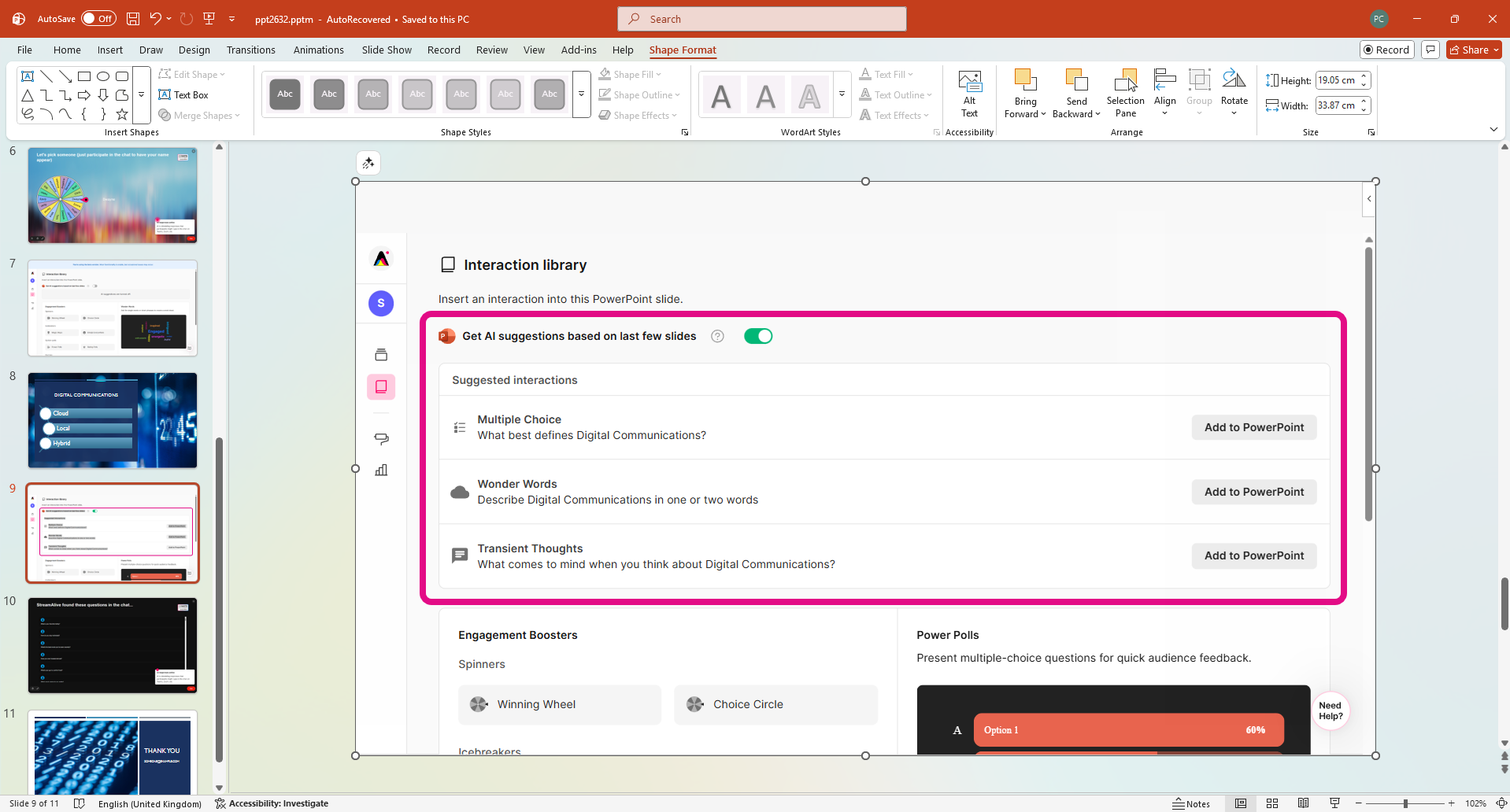
There’s plenty of AI inside as well to speed up your workflows. My favorite is the ability to scan your PPT slides and automatically come up with interactions based on the content!
Streamalive is completely free to get started, and plans start at $30/mo to give your audience a voice.
Sign up for your free account now, or get started by installing the StreamAlive app for PowerPoint.


.svg.png)


