


If your engaging virtual training sessions are starting to feel more like monologues to a sea of muted microphones and turned-off cameras, you're not alone. Research from eLearning Industry shows that workplace training positively impacts 92% of employees' job engagement—but here's the catch: 60% of employees in large organizations describe their eLearning experiences as mediocre or poor.
That's a massive gap between potential and reality. And for training agencies and consultants running virtual sessions for enterprise clients, this gap represents both a challenge and an opportunity. Your clients are paying for transformation, not just information transfer.
The good news? You don't need to overhaul your entire training program. Small, tactical changes to how you structure and deliver virtual sessions can dramatically shift engagement levels. The difference between a session that transforms and one that flatlines often comes down to four key practices that the most successful facilitators have mastered.
In this guide, we'll break down four practical, actionable ways to deliver virtual training that actually engages your participants—backed by research and designed for immediate implementation. Whether you're running sales enablement workshops, compliance training, or leadership development programs for clients, these strategies will help you create sessions that participants actually want to attend.
Break the Monotony: Why Session Structure Matters More Than Content
Here's a truth that might sting: your content could be brilliant, and participants still won't absorb it if your session structure works against how human brains actually function. According to Training Industry research, adults can only sustain focused attention for about 20 minutes. After that? You've lost them—regardless of how valuable your material is.
This isn't a willpower problem. It's neuroscience. And the solution isn't to pack more content into shorter windows. It's to redesign your sessions around how attention actually works.
The most effective virtual training facilitators chunk their content into 15-20 minute segments, with built-in transitions that reset participant focus. Think of it like chapters in a book rather than a continuous stream. Each chunk should have a clear beginning, middle, and end—with an engagement touchpoint before you move to the next section.
What does this look like in practice? Instead of a 90-minute session that covers five topics in sequence, structure it as five distinct "learning bursts" with interactive moments between each. These transitions don't need to be elaborate. A quick reflection question, a brief chat prompt, or a 60-second stretch break can be enough to reset attention and prepare participants for the next chunk.
The 10-Minute Rule
Training Industry's research on virtual training strategies recommends a simple principle: never go more than 10 minutes without some form of audience interaction. This doesn't mean interrupting your flow every few minutes with random activities. It means building interaction into the natural rhythm of your content.
Ask yourself: what's the longest stretch in your current sessions where participants are purely receiving information? If it's more than 10 minutes, that's your optimization opportunity. Even simple interactions—a poll, a chat response, a quick hand-raise—are enough to re-engage attention and signal that passive consumption isn't an option.
The chunking approach has another benefit: it creates natural checkpoints for comprehension. If you're building toward a key concept, you can use the transition between chunks to verify participants are tracking before you layer on complexity.
Leverage the Chat: Turn Your Biggest Asset into an Engagement Engine
Most facilitators treat the chat feature as a secondary communication channel—a place for technical questions or side comments. That's a missed opportunity. In virtual training, the chat isn't just a feature; it's potentially your most powerful engagement tool.
Why? Because the chat is frictionless. Participants don't need to unmute, find the courage to speak up, or wait for a natural pause. They can engage instantly, anonymously (if you allow it), and without disrupting the session flow. For training agencies working with enterprise clients, this matters enormously. You're often dealing with participants who range from executives to entry-level employees, introverts to extroverts, native speakers to those working in a second language. Chat-based engagement meets all of them where they are.
A 2024 study from Engageli found that active learning environments—including those leveraging chat and interactive tools—generate 16 times higher rates of non-verbal engagement compared to passive lecture formats. That's not a marginal improvement. That's a transformation in how participants relate to your content.
Chat-Based Engagement Strategies
The key is designing chat prompts that invite genuine reflection, not just acknowledgment. "Does everyone understand?" will get you crickets. "Drop one word in the chat that describes your biggest challenge with [topic]" gets you a stream of authentic responses you can build on.
Some high-impact chat engagement techniques:
- Opening hooks: Start your session with a chat prompt that connects to participant experience. "What's one virtual training you've attended that actually held your attention? What made it work?"
- Prediction prompts: Before revealing data or a key concept, ask participants to predict the answer. "What percentage of employees do you think rate their eLearning experience as poor? Drop your guess in the chat." This creates curiosity and investment in the reveal.
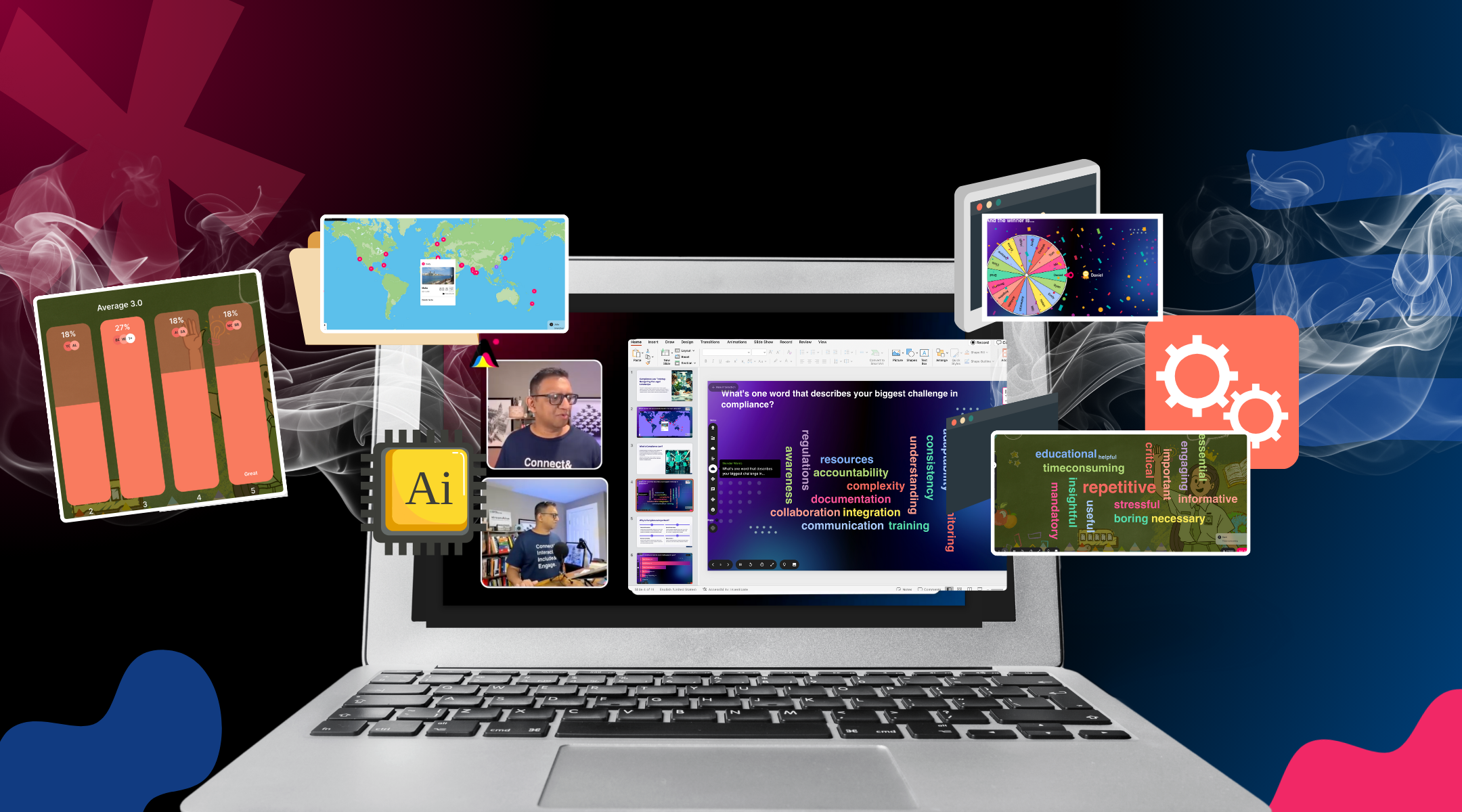
- Real-time word clouds: Tools like StreamAlive can transform chat responses into live visualizations—word clouds, sentiment maps, and interactive displays that make participant input visible and valuable.
- Chat storms: At strategic moments, invite everyone to simultaneously share a response. "In three words, describe how your team currently handles [challenge]. Ready? Go!" The visual flood of responses creates energy and surfaces patterns.
The beauty of chat-based engagement is that it works within your existing video platform. Participants don't need to download apps, scan QR codes, or navigate to external websites. They're already in Zoom, Microsoft Teams, or Google Meet—and the chat is right there.
Use Interactive Elements Strategically: Polls, Quizzes, and Visual Engagement
If you've ever thrown a poll into a training session just to "add interactivity," you know the awkward silence that can follow when the activity feels disconnected from the content. Interactive elements only work when they serve a purpose beyond checking an engagement box.
Research on interactive content shows that interactive quizzes can multiply the chance of audience engagement by over 40 times compared to static content. But that multiplier only kicks in when the interactivity is strategically designed.
The Three Functions of Interactive Elements
Every poll, quiz, or interactive element in your session should serve at least one of these functions:
1. Surface existing knowledge. Before teaching a concept, use a quick poll or quiz to understand where participants currently stand. This helps you calibrate your delivery and makes participants aware of their own knowledge gaps—which increases receptivity to new information.
2. Check comprehension in real-time. After presenting key material, a quick comprehension check lets you verify understanding before building on that foundation. If 60% of participants get a question wrong, that's your signal to revisit the concept rather than plow ahead.
3. Apply and reinforce. The most powerful interactive elements ask participants to apply what they've learned. A scenario-based quiz, a prioritization exercise, or a decision-making simulation turns passive knowledge into active capability.
Choosing the Right Tool
The market for audience engagement tools has exploded, but not all tools are created equal for training contexts. Here's what matters:
The friction factor is critical for training agencies. When you're running sessions for client organizations, you can't assume participants will have certain apps installed or be comfortable navigating external websites. Tools that work directly through the native chat of your video platform—like StreamAlive—eliminate the "can you see the link? try refreshing" moments that derail momentum.
Bond University research on classroom polling found that 54% of face-to-face and 89% of online participants found interactive polling engaging and valuable for learning. The key differentiator wasn't the tool itself—it was how seamlessly it integrated into the session flow.
Visual Engagement: Beyond Slides
Static slides are the default visual medium for virtual training, but they're not particularly engaging. Consider supplementing with:
- Live visualizations of participant input (word clouds that build in real-time, maps showing participant locations, sentiment meters)
- Whiteboard demonstrations where you draw or annotate live rather than showing pre-made graphics
- Screen shares of actual tools or applications participants will use in their work
The principle is movement and dynamism. A slide deck that changes every 30 seconds is more engaging than one that sits static for five minutes—even if the content is identical.
Harness the Power of Small Groups: Breakout Rooms Done Right
Breakout rooms are one of the most underutilized tools in virtual training. Done poorly, they're awkward silences in smaller groups. Done well, they transform passive observers into active participants who learn from each other as much as from you.
Research from the University of Guelph found that breakout rooms can increase student engagement in online tutorials, with participants reporting they felt more comfortable speaking in smaller groups and were more likely to raise concerns when returning to the main session.
For training agencies, breakout rooms solve a persistent challenge: how do you create space for application and practice when you can't physically move around a room? The answer is structured small-group work with clear objectives and tight time constraints.
The Anatomy of an Effective Breakout
Not all breakout room activities are created equal. Here's what distinguishes high-impact breakouts from time-fillers:
Clear task with specific deliverable. "Discuss the concept" is too vague. "Identify three ways this concept applies to your team's current project and be ready to share one" gives participants a concrete goal.
Optimal group size. Indiana University's research on breakout rooms recommends 2-6 participants depending on task complexity. For quick discussions, 2-3 people ensures everyone talks. For complex problem-solving, 4-5 people brings diverse perspectives without creating "passengers" who stay silent.
Time pressure. Tight timeframes (5-10 minutes for most activities) create urgency and focus. Longer breakouts without structure tend to devolve into off-topic chat or awkward silence.
Assigned roles. A facilitator, note-taker, and reporter ensure the small group stays on task and has someone ready to share insights with the larger group.
Debriefing that matters. The breakout is only valuable if you do something with the output. Have groups share key insights, identify patterns across groups, or build on each other's ideas.
When to Use Breakouts
Breakout rooms work best when you need participants to:
- Apply a concept they just learned to their specific context
- Practice a skill like giving feedback, handling objections, or coaching conversations
- Solve a problem that benefits from multiple perspectives
- Build relationships with others in the session (especially important for cohort-based programs)
- Process emotionally heavy content that benefits from smaller, safer discussion spaces
They work less well for content that requires facilitator guidance, when time is extremely limited, or when participants don't have enough context yet to have a meaningful discussion.
The Hybrid Approach
For training agencies running longer programs, consider alternating between whole-group instruction, chat-based engagement, and breakout activities. This variety prevents any single format from becoming stale and accommodates different learning preferences.
A 90-minute session might flow like this:
- Opening hook and context (10 min) – whole group with chat engagement
- Core concept presentation (15 min) – whole group with polls for comprehension
- Application discussion (10 min) – breakout rooms
- Debrief and next concept (15 min) – whole group with chat discussion
- Skill practice (15 min) – breakout rooms with structured activity
- Integration and Q&A (15 min) – whole group with interactive Q&A
- Key takeaways and action planning (10 min) – individual reflection with chat sharing
This structure keeps energy high, accommodates different engagement preferences, and ensures no one sits passive for extended periods.
Bringing It All Together: Your Engagement Checklist
Delivering engaging virtual training sessions isn't about mastering a single technique—it's about integrating multiple approaches into a coherent, participant-centered experience. The most successful facilitators we've worked with share a common trait: they design their sessions around how participants actually learn, not around how they prefer to teach.
Here's a quick checklist to evaluate your current virtual training approach:
Session Structure:
- Content chunked into 15-20 minute segments
- Built-in transitions that reset attention
- No more than 10 minutes without participant interaction
Chat Engagement:
- Opening prompt that invites participation
- Strategic chat activities throughout the session
- Visualization of participant responses where possible
Interactive Elements:
- Polls and quizzes that serve a learning purpose (not just engagement theater)
- Tools that work within your video platform without friction
- Clear connection between interactive moments and content
Small Group Work:
- Breakout activities with specific tasks and deliverables
- Optimal group sizes for the task at hand
- Meaningful debrief that integrates small group insights
The training landscape has permanently shifted. According to the 2025 Training Industry Report, 77% of companies use virtual classroom and webcasting tools, with 24% of training hours delivered through these formats. Your participants aren't choosing between virtual and in-person—they're comparing your virtual sessions against every other virtual experience they've had.
The bar is higher than ever. But so is the potential. When you nail engaging virtual training sessions, you create experiences that participants remember, apply, and talk about. For training agencies and consultants, that's not just good pedagogy—it's good business.
Try StreamAlive for Yourself
Want to see how StreamAlive works in action? Play around with the interactive demo below and experience the engagement tools that thousands of trainers and facilitators use to energize their sessions.

.svg.png)


