Install StreamAlive for your PowerPoint slides
Learn more

Custom AI Training for content teams
StreamAlive helps 9x the audience engagement in your Virtual Instructor-led Trainings (VILT) directly inside your powerpoint presentation.
Make your instructor-led Custom AI training more fun with polls, word clouds, spinner wheels and more
Works inside your existing PowerPoint presentation
Install the StreamAlive app for PowerPoint and see your slides come to life as people participate in your interactions
AI generates audience interactions for you
Let our AI scan your presentation and automatically come up with relevant questions based on the content. Or spend two hours coming up with your own questions, your choice!
Built to work with MS Teams and Zoom
Native apps for Teams and Zoom so you never have to leave your existing workflows
No QR Codes
Chat-powered interactions means your audience doesn’t need to scan QR codes or look at another screen to participate. They just type in the chat!

Quickly approved by your IT team
StreamAlive’s apps for Teams and Zoom means that they have been through rigorous quality assurance and client safety reviews. You’ll find everything an IT team needs to approve the app within the organization within your StreamAlive account.

Imagine you're gearing up to lead a Custom AI training for content teams, and your goal is to make it memorable and engaging. Let's explore how you can elevate your training using StreamAlive's features.
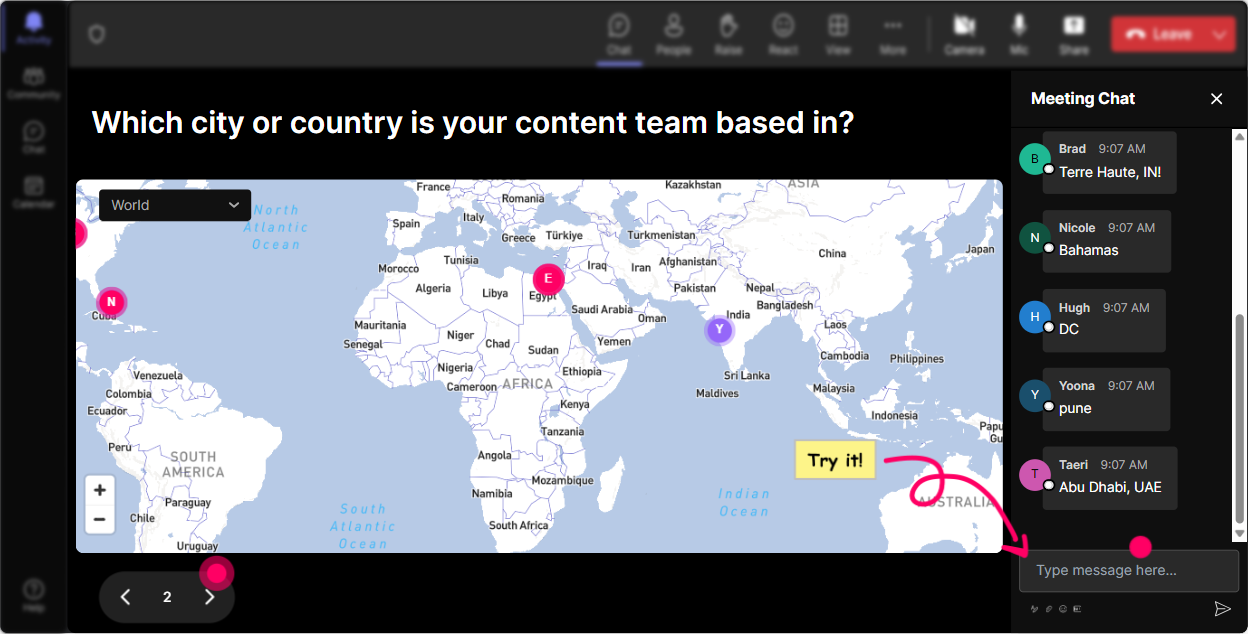
Putting Your Audience on the Map
Kick off your session by using Magic Maps to have everyone share where they're tuning in from. It's an amazing icebreaker! Plus, you can ask fun twists like their dream travel spot or a place that holds special memories. Seeing those entries light up on a world map brings a sense of connection from the get-go.
Gauge AI Familiarity
Use Rating Polls to measure how comfortable or knowledgeable participants are about Custom AI right now. Its a neat way to tailor your information flow and make sure everyone's on the same page before diving deeper.

Capture the Crowd Vibe
Let's see how everyone feels about venturing into AI. Fire up Wonder Words and ask if they're excited, nervous, or perhaps a tad skeptical. Watching those words grow and morph gives you instant insight into the room's pulse.

Talking Impact with Tiles
Want some real talk about AI's effect on their roles? Get the conversation rolling with Talking Tiles. As people type in, their responses cascade down like a Tetris wall-a lively way to visualize collective thoughts.

Discover AI Interests
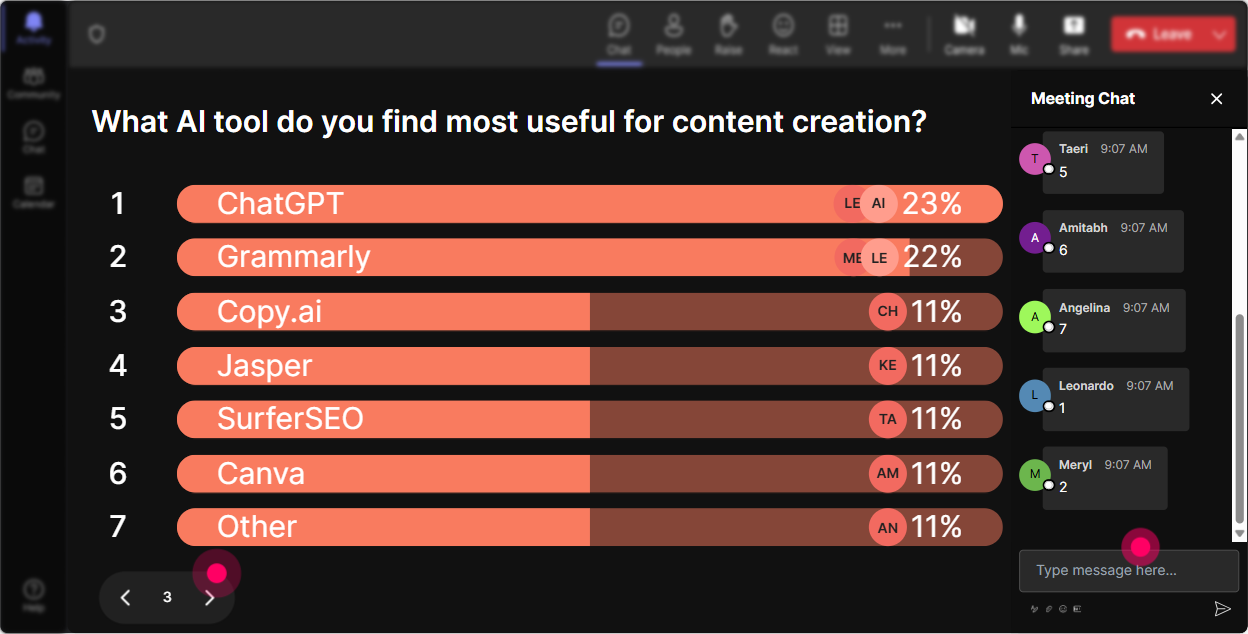
Curious about which facets of Custom AI pique the most interest? Launch a Power Poll. Let attendees vote on what theyre eager to learn: implementation challenges, ethical concerns, future trends-you'll know what to dive into next.
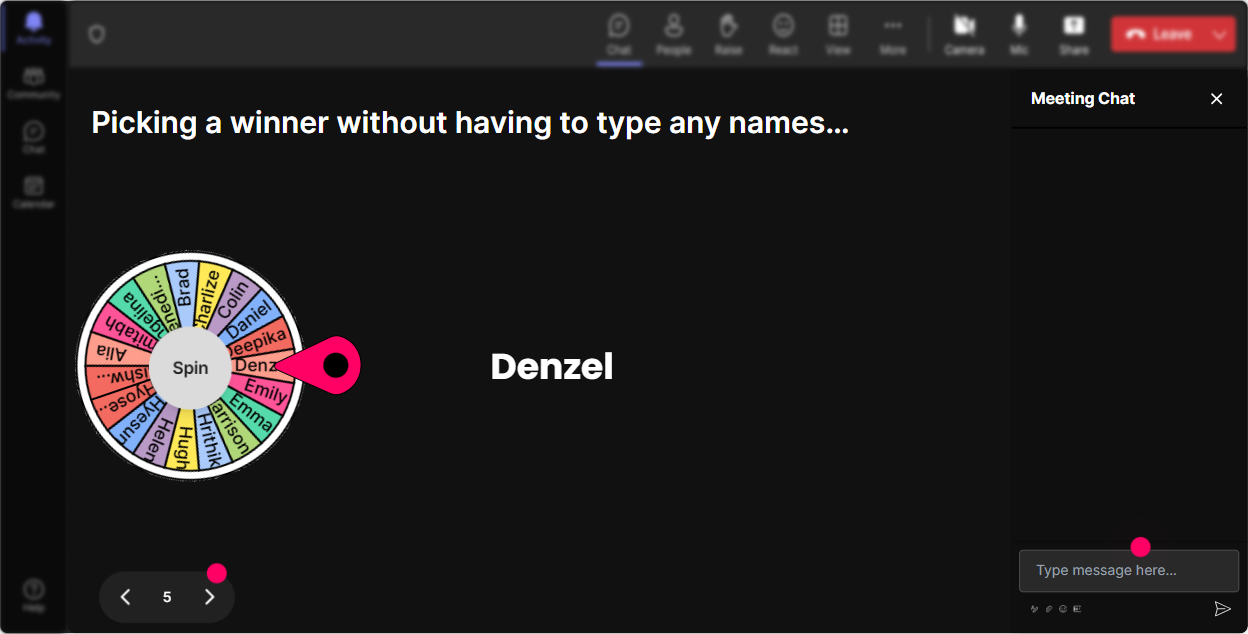
Leave it to Luck
Feeling adventurous? Use the Spinner Wheel to randomly select volunteers ready to share their thoughts or tackle a question. It's a fun element of surprise that keeps everyone on their toes.
Test AI Knowledge
Run a Quiz for an engaging knowledge check. Throw in a multiple-choice question about AI concepts you've covered. It's like a pop quiz, but way more engaging when responses light up live on the screen!

Gauge AI Familiarity
Use Rating Polls to measure how comfortable or knowledgeable participants are about Custom AI right now. Its a neat way to tailor your information flow and make sure everyone's on the same page before diving deeper.
Streamlined Q&A
Instead of archiving through a separate box, let StreamAlive smartly pick up and display questions from the chat in real-time. It's all about keeping it seamless, making sure no burning questions slip under the radar.

See Engagement Unfold
After the session, use Analytics to uncover insights like audience engagement peaks, top participators, and how well your session resonated. Sending reports via Teams or email means you can share these results easily with your team.

Use StreamAlive in all your training sessions
StreamAlive isn’t just for
Custom AI
training,
it can also be used for any instructor-led training session directly inside your PowerPoint presentation.
Explore similar traingin ideas: unlocking the potential of StreamAlive
See how StreamAlive transforms live training with engaging events and interactive sessions across industries, directly inside your PowerPoint presentation.

Interactions in action
(it's free)

.svg.png)


