Install StreamAlive for your PowerPoint slides
Learn more

Learning How To Learn Training for L&D Leaders
StreamAlive helps 9x the audience engagement in your Virtual Instructor-led Trainings (VILT) directly inside your powerpoint presentation.
Make your instructor-led Learning How To Learn training more fun with polls, word clouds, spinner wheels and more
Works inside your existing PowerPoint presentation
Install the StreamAlive app for PowerPoint and see your slides come to life as people participate in your interactions
AI generates audience interactions for you
Let our AI scan your presentation and automatically come up with relevant questions based on the content. Or spend two hours coming up with your own questions, your choice!
Built to work with MS Teams and Zoom
Native apps for Teams and Zoom so you never have to leave your existing workflows
No QR Codes
Chat-powered interactions means your audience doesn’t need to scan QR codes or look at another screen to participate. They just type in the chat!

Quickly approved by your IT team
StreamAlive’s apps for Teams and Zoom means that they have been through rigorous quality assurance and client safety reviews. You’ll find everything an IT team needs to approve the app within the organization within your StreamAlive account.

Youve been asked to run a Learning How To Learn instructor-led session for L&D Leaders-and you want it to feel alive, not like another talking-head webinar. The good news? With a few smart activities (and StreamAlive doing the heavy lifting), you can keep people participating all the way through. Here are practical ideas you can plug into your run-of-show.
1) Magic Maps: Start with a were in this together moment
This topic can feel a bit meta to some people, so dont start with theory-start with people. Magic Maps is perfect for that classic opener, but you can twist it to match your theme. How to use it in Learning How To Learn (for L&D Leaders): - Icebreaker that connects to learning context: Where are you joining from-and whats one thing your learners struggle with most right now (just the city in chat for the map)? - Make it about exposure + learning: If you could spend a month learning in any city on earth, where would you go? (Great segue into environment + motivation.) - Culture-of-learning angle: Which city best represents your orgs learning culture today? (Let them choose their location metaphorically-then discuss why.) Trainer tip: If youve got a global group, call out the clusters. People love hearing Wow, weve got a big Toronto crew today! It instantly warms up the room and gets the chat moving early.

2) Rating Polls: Get an instant baseline (and tailor on the fly)
Before you teach any model, figure out what youre working with. Rating Polls give you a quick pulse check-no awkward silence, no long surveys. Ways to use Rating Polls in this session: - Confidence check: On a scale of 110, how confident are you that you can teach others how to learn effectively? - Current reality: Rate your organizations learning culture today (1 = compliance-only, 10 = growth mindset everywhere). - Skill heatmap: How strong are your learners at self-directed learning right now? (110) What this unlocks for you as the facilitator: - If scores are low, you slow down and normalize the struggle (Totally normal-this is why were here.) - If scores are high, you can go deeper faster (more practice, less intro). Either way, you look like youre reading the room-because you are.

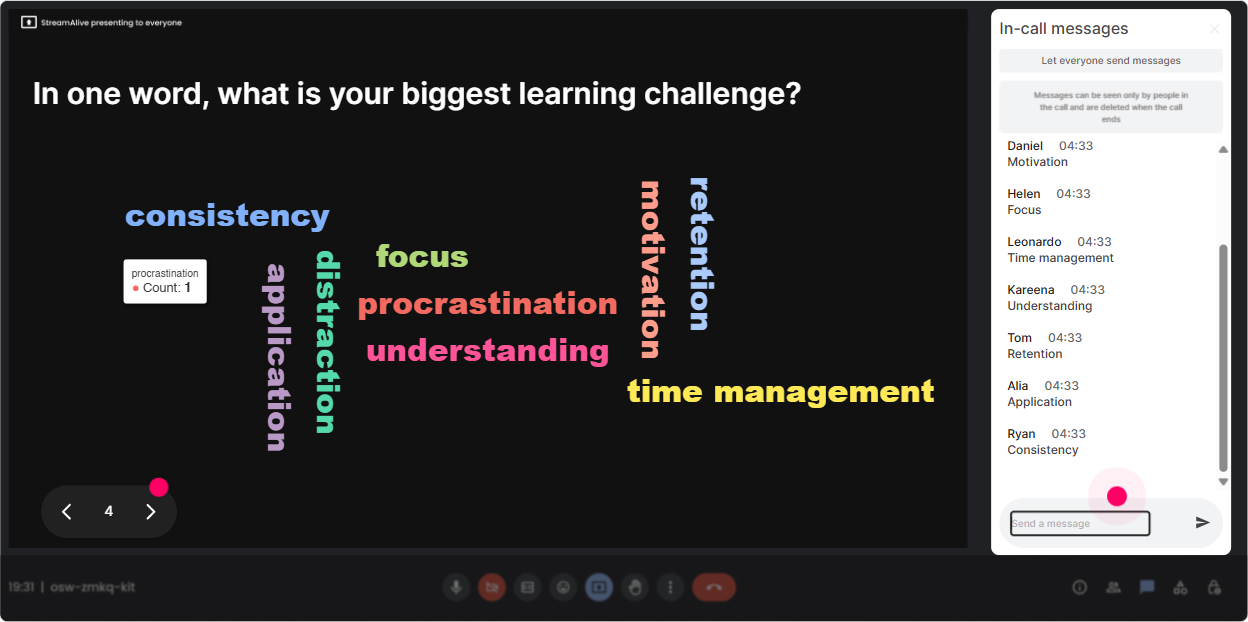
3) Wonder Words (Word Cloud): Make their mindset visible in 30 seconds
Learning How To Learn is one of those topics where beliefs matter. Some people are excited. Some are skeptical. Some are thinking, My leaders wont care. A word cloud surfaces that instantly-and makes people feel seen. Prompts that work great (keep answers 12 words): - When you hear Learning How To Learn, whats the first word that pops up? - Whats the biggest blocker to learning at work? - What do you want more of in your learning programs? (Examples youll see: practice, relevance, time, support, feedback.) - One word: How do your learners feel about training? Trainer tip: Dont just admire the cloud-use it. Point to the biggest words and say, Okay, lets build today around THIS. That moment alone can change the vibe from passive to partnered.
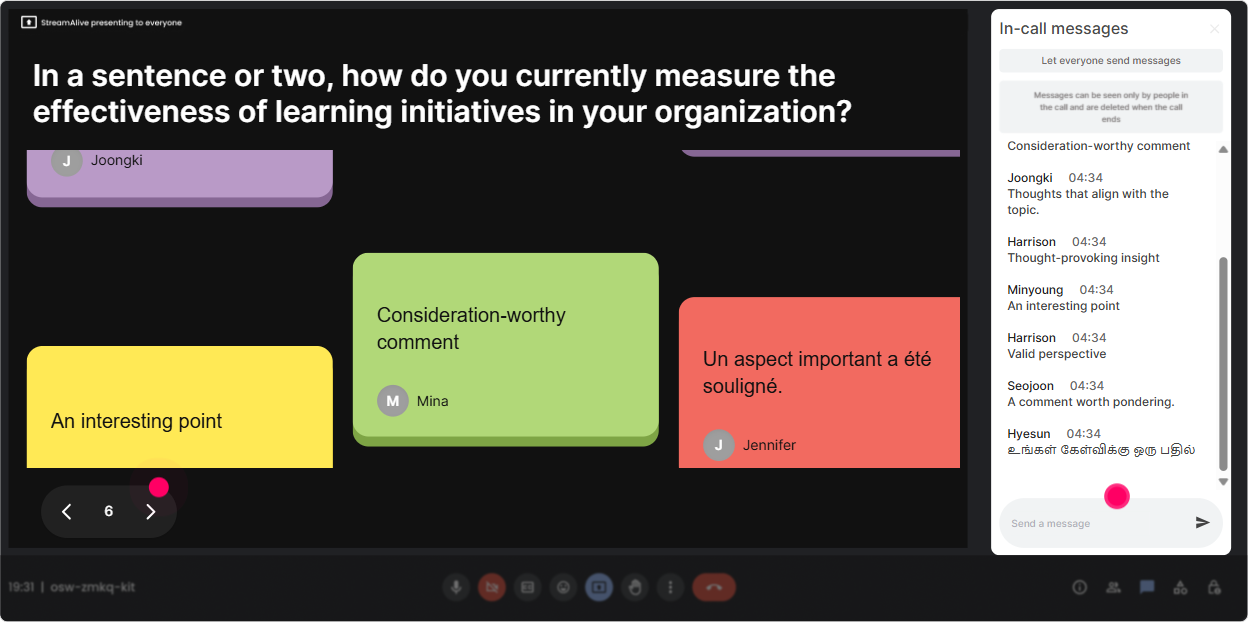
4) Talking Tiles: Turn real stories into the curriculum
When you want more than one-word answers-use Talking Tiles. Its like letting the room brainstorm out loud, except it looks fun and doesnt turn into chat chaos. Where it fits in Learning How To Learn: - Real impact question: Where do you see learning friction show up in your org-on the job, in training, or after training? - Reflection prompt after a concept (like retrieval practice or spaced learning): Whats one change you could make to your programs to help learners retain more? - Role-based application: As an L&D leader, whats one behavior you want managers to do to support learning transfer? Trainer tip: Pick 35 tiles to read out and respond to. People love hearing their words on screen, and it nudges quieter folks to contribute next time.
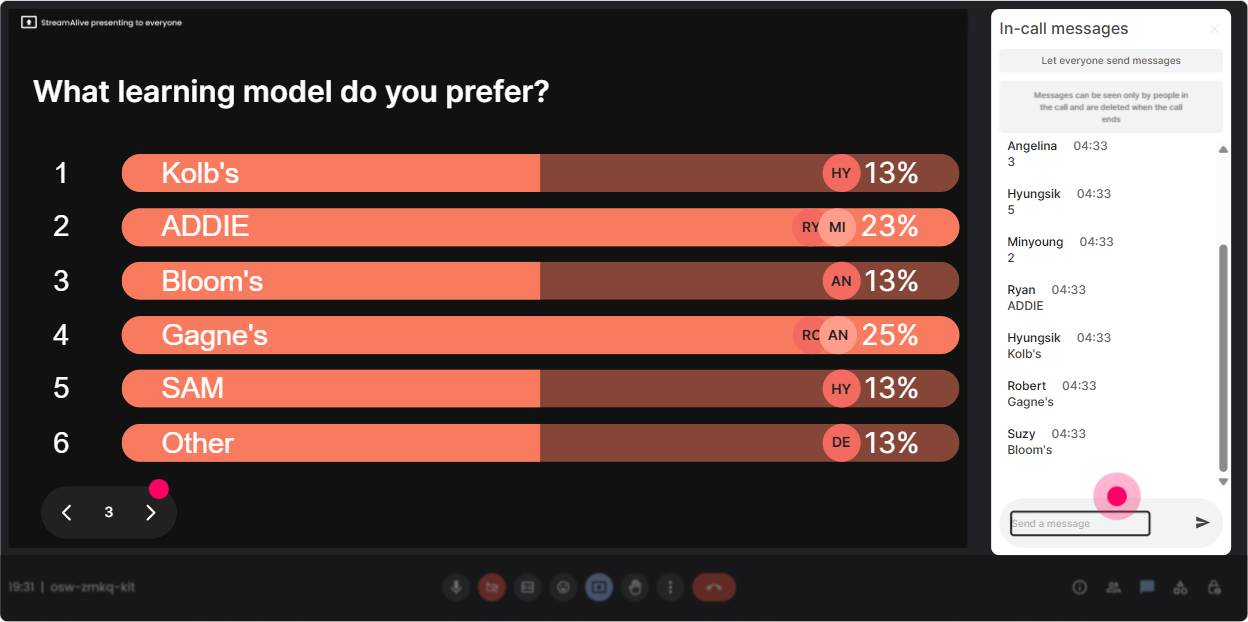
5) Power Polls: Let the group choose the agenda (without losing control)
L&D Leaders hate fluff. They want relevance. Power Polls help you quickly align the session to what they care about most-and it feels collaborative, not rigid. Poll ideas for Learning How To Learn: - Which area would help you most right now? 1) Motivation 2) Memory & retention 3) Practice design 4) Coaching learners 5) Measuring impact - Whats the toughest audience for you to design learning for? 1) Frontline 2) Sales 3) Leaders 4) New hires 5) Technical roles - Where does learning break down most often? 1) Before training 2) During training 3) After training (transfer) Trainer tip: If you already have a plan, still run the poll-then say, Cool, well spend extra time on the top two. People feel heard, and you keep your structure.
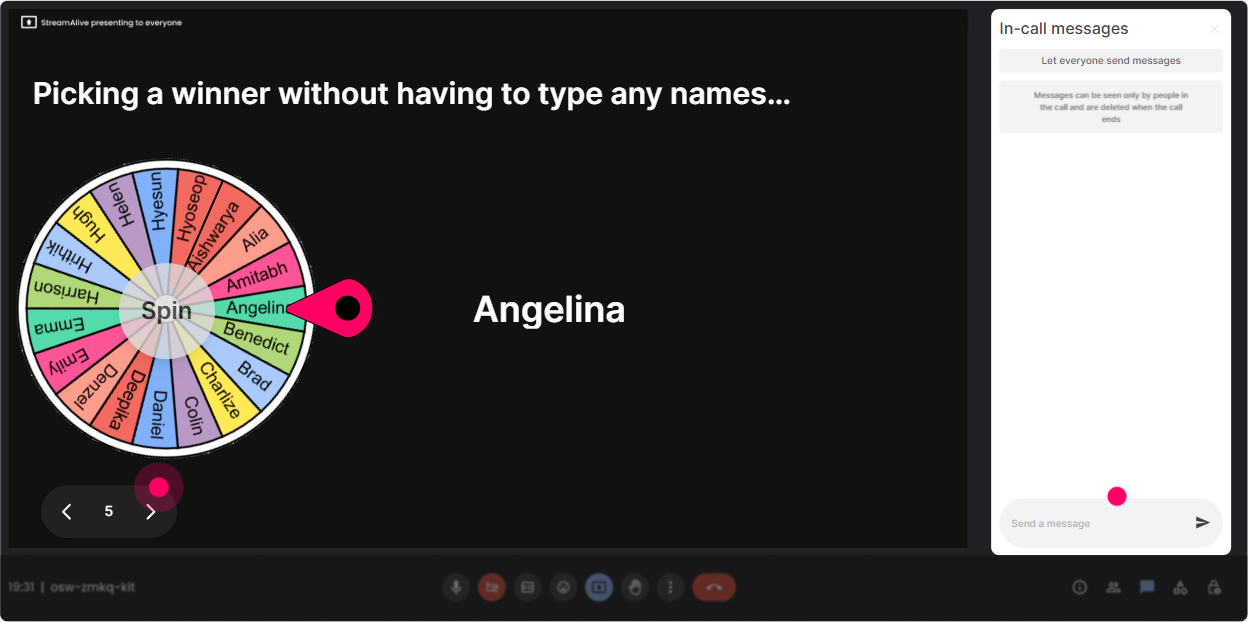
6) Winner/Spinner Wheel: Make participation feel playful (not forced)
Sometimes you need voices, not just chat. The Spinner Wheel gives you a light, fair way to call on people-without the awkward Can someone volunteer? silence. How to use it without making people nervous: - Tell them upfront: Im going to spin the wheel, but you can always pass-no pressure. - Use it for low-stakes questions first: - Share one learning habit youre trying to build. - Whats one myth about adult learning you wish would disappear? - Whats one tiny change that would improve your programs next month? You can also use it as a reward loop: - Well spin a winner from everyone who posted an example in the chat during the last activity. Trainer tip: This is gold for energy. The wheel creates anticipation, and suddenly everyones paying attention again.
7) Quiz: Do quick knowledge checks that dont feel like school
Learning How To Learn has a lot of sounds right, but isnt ideas. A short quiz is perfect for busting myths and making key concepts stick. Quiz questions you can steal: - Which approach best improves long-term retention? A) Re-reading notes B) Highlighting C) Retrieval practice (self-testing) D) Cramming the night before (Correct: C) - Spaced practice works best because it: A) Feels easier B) Adds desirable difficulty over time C) Eliminates forgetting D) Makes training shorter (Correct: B) - Whats usually the biggest driver of learning transfer? A) Great slides B) Learner motivation alone C) Manager reinforcement + opportunity to apply D) A longer workshop (Correct: C) Trainer tip: After you reveal the correct answer, ask: Who picked something else-and why? Thats where the real learning happens.

2) Rating Polls: Get an instant baseline (and tailor on the fly)
Before you teach any model, figure out what youre working with. Rating Polls give you a quick pulse check-no awkward silence, no long surveys. Ways to use Rating Polls in this session: - Confidence check: On a scale of 110, how confident are you that you can teach others how to learn effectively? - Current reality: Rate your organizations learning culture today (1 = compliance-only, 10 = growth mindset everywhere). - Skill heatmap: How strong are your learners at self-directed learning right now? (110) What this unlocks for you as the facilitator: - If scores are low, you slow down and normalize the struggle (Totally normal-this is why were here.) - If scores are high, you can go deeper faster (more practice, less intro). Either way, you look like youre reading the room-because you are.
8) Q&A (Quick Questions): Capture questions without losing your flow
In a topic like this, people get insights mid-way and they want to ask in the moment. The problem is: chat moves fast, and you miss great questions. StreamAlive Q&A pulls questions out and keeps them organized so you can actually address them. How to weave it in: - Park questions during teaching: Drop your questions anytime-StreamAlive will catch them. Well do a Q&A pit stop in 10 minutes. - Use it for challenge questions from L&D leaders: - How do I get senior leaders to buy into practice and repetition? - How do we make self-directed learning actually happen? - How do we measure learning how to learn outcomes? Trainer tip: Do two Q&A moments-midpoint and end. It keeps cognitive load lower and stops the session from becoming one long monologue.

9) Analytics: Improve the next delivery like an L&D pro
If youre running this session more than once (or rolling it out internally), Analytics is where you get seriously smart. Youll see what actually got people talking-minute by minute-and which interactions pulled the most engagement. How L&D Leaders and trainers can use this data: - Find your peak engagement moments: Was it the myth-busting quiz? The word cloud? Thats your signature segment-double down on it. - Spot drop-offs: If engagement dips during a long explanation, youll know to break it up with a poll or a quick reflection next time. - Identify your most engaged participants (top fans): These are often your champions-people you can invite to co-facilitate, share case studies, or pilot new programs. - Share results with stakeholders: Export or email the interaction outcomes to your team and say, Heres what our L&D leaders said they need most. Thats instant credibility. Trainer tip: Treat your session like a product. Run it, review the analytics, tweak 23 moments, and watch engagement climb every iteration.

Use StreamAlive in all your training sessions
StreamAlive isn’t just for
Learning How To Learn
training,
it can also be used for any instructor-led training session directly inside your PowerPoint presentation.
Explore similar traingin ideas: unlocking the potential of StreamAlive
See how StreamAlive transforms live training with engaging events and interactive sessions across industries, directly inside your PowerPoint presentation.

Interactions in action
(it's free)

.svg.png)


