Install StreamAlive for your PowerPoint slides
Learn more

Cross-Functional AI Governance Training for Corporate Trainers
StreamAlive helps 9x the audience engagement in your Virtual Instructor-led Trainings (VILT) directly inside your powerpoint presentation.
Make your instructor-led Cross-Functional AI Governance training more fun with polls, word clouds, spinner wheels and more
Works inside your existing PowerPoint presentation
Install the StreamAlive app for PowerPoint and see your slides come to life as people participate in your interactions
AI generates audience interactions for you
Let our AI scan your presentation and automatically come up with relevant questions based on the content. Or spend two hours coming up with your own questions, your choice!
Built to work with MS Teams and Zoom
Native apps for Teams and Zoom so you never have to leave your existing workflows
No QR Codes
Chat-powered interactions means your audience doesn’t need to scan QR codes or look at another screen to participate. They just type in the chat!

Quickly approved by your IT team
StreamAlive’s apps for Teams and Zoom means that they have been through rigorous quality assurance and client safety reviews. You’ll find everything an IT team needs to approve the app within the organization within your StreamAlive account.

Youve been asked to run Cross-Functional AI Governance instructor-led training for corporate trainers-and you want it to feel practical, energizing, and not like a policy lecture. The trick is to get people talking early, often, and safely across functions. Heres how to do it using StreamAlive to keep engagement humming all session long.
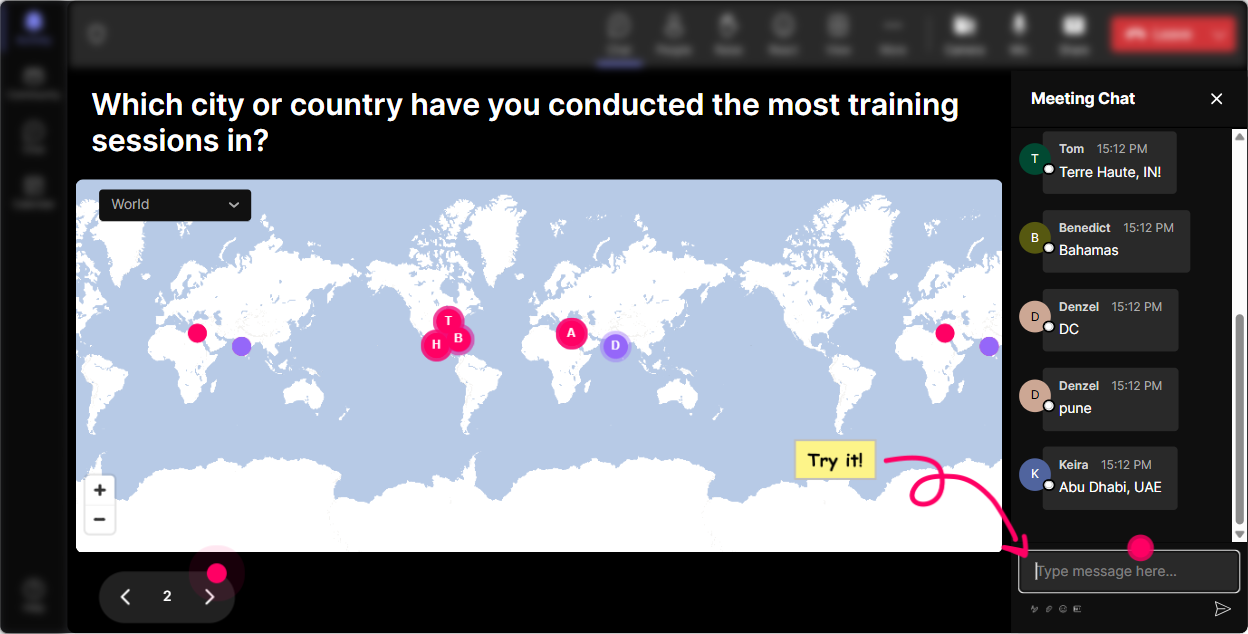
Magic Maps: Put your AI governance stakeholders on the map
Cross-functional governance is all about perspectives-so start by literally showing the room whos in it. How to use it in this training: - Kickoff icebreaker: Where are you joining from today? (classic, fast win) - Make it governance-relevant: Which region does your orgs biggest AI risk come from right now (US/EU/APAC/Global)? (they type a location and you talk about why geography changes the rules) - Culture + context: What city best represents your companys risk appetite-fast-moving, cautious, or somewhere in the middle? Trainer move: When clusters pop up, call them out: Wow-big EU cluster. Youre probably living with GDPR + AI Act conversations already. Tell us whats been hardest. Boom-instant relevance and participation.
Rating Polls: Get a quick pulse on AI governance maturity (without awkward cold-calling)
Before you teach anything, find out what youre working with. Rating Polls let people answer honestly in chat, and you instantly see the spread. Use cases (great at the start of each module): - On a scale of 110, how confident are you that your org could explain how an AI model makes decisions? - Rate your current AI governance maturity: 1 = Were winging it 10 = We have a formal council + controls + audits - How clear are roles today? 1 = No one owns it 10 = Crystal clear across Legal/IT/Security/HR Trainer move: Dont just show the average-react to the range. Weve got 2s and 9s in the same room. Perfect. Lets steal whats working from the 9s and make it doable for the 2s.

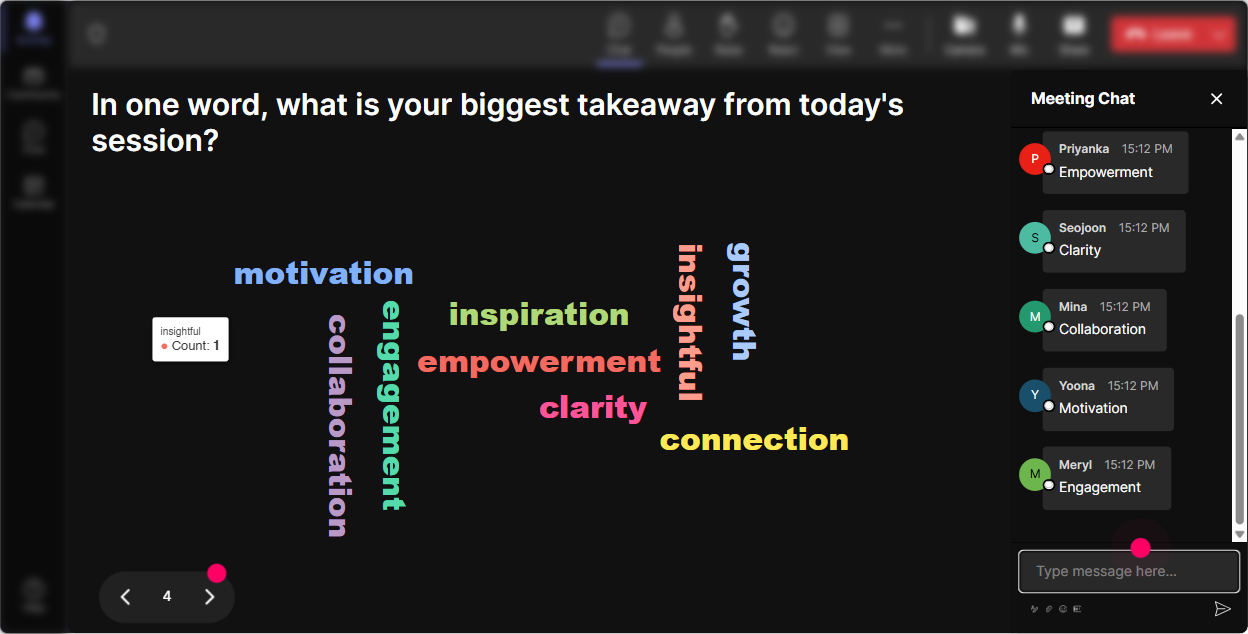
Wonder Words (Word Cloud): Surface the feelings people wont say out loud
AI governance brings out emotions-fear of slowing innovation, anxiety about compliance, confusion about accountability. A word cloud makes that visible fast, and it normalizes whatever people are thinking. Prompts that work really well: - One word: what comes to mind when you hear AI governance? - Whats the biggest risk you worry about? (12 words) (examples: bias, privacy, IP, hallucinations, regulation) - Whats the biggest blocker to cross-functional governance today? (silos, ownership, speed, budget, clarity) Trainer move: Use the biggest words as your agenda. Looks like ownership and bias are dominating. Great-lets anchor today around those, and Ill keep tying examples back to them.
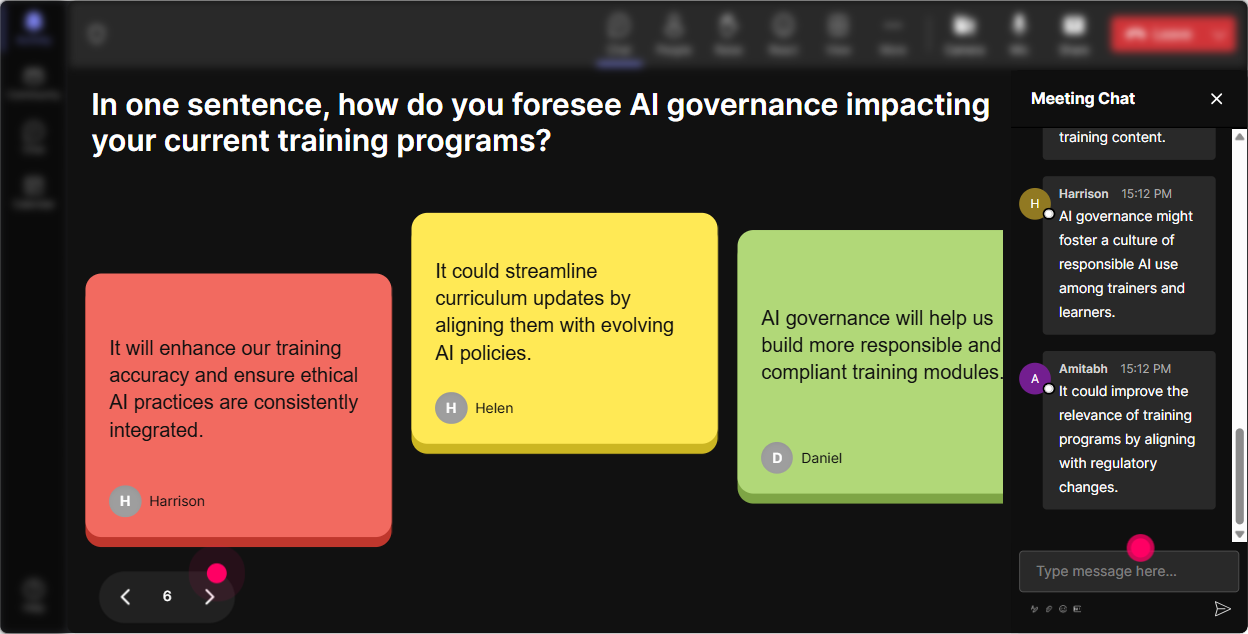
Talking Tiles: Turn cross-functional debate into a visible, fun brainstorm
This is where you get the room thinking like a governance council-without needing everyone to unmute. Talking Tiles is perfect for longer, more thoughtful responses. Try prompts like: - In your role, whats one AI decision you should NEVER approve alone? - Whats one governance rule youd implement this quarter to reduce AI risk? - Finish this sentence: AI governance fails when - Whats the most common shadow AI behavior youre seeing (or expecting)? Trainer move: After tiles stack up, group them live: These 10 comments are really about accountability. These ones are about data access. These are about vendor risk. Youre modeling cross-functional synthesis-exactly what good governance requires.
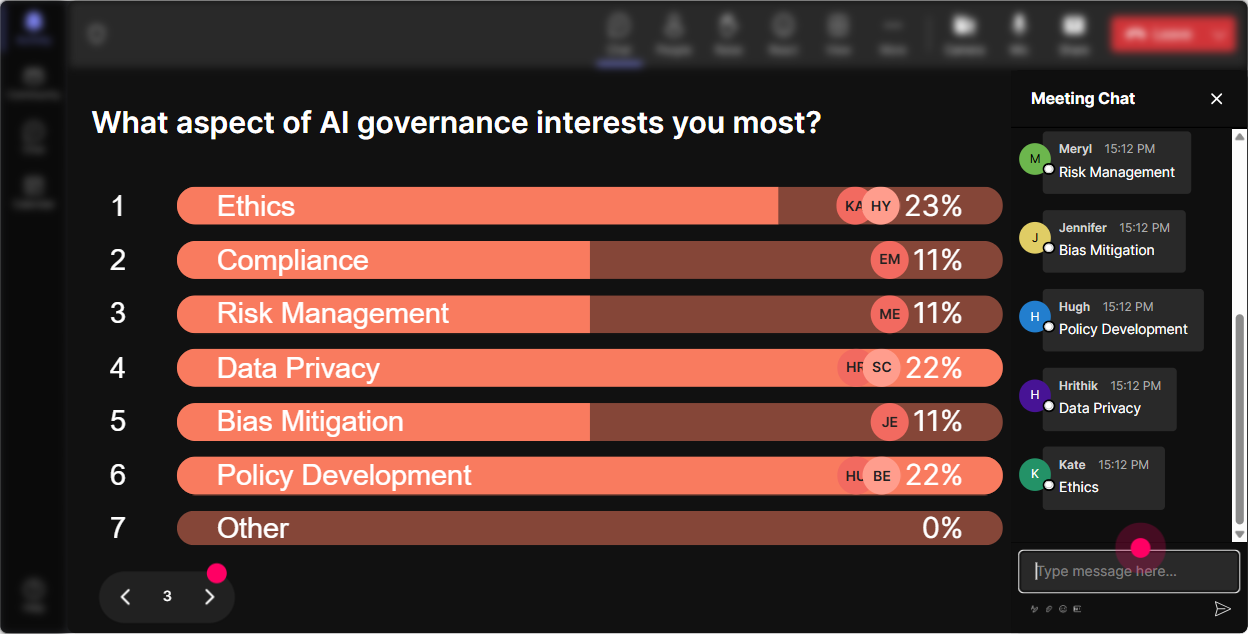
Power Polls: Let the group choose the governance priorities (and stop guessing)
When you run governance training, different functions care about different things. Polls let you quickly align the session to what matters most in the room. Poll ideas: - What area should our AI governance council tackle first? 1) Risk assessments 2) Model monitoring 3) Data/privacy 4) Vendor approvals 5) Training + acceptable use - Who should be accountable for AI policy enforcement? 1) Legal 2) Security 3) IT 4) Business owners 5) Shared (RACI) - Which framework is your org closest to right now? 1) NIST AI RMF 2) ISO 42001 3) Internal only 4) Were figuring it out Trainer move: Use the winning option to create a mini case study on the spot. Okay, vendor approvals won-lets build a lightweight approval workflow together in 7 minutes.
Winner Wheel (Spinner Wheel): Get voices in the room-without putting anyone on the spot
Youll always have a few people typing a lot and others staying quiet. The spinner wheel helps you invite participation in a way that feels playful and fair. Ways to use it during AI governance training: - We need one volunteer from the chat to play Legal in this scenario-lets spin. - Whos going to share a real example of an AI tool their team uses today? Wheel decides. - Lets pick someone to read the draft RACI roles we just built and tell us whats missing. Trainer move: Set the tone first: This isnt a gotcha. If you get picked and youd rather pass, just type pass-no pressure. That keeps it safe while still boosting engagement.

Quiz: Quick knowledge checks that feel like a game (and reveal where confusion is)
AI governance concepts can get fuzzy fast-especially across functions. A short quiz wakes people up and shows you what to clarify. Quiz questions you can run: - Which is the BEST example of an AI governance control? A) Buying a new model B) Model monitoring + drift alerts C) More GPU budget D) A bigger roadmap - Who is typically the Accountable party in a RACI for AI use-case approval? A) Everyone B) Business owner C) Intern D) Vendor - Whats the biggest risk of not having a model inventory? A) You cant optimize prompts B) You dont know whats in use or where risk lives C) People work too fast D) You miss meetings Trainer move: After revealing the correct answer, ask: If you picked a different option, what made it tempting? That one question creates great discussion without shaming anyone.

Rating Polls: Get a quick pulse on AI governance maturity (without awkward cold-calling)
Before you teach anything, find out what youre working with. Rating Polls let people answer honestly in chat, and you instantly see the spread. Use cases (great at the start of each module): - On a scale of 110, how confident are you that your org could explain how an AI model makes decisions? - Rate your current AI governance maturity: 1 = Were winging it 10 = We have a formal council + controls + audits - How clear are roles today? 1 = No one owns it 10 = Crystal clear across Legal/IT/Security/HR Trainer move: Dont just show the average-react to the range. Weve got 2s and 9s in the same room. Perfect. Lets steal whats working from the 9s and make it doable for the 2s.
Q&A (Quick Questions): Catch every question-especially the quiet ones
In governance sessions, people often hesitate to ask questions because they dont want to sound uninformed-especially in mixed seniority groups. StreamAlives Q&A pulls questions straight from chat and organizes them so you dont miss anything. How to use it: - Park questions during content: Drop questions anytime-Im collecting them and well do a governance office hours block at the end. - Mid-session clarity check: Whats the one term you keep hearing (RACI, DPIA, AI Act, model drift) that you want translated into plain English? - Scenario-based Q&A: Ask your toughest what if about this policy: What if a team uses ChatGPT with customer data? Trainer move: When you answer, tie it back to roles: Heres how Legal thinks about it. Heres how Security thinks about it. Heres what the business owner needs to do Monday morning.

Analytics: Prove what worked, improve what didnt, and spotlight your most engaged champions
After the session, you want more than Great training! You want evidence-what sections landed, what interactions got people talking, and who your future AI governance champions might be. What to look at: - Minute-by-minute engagement: Identify where attention dipped (maybe your policy slide) and where it spiked (usually scenarios, quizzes, debates) - Interaction reports: See which polls/questions triggered the best participation-then reuse them in your next cohort - Top fans / most engaged: These are often the people you can invite into a real governance working group or pilot council - Shareable reports: Send results to yourself (and stakeholders) so you can show, Heres what the room cared about: vendor risk, accountability, and monitoring. Trainer move: Use analytics to iterate your run-of-show. If engagement spikes during case scenarios + Talking Tiles, youve got your answer-build more of that next time and cut the fluff.

Use StreamAlive in all your training sessions
StreamAlive isn’t just for
Cross-Functional AI Governance
training,
it can also be used for any instructor-led training session directly inside your PowerPoint presentation.
Explore similar traingin ideas: unlocking the potential of StreamAlive
See how StreamAlive transforms live training with engaging events and interactive sessions across industries, directly inside your PowerPoint presentation.

Interactions in action
(it's free)

.svg.png)


