Install StreamAlive for your PowerPoint slides
Learn more

Talent Marketplaces Training for L&D Leaders
StreamAlive helps 9x the audience engagement in your Virtual Instructor-led Trainings (VILT) directly inside your powerpoint presentation.
Make your instructor-led Talent Marketplaces training more fun with polls, word clouds, spinner wheels and more
Works inside your existing PowerPoint presentation
Install the StreamAlive app for PowerPoint and see your slides come to life as people participate in your interactions
AI generates audience interactions for you
Let our AI scan your presentation and automatically come up with relevant questions based on the content. Or spend two hours coming up with your own questions, your choice!
Built to work with MS Teams and Zoom
Native apps for Teams and Zoom so you never have to leave your existing workflows
No QR Codes
Chat-powered interactions means your audience doesn’t need to scan QR codes or look at another screen to participate. They just type in the chat!

Quickly approved by your IT team
StreamAlive’s apps for Teams and Zoom means that they have been through rigorous quality assurance and client safety reviews. You’ll find everything an IT team needs to approve the app within the organization within your StreamAlive account.

Youve been asked to run an instructor-led session on Talent Marketplaces for L&D Leaders-and you already know the content is solid but you dont want it to feel like a lecture. The trick is simple: keep people doing something every few minutes. Here are practical ways to use StreamAlive to make your Talent Marketplace training feel alive (and get way more voices in the room).
Magic Maps: Put your Talent Marketplace audience on the map (literally)
This is the easiest everyone participates opener-and its perfect for Talent Marketplace sessions because geography often ties to mobility, internal opportunities, and workforce planning. How to use it in your session: - Kick off with: Where are you joining from today? and instantly show the spread on the map. - Then connect it to the topic: Drop a city where your org is hiring the most internally right now. - Or make it Talent Marketplace-themed: If you could post a short-term internal gig anywhere in the world, where would it be? Trainer tip: If youre training a global group of L&D Leaders, Magic Maps makes the session feel big and shared right away-people see theyre part of something, not just staring at slides alone.

Rating Polls: Quick pulse-checks that tell you how to pace the room
When youre training L&D Leaders, the experience levels are all over the place-some are building a marketplace, others are just hearing the term. Rating Polls help you find the middle fast. How to use it: - Start with: On a scale of 110, how familiar are you with Talent Marketplaces? - Midway pulse check: How confident are you that you could explain Talent Marketplaces to a business leader right now? (110) - After a demo/story: How realistic would this be in your organization? (110) Trainer tip: If the average is low, slow down and add examples. If its high, skip the basics and move straight to governance, adoption, and change management-people will love you for not wasting their time.

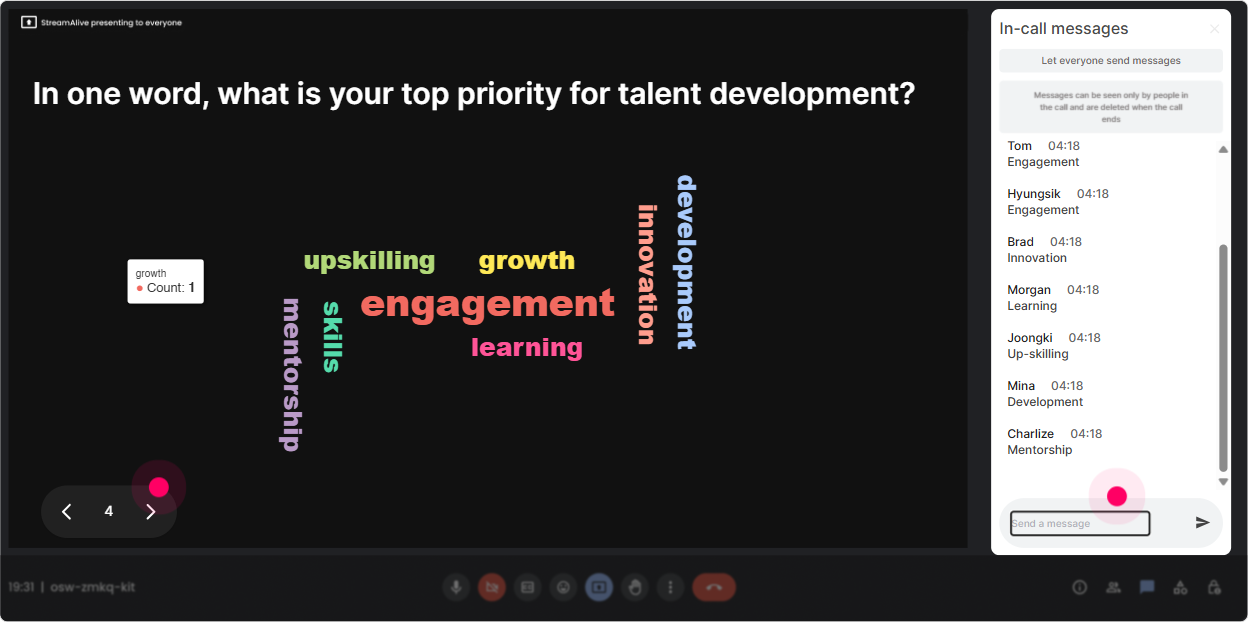
Wonder Words (Word Cloud): Get the rooms honest vibe in 10 seconds
Talent Marketplaces can trigger strong reactions-excitement, skepticism, fear of politics, confusion about ownership. A Word Cloud surfaces the mood instantly, without putting anyone on the spot. Great prompts for your training: - Whats the first word you associate with Talent Marketplace? - Whats the biggest barrier in your org? One or two words. (Examples youll see: managers, time, trust, tech, visibility) - What outcome do you want most from a Talent Marketplace? (Examples: mobility, retention, skills, growth, agility) Trainer tip: Read the biggest words out loud and react like a human: Okay Im seeing managers pop up big yep, were going there today. That moment alone increases trust and participation.
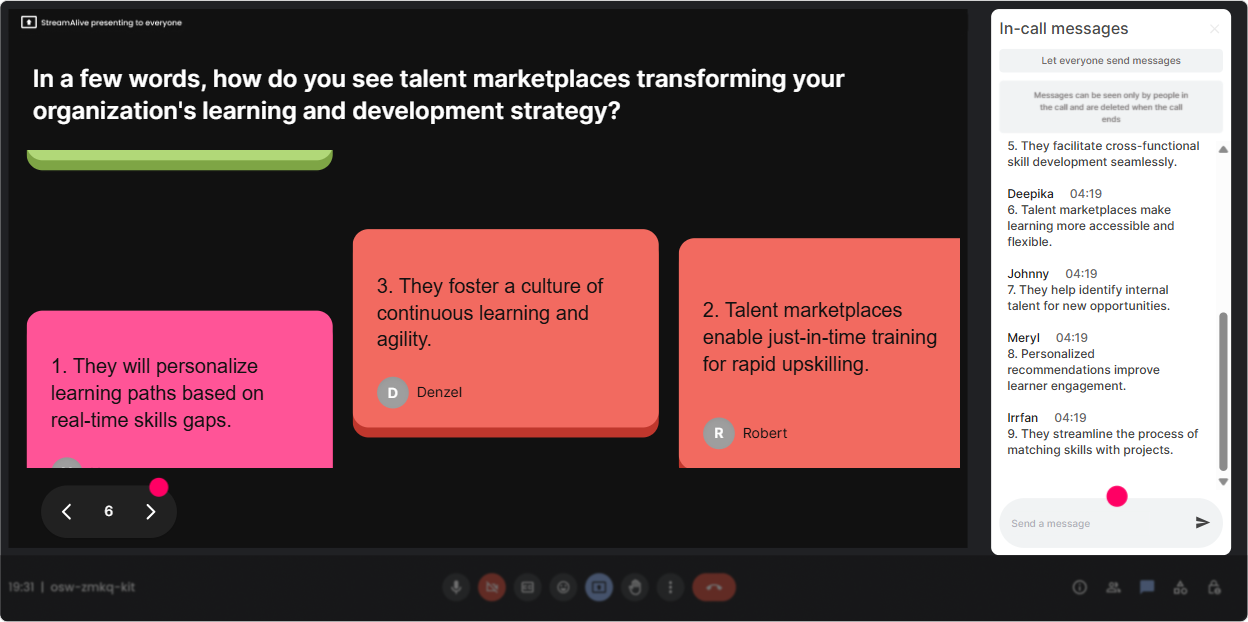
Talking Tiles: Turn leadership experience into group learning (without awkward breakouts)
L&D Leaders usually have stories-pilot programs, manager pushback, platform headaches, success wins. Talking Tiles lets you collect those longer, richer responses and make them visible in a fun, fast-moving way. Use it when you want more than one-word answers: - Whats one challenge you expect when launching a Talent Marketplace in your org? - Describe a moment when internal mobility worked well (or failed). What happened? - If you could change ONE thing to make internal gigs easier, what would it be? Trainer tip: While the tiles fall, narrate patterns: Im noticing a theme-visibility and fairness keep coming up. Then bridge right into your framework (governance, comms, policy, manager enablement).
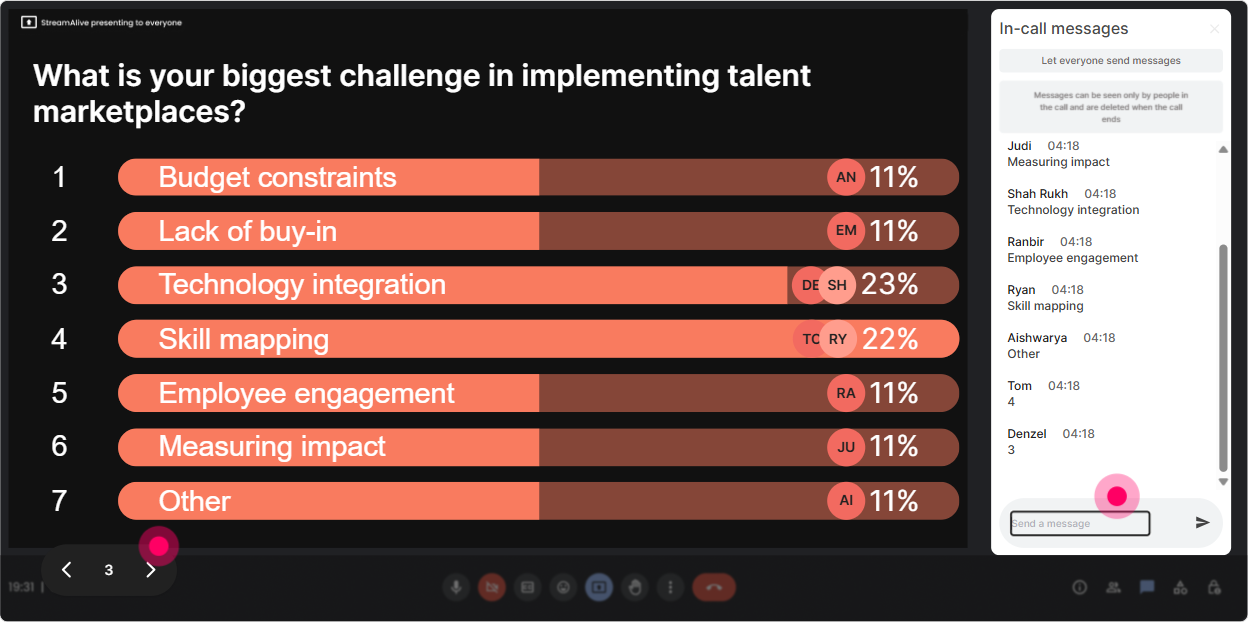
Power Polls: Let the audience choose what you go deeper on
Nothing boosts engagement like giving people control. Power Polls help you stop guessing what matters most and let the room vote on the direction-especially helpful in Talent Marketplace training where priorities differ by org. Poll ideas that work really well: - What do you want most from a Talent Marketplace? 1) Internal mobility 2) Retention 3) Skills development 4) Project staffing 5) Career transparency - Whats your biggest implementation question? 1) Tech/platform 2) Governance 3) Manager adoption 4) Fair opportunity access 5) Measuring success - Which marketplace model are you leaning toward? 1) Projects/gigs 2) Role-based internal hiring 3) Mentorship matching 4) All of the above Trainer tip: After the poll, say: Cool-since manager adoption won, Ill spend 10 minutes on the playbook and templates Ive seen work. The room instantly feels heard.
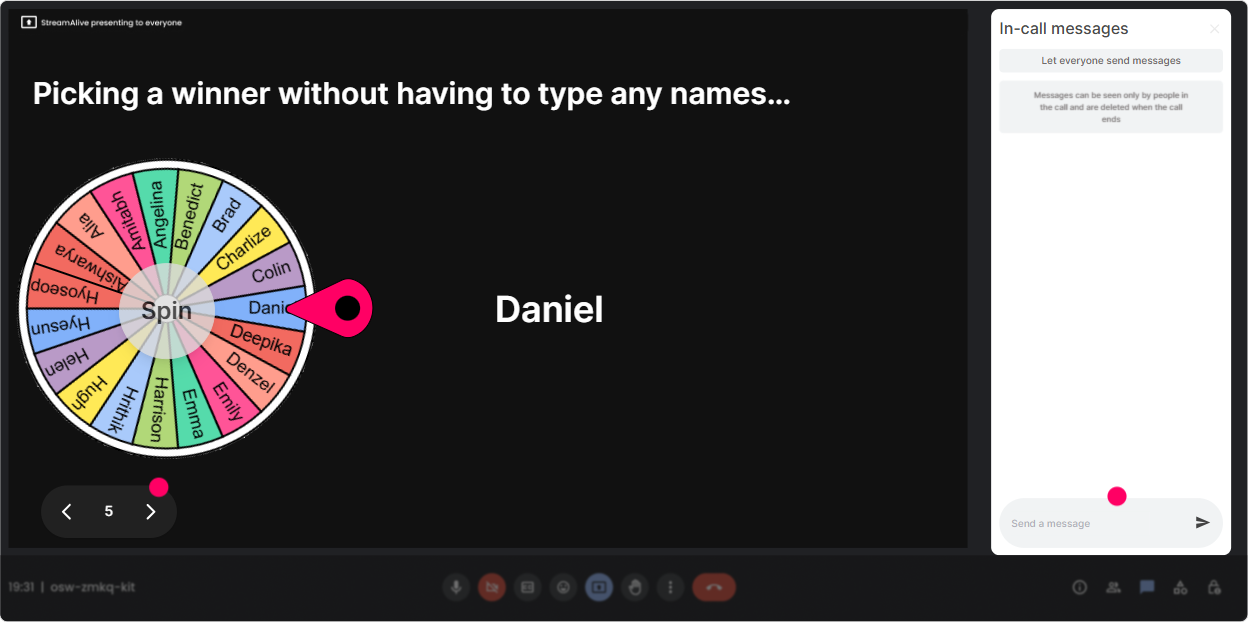
Winner Wheel: Get volunteers without the painful silence
You know that moment: you ask, Who wants to share? and suddenly everyone becomes a statue. Winner Wheel fixes that dynamic because it makes participation feel fair and playful. How to use it in Talent Marketplace training: - Ask a question in chat first: In one line, whats your orgs current internal mobility process? - Then spin the wheel: Alright, Im going to spin and invite one person to expand for 30 seconds. - Or use it for scenarios: Drop A, B, or C in chat for which approach youd take-then Ill spin for someone to explain why. Trainer tip: Set expectations kindly: If the wheel picks you and youd rather pass, just say pass-no stress. That keeps it safe, and people still participate way more.
Quiz: Make Talent Marketplace concepts stick (without feeling like an exam)
Quizzes are perfect for quick knowledge checks-especially when youre introducing terms like internal gigs, skills taxonomy, talent profiles, matching logic, governance, and success metrics. Quiz questions you can run: - Whats a Talent Marketplace primarily designed to improve? A) External recruiting only B) Internal mobility and opportunity matching C) Payroll automation D) Performance ratings - Which is the strongest adoption lever? A) More policies B) Manager incentives + time saved C) A longer rollout deck D) A new logo - Best KPI for early-stage marketplace success? A) Number of slides presented B) Internal gig applications C) Office attendance D) Email open rates Trainer tip: Use Show Correct Answer and then immediately ask: If your org measured the wrong KPI here, what would happen? Thats how you turn a quiz into a real discussion.

Rating Polls: Quick pulse-checks that tell you how to pace the room
When youre training L&D Leaders, the experience levels are all over the place-some are building a marketplace, others are just hearing the term. Rating Polls help you find the middle fast. How to use it: - Start with: On a scale of 110, how familiar are you with Talent Marketplaces? - Midway pulse check: How confident are you that you could explain Talent Marketplaces to a business leader right now? (110) - After a demo/story: How realistic would this be in your organization? (110) Trainer tip: If the average is low, slow down and add examples. If its high, skip the basics and move straight to governance, adoption, and change management-people will love you for not wasting their time.
Q&A: Catch every question without losing your flow
In Talent Marketplace sessions, questions come fast-and theyre usually important (and political). StreamAlive pulls questions straight from chat and organizes them, so youre not scrolling like crazy and missing the good ones. Ways to use Q&A during the training: - Tell them: Drop questions anytime-StreamAlive will capture them and Ill pause every 15 minutes. - Do a myth-busting segment: Ask your toughest question about fairness, manager resistance, or transparency. - End with: Whats one thing youre still unsure about before you roll this out? Trainer tip: When people see their question displayed, they feel acknowledged-and the whole room pays attention because its coming from them, not just you.

Analytics: Prove engagement (and improve your next Talent Marketplace session)
After the training, analytics help you answer the questions that matter to L&D leaders and stakeholders: Did people actually engage? Where did attention spike? What should we change next time? What you can learn and use: - Minute-by-minute engagement: Find the moments where chat lit up (maybe the governance section or the manager adoption debate) and double down next time. - Interaction reports: See which polls or word clouds landed best-and reuse the winners for future cohorts. - Top engaged participants: Identify your champions in the room-those are often your best pilot-group allies. - Easy sharing: Send the report to yourself or your team, or use it to recap outcomes with program sponsors. Trainer tip: If youre trying to get buy-in for a Talent Marketplace initiative, showing interaction data from L&D Leaders (not just anecdotes) can be surprisingly persuasive.

Use StreamAlive in all your training sessions
StreamAlive isn’t just for
Talent Marketplaces
training,
it can also be used for any instructor-led training session directly inside your PowerPoint presentation.
Explore similar traingin ideas: unlocking the potential of StreamAlive
See how StreamAlive transforms live training with engaging events and interactive sessions across industries, directly inside your PowerPoint presentation.

Interactions in action
(it's free)

.svg.png)


