Install StreamAlive for your PowerPoint slides
Learn more

AI governance Training for mental health services teams
StreamAlive helps 9x the audience engagement in your Virtual Instructor-led Trainings (VILT) directly inside your powerpoint presentation.
Make your instructor-led AI governance training more fun with polls, word clouds, spinner wheels and more
Works inside your existing PowerPoint presentation
Install the StreamAlive app for PowerPoint and see your slides come to life as people participate in your interactions
AI generates audience interactions for you
Let our AI scan your presentation and automatically come up with relevant questions based on the content. Or spend two hours coming up with your own questions, your choice!
Built to work with MS Teams and Zoom
Native apps for Teams and Zoom so you never have to leave your existing workflows
No QR Codes
Chat-powered interactions means your audience doesn’t need to scan QR codes or look at another screen to participate. They just type in the chat!

Quickly approved by your IT team
StreamAlive’s apps for Teams and Zoom means that they have been through rigorous quality assurance and client safety reviews. You’ll find everything an IT team needs to approve the app within the organization within your StreamAlive account.

You've been tasked with conducting AI governance training for a mental health services team and you're scratching your head on how to keep it lively and captivating. Let's dive into some engaging tricks!
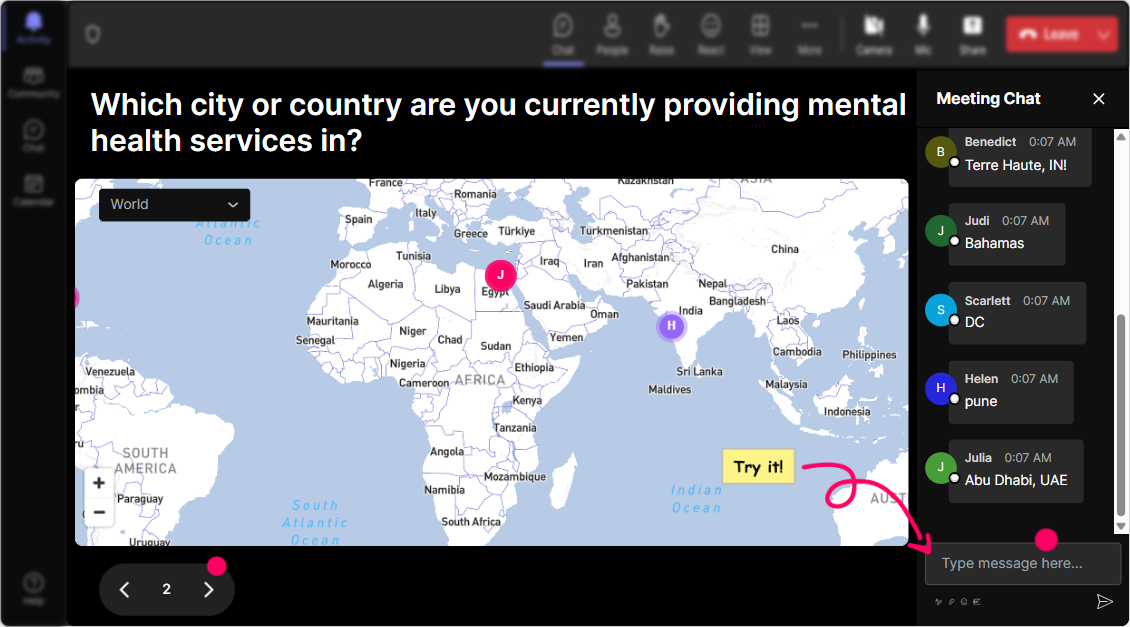
Put Your Audience on the Map
Start by breaking the ice with a splash of color and geography! Ask questions like "Where's everyone joining from today?" or "If you could travel anywhere in the world for a break from AI governance, where would it be?" With StreamAlive's Magic Maps, watch in awe as your participants' heartwarming responses light up like stars on a global map.
Gauge That AI Savvy
Before diving headfirst into AI governance, get a read on your audience's knowledge. Use StreamAlive's Rating Polls to ask, "On a scale from 1 to 10, how familiar are you with AI governance processes?" It's a quick and visually appealing way to know where everyone stands.

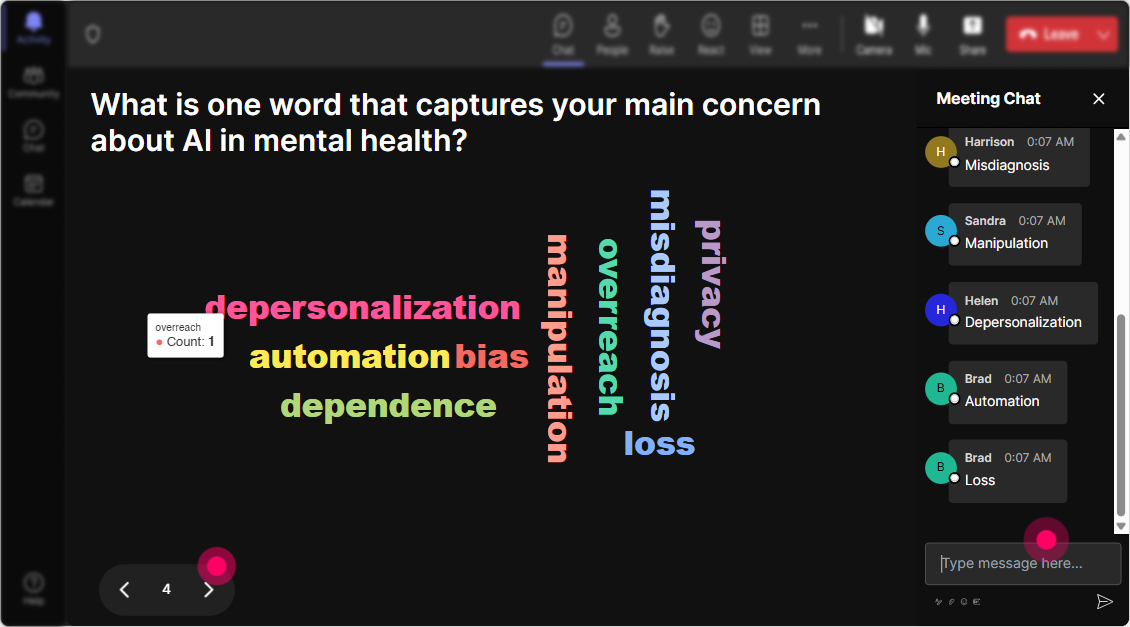
Feel the AI Vibes
Bring out the emotions tied to AI governance right from the start with Wonder Words. Pose questions like, "What's the first word that pops into your mind when you think of AI governance?" As feedback floods in, watch the energy of the room explode as words dance around the screen, helping you grasp the overall sentiment.
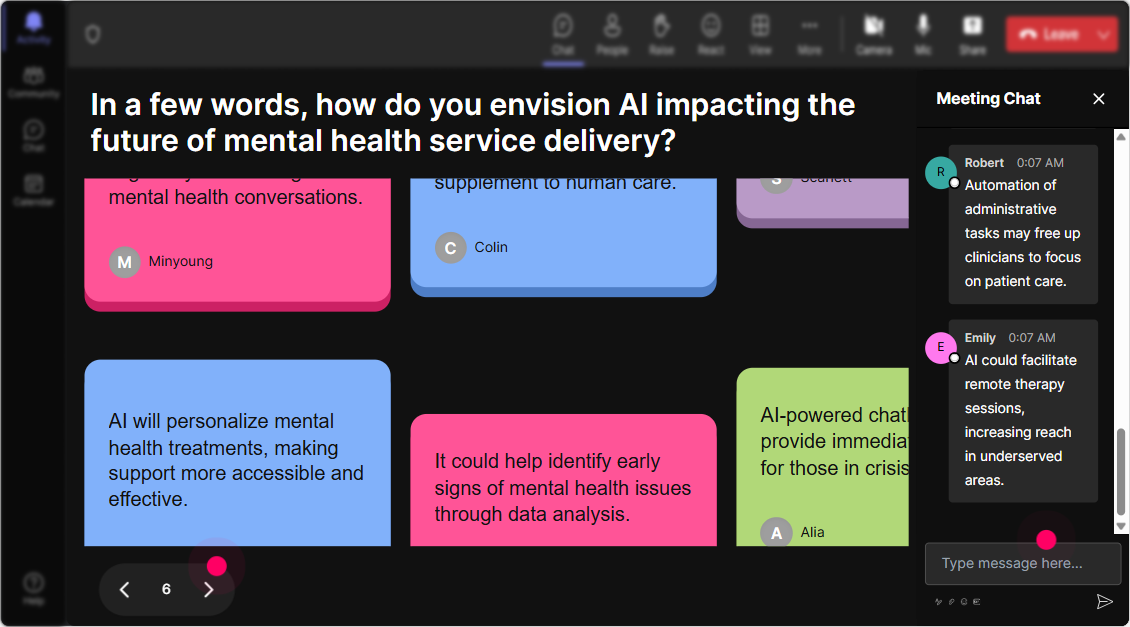
Stack Those Thoughts
For a visually stimulating interaction, ask "How does AI governance impact your daily work?" and let replies stack up on the screen like a game of Tetris. StreamAlive's Talking Tiles gives your audience's thoughts a life of their own. A little nostalgia sprinkled with a dose of creativity, anyone?
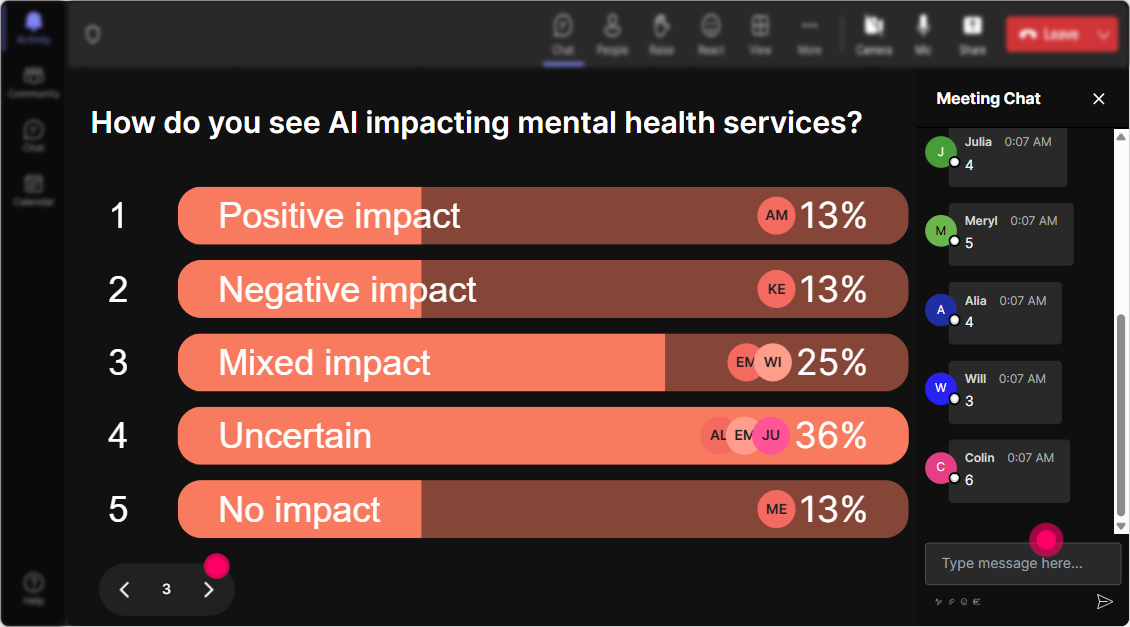
What Do They Want to Know?
Use Power Polls to dive into what's really on your audience's minds. Ask, "What aspect of AI governance intrigues you the most?" Populate the poll with options and watch as preferences are hashed out right before your eyes in real-time!
Spin the Mic
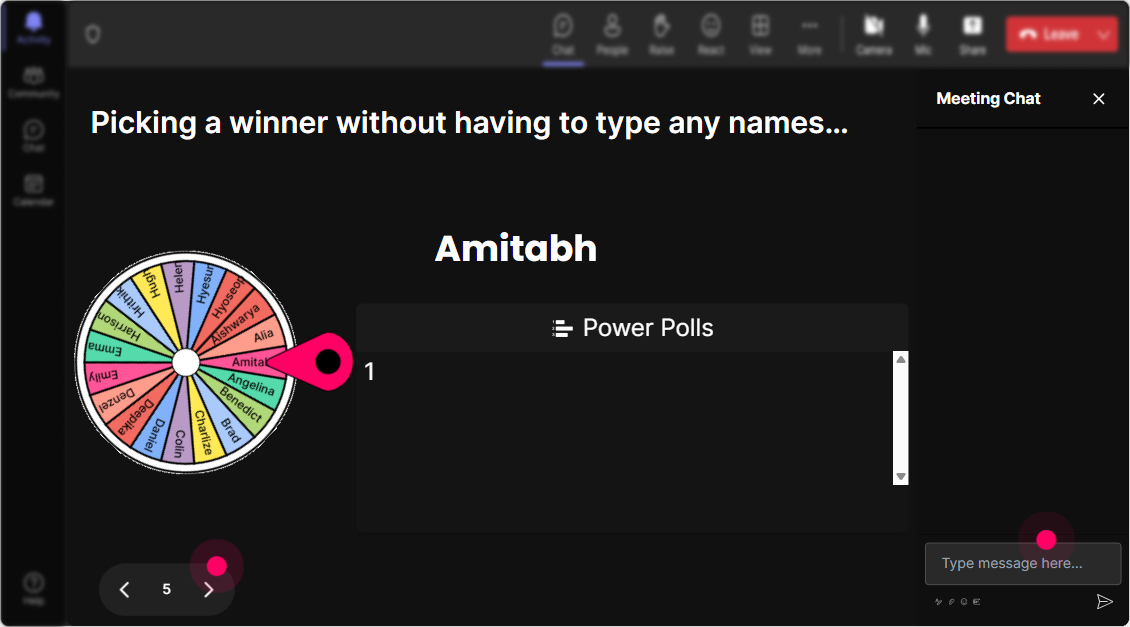
Liven up your session by inviting volunteers to speak, letting the Spinner Wheel decide who takes the spotlight! You could ask, "Who'd like to share their perspective on an AI governance challenge?" and watch the tension rise until the spinner lands-the beauty of leaving it to destiny.
Test Those AI Waters
Engage your audience with a dash of friendly competition. Use StreamAlive's Quiz to pose a multiple-choice question on a recent AI governance topic. Add a sizzling touch by showing who nailed the right answer in real-time!

Gauge That AI Savvy
Before diving headfirst into AI governance, get a read on your audience's knowledge. Use StreamAlive's Rating Polls to ask, "On a scale from 1 to 10, how familiar are you with AI governance processes?" It's a quick and visually appealing way to know where everyone stands.
Streamline Those Questions
Bid farewell to the hassle of managing multiple Q&A boxes. Let StreamAlive seamlessly pick up questions from the chat during your session, ensuring not a single query about AI governance goes unanswered.

Dive into Data
Post-session, delve into StreamAlive analytics to unravel which moments kept your audience glued, who were the top engagers, and what possibly needs a new twist! Share detailed interaction reports on Teams or Email to wrap it all up with a flourish.

Use StreamAlive in all your training sessions
StreamAlive isn’t just for
AI governance
training,
it can also be used for any instructor-led training session directly inside your PowerPoint presentation.
Explore similar traingin ideas: unlocking the potential of StreamAlive
See how StreamAlive transforms live training with engaging events and interactive sessions across industries, directly inside your PowerPoint presentation.

Interactions in action
(it's free)

.svg.png)


