Install StreamAlive for your PowerPoint slides
Learn more

Coaching Training for L&D Leaders
StreamAlive helps 9x the audience engagement in your Virtual Instructor-led Trainings (VILT) directly inside your powerpoint presentation.
Make your instructor-led Coaching training more fun with polls, word clouds, spinner wheels and more
Works inside your existing PowerPoint presentation
Install the StreamAlive app for PowerPoint and see your slides come to life as people participate in your interactions
AI generates audience interactions for you
Let our AI scan your presentation and automatically come up with relevant questions based on the content. Or spend two hours coming up with your own questions, your choice!
Built to work with MS Teams and Zoom
Native apps for Teams and Zoom so you never have to leave your existing workflows
No QR Codes
Chat-powered interactions means your audience doesn’t need to scan QR codes or look at another screen to participate. They just type in the chat!

Quickly approved by your IT team
StreamAlive’s apps for Teams and Zoom means that they have been through rigorous quality assurance and client safety reviews. You’ll find everything an IT team needs to approve the app within the organization within your StreamAlive account.

Youve been asked to run a Coaching instructor-led training for L&D Leaders-and you want it to feel energizing, not like another sit-and-get. The easiest win? Build tiny, frequent moments where everyone participates (not just the loud few). Here are practical ways to do that with StreamAlive so your room stays switched on the whole time.
Put Your L&D Leaders on the Map (Magic Maps)
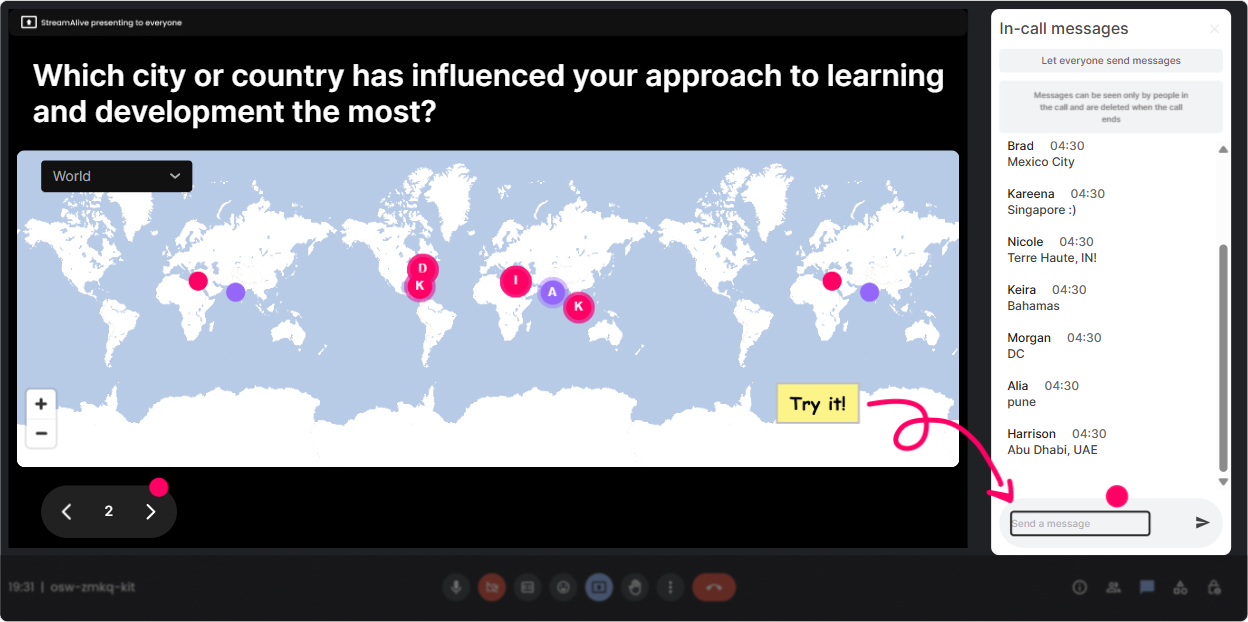
Start with a warm, zero-pressure question that gets everyone typing right away. In StreamAlive, Magic Maps turns those chat answers into a live world map-instant were in this together energy. Try prompts like: - Where are you joining from today? (classic, works every time) - Which city has shaped your leadership style the most? - If you could teleport for a 1:1 coaching chat anywhere on earth, where would it be? - Whats a dream place youd go for a coaching retreat? Trainer tip: If youre tight on time, set it to one location per person. Then call out clusters: Wow, weve got a big Toronto group-what are you all coaching on lately? Its a simple move that creates instant belonging.
Get a Quick Pulse Check on Coaching Confidence (Rating Polls)
Before you teach anything, figure out where the room is at. Rating Polls let people respond with a number right in the chat, and youll see the live distribution-no guessing. Use it at key moments: - Kickoff: On a scale of 110, how confident do you feel coaching a high performer whos stuck? - Mid-session: How usable is this coaching model for your day-to-day? 110 - After a demo: How ready are you to try this in your next 1:1? 110 Trainer tip: If you see a split (some 9s, some 3s), say it out loud: Cool-this tells me weve got both experienced coaches and folks who want a cleaner structure. Lets cover both. That one sentence makes people feel seen.

Capture the Rooms Real Feelings (Wonder Words / Word Cloud)
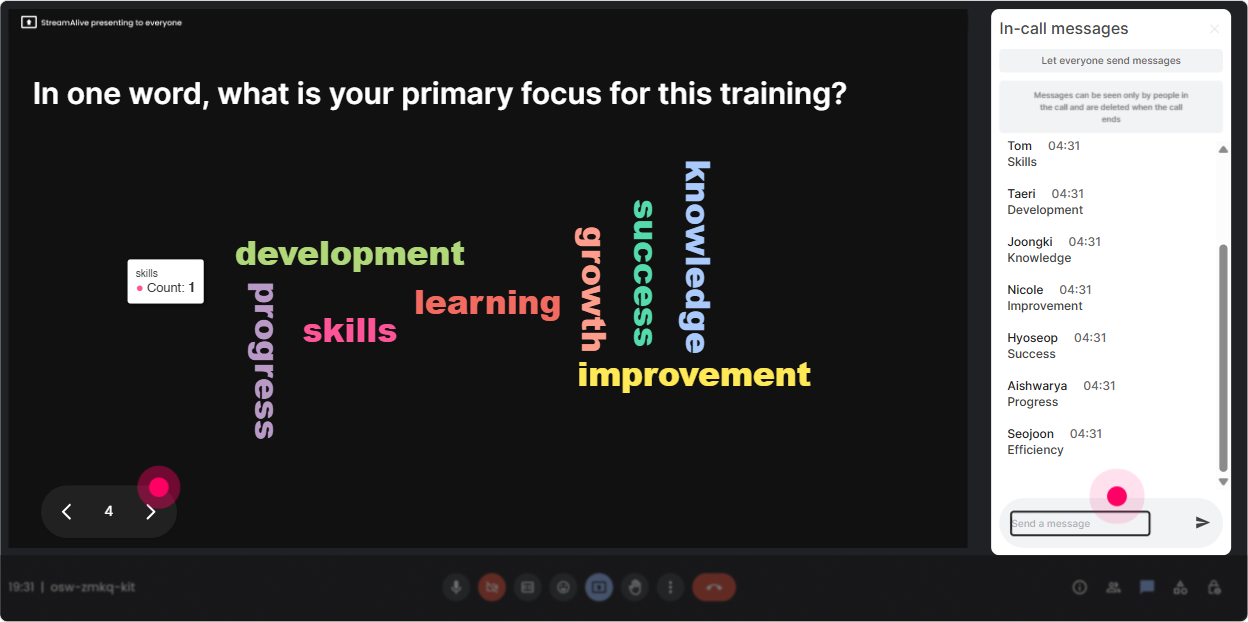
If you want honest vibe-check feedback without making it awkward, a word cloud is your best friend. Ask a one- or two-word question, and Wonder Words visualizes what the group actually thinks-live. Great coaching-training word cloud prompts: - Coaching, to me, feels like: (12 words) - The hardest part of coaching is: (12 words) - A great coach is: (12 words) - One word for the culture you want to build: (1 word) Trainer tip: When you see big words like time, awkward, or resistance, dont ignore them. Use them as your agenda: Alright, time is huge on the screen. Lets talk about 5-minute coaching that still works.
Turn Their Stories into the Session (Talking Tiles)
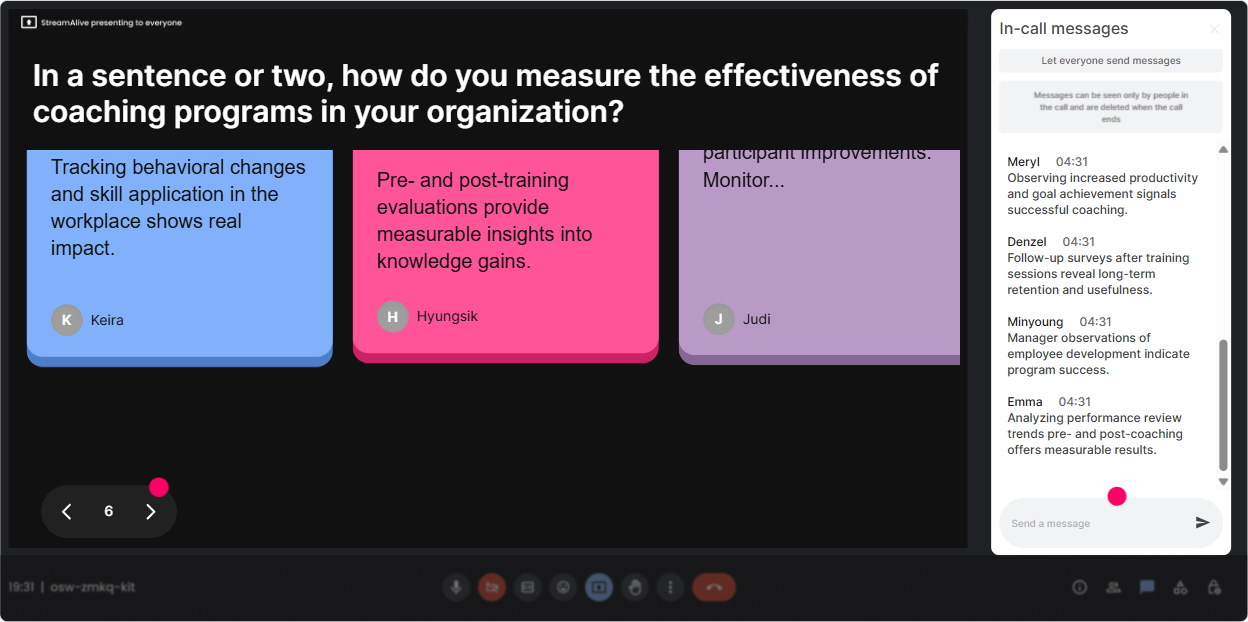
When you want richer answers-more than a word cloud-Talking Tiles makes longer chat responses feel fun and visible. Its like the room is literally building the conversation together. Use it for coaching-heavy reflection: - Tell me about a time coaching really worked for you-what made it work? - What impact does coaching have on your role as an L&D leader? - Whats one coaching moment you wish you could redo? - Finish this: Ill know coaching is working in my org when Trainer tip: Pick 23 tiles to read out loud and connect them to your content: This comment is gold-notice how they asked a question instead of giving advice. Thats exactly the habit were building today. Now it feels personal, not generic.
Let Them Choose the Coaching Direction (Power Polls)
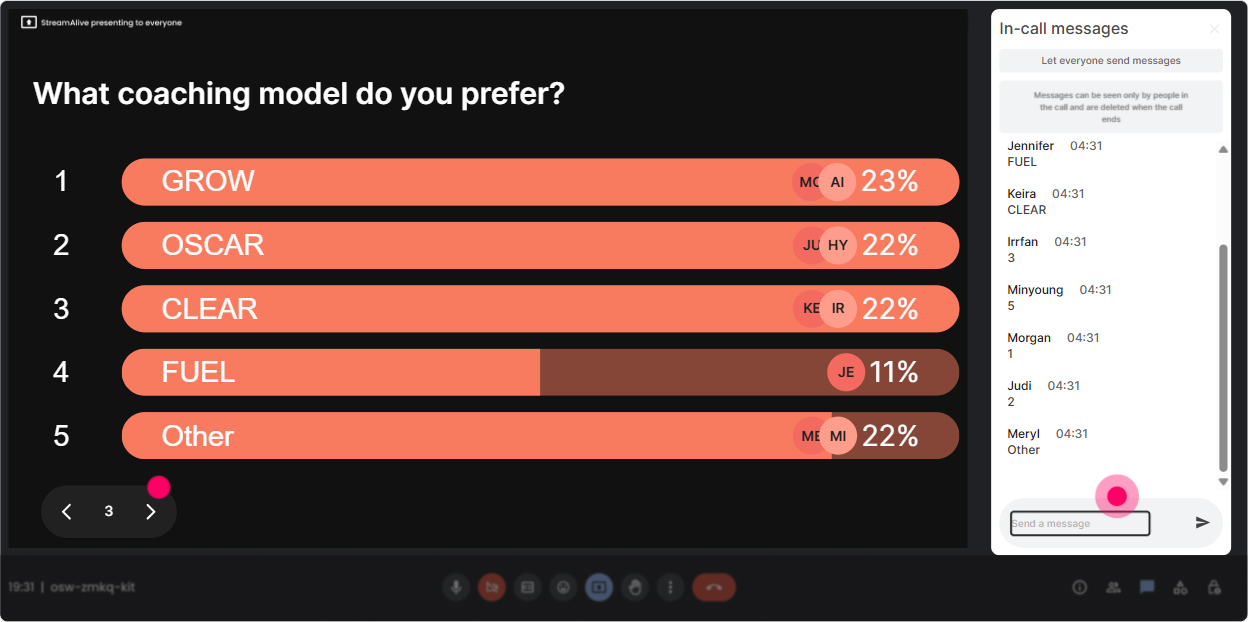
L&D Leaders love relevance. Power Polls let you quickly ask, What do you want most? and then actually teach to that. Plus, showing results in real time keeps attention glued. Poll ideas that work great in a coaching ILT: - What coaching situation do you deal with most? 1) Performance issues 2) Career growth 3) Conflict 4) Burnout/energy 5) Stakeholder pressure - Whats the biggest blocker to coaching in your org? 1) Time 2) Manager skill 3) Culture 4) Psychological safety 5) Measurement - Which coaching tool should we practice first? 1) GROW 2) SBI feedback 3) Powerful questions 4) Listening ladder Trainer tip: Say this out loud: Okay, you picked it-so were going there. People lean in more when they feel ownership.
Make Participation Fair (and Fun) with the Winner Wheel
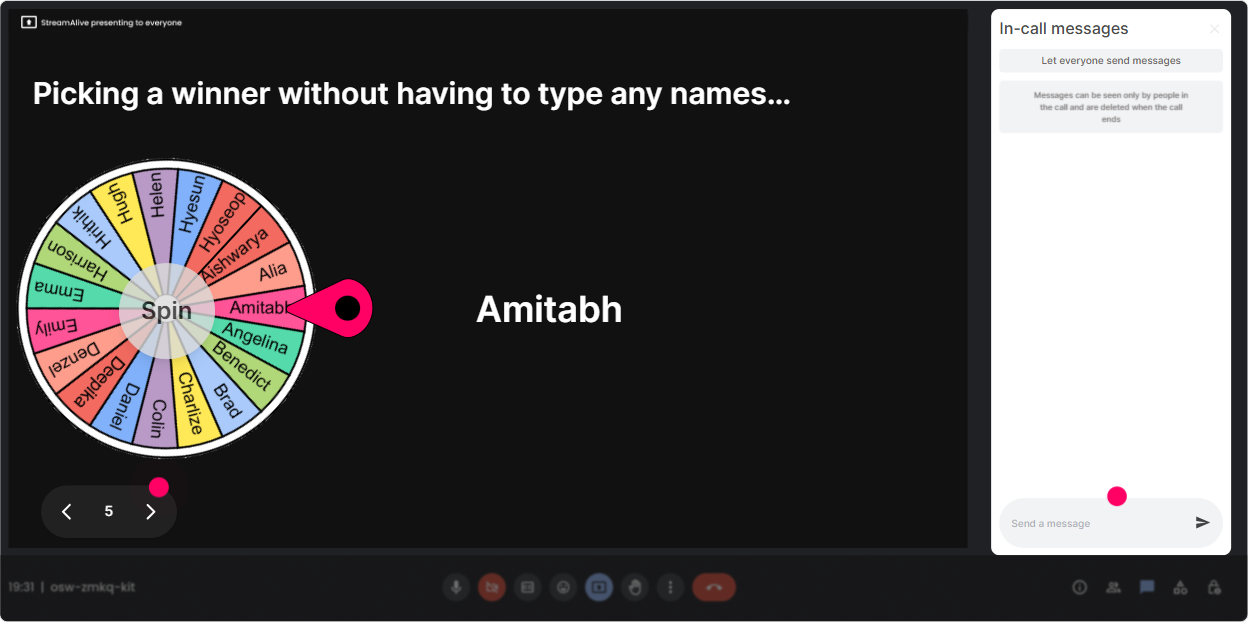
You know the moment: you ask for a volunteer, and its the same 2 people every time. Winner Wheel solves that in a playful way-everyone types, and fate picks who speaks. Ways to use it in coaching training: - Drop one powerful coaching question in the chat. Im spinning to choose someone to explain why they chose it. - Type: Manager or Employee-Ill spin to pick who roleplays first. - Share one coaching challenge in the chat. Wheel picks one, and well coach it live (clean, respectful version). Trainer tip: Keep it low-stakes. You can say, You can always pass, but youll be surprised how many people lean in when it feels fair and random.
Run Fast Knowledge Checks (Quiz)
Coaching skills stick when people test their understanding in the moment. StreamAlive Quiz lets you run a quick multiple-choice check where one answer is correct-and you can reveal the correct answer live. Quiz questions you can steal: - Which is the most coach-like response? A) Heres what Id do B) Have you tried working harder? C) What outcome do you want, and whats in your control? (correct) D) Let me tell you my story - In GROW, what does O stand for? A) Options (correct) B) Outcomes C) Obstacles D) Observations - Which question is MOST likely to unlock thinking? A) Why did you do that? B) What have you already tried? (correct) C) Dont you think? D) Can you just? Trainer tip: Do a quiz right after you teach a concept, not 30 minutes later. It keeps the pace snappy and the learning sticky.

Get a Quick Pulse Check on Coaching Confidence (Rating Polls)
Before you teach anything, figure out where the room is at. Rating Polls let people respond with a number right in the chat, and youll see the live distribution-no guessing. Use it at key moments: - Kickoff: On a scale of 110, how confident do you feel coaching a high performer whos stuck? - Mid-session: How usable is this coaching model for your day-to-day? 110 - After a demo: How ready are you to try this in your next 1:1? 110 Trainer tip: If you see a split (some 9s, some 3s), say it out loud: Cool-this tells me weve got both experienced coaches and folks who want a cleaner structure. Lets cover both. That one sentence makes people feel seen.
Catch Every Question Without Losing the Chat (Q&A)
In live training, questions get lost fast-especially when the chat is busy. StreamAlive Q&A automatically detects and collects questions from chat so you can actually manage them. How to use it in coaching ILT: - Run a Parking Lot Q&A during demos: Ask questions anytime-StreamAlive will capture them. - Do a mid-session clarity break: Lets knock out the top 5 questions before we practice. - End with real world coaching scenarios Q&A: Drop your toughest coaching moment as a question. Trainer tip: Tell people what a question looks like (Start with Q: ). It helps the tool catch more, and it trains the room to be clearer.

Use Analytics to Coach Your Training Design (Analytics)
If youre training L&D Leaders, you probably care about what worked-not just how it felt. StreamAlive Analytics shows you engagement minute-by-minute, what sparked chat spikes, and which interactions actually got people participating. Heres how it helps you level up fast: - See exactly where attention dipped (maybe your theory section went long) and where it surged (maybe the roleplay + poll hit). - Replay chat and interaction results to spot what topics lit people up (or confused them). - Identify your most engaged participants (your Fantastic Fans)-great for follow-up, champions, or future cohorts. - Share interaction results with your team via email or bring insights back into Teams: Heres what leaders said the biggest blocker is. Trainer tip: After every session, pick ONE improvement based on analytics (example: Next time Ill add a rating poll before practice to see who needs a demo vs. whos ready to go). Thats how your engagement climbs session after session.

Use StreamAlive in all your training sessions
StreamAlive isn’t just for
Coaching
training,
it can also be used for any instructor-led training session directly inside your PowerPoint presentation.
Explore similar traingin ideas: unlocking the potential of StreamAlive
See how StreamAlive transforms live training with engaging events and interactive sessions across industries, directly inside your PowerPoint presentation.

Interactions in action
(it's free)

.svg.png)


