Install StreamAlive for your PowerPoint slides
Learn more

Quiet Quitting & Productivity Theatres Training for Corporate Trainers
StreamAlive helps 9x the audience engagement in your Virtual Instructor-led Trainings (VILT) directly inside your powerpoint presentation.
Make your instructor-led Quiet Quitting & Productivity Theatres training more fun with polls, word clouds, spinner wheels and more
Works inside your existing PowerPoint presentation
Install the StreamAlive app for PowerPoint and see your slides come to life as people participate in your interactions
AI generates audience interactions for you
Let our AI scan your presentation and automatically come up with relevant questions based on the content. Or spend two hours coming up with your own questions, your choice!
Built to work with MS Teams and Zoom
Native apps for Teams and Zoom so you never have to leave your existing workflows
No QR Codes
Chat-powered interactions means your audience doesn’t need to scan QR codes or look at another screen to participate. They just type in the chat!

Quickly approved by your IT team
StreamAlive’s apps for Teams and Zoom means that they have been through rigorous quality assurance and client safety reviews. You’ll find everything an IT team needs to approve the app within the organization within your StreamAlive account.

Youve been asked to run a session on Quiet Quitting & Productivity Theatres for corporate trainers-and you already know the topic can get a little loaded. The good news? With the right interactions, you can keep it real, keep it safe, and keep people talking (even the quiet ones). Here are practical ways to do it with StreamAlive.
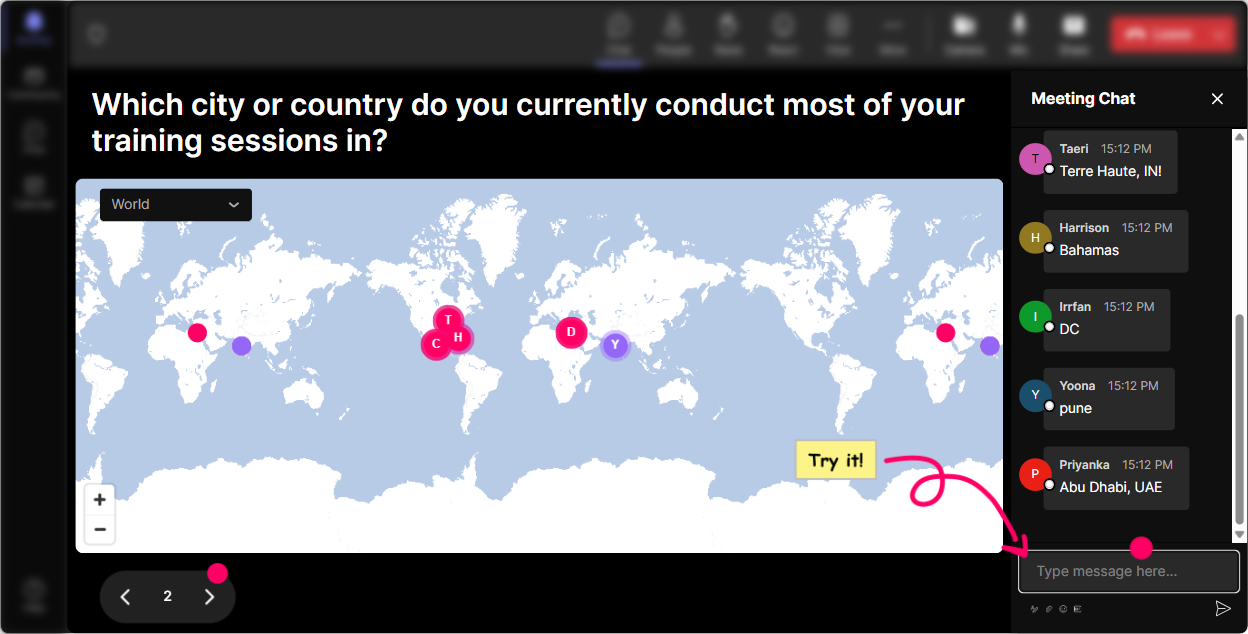
Magic Maps: Put your trainers on the map (and instantly humanize the room)
This topic lands differently depending on culture, industry, and workplace norms-so start by showing the room youre in. How to use it: - Kick off with a simple Where are you joining from? but make it relevant. - Then pivot into a question that connects geography to workplace expectations. Quiet Quitting & Productivity Theatre prompts you can use: - Where in the world are you joining from today? - Type a city where hustle culture feels strongest. - Drop a place where you think work-life balance is done better. - If you could teleport to a low-stress workplace culture anywhere on earth, where would it be? Why it works: you get instant participation without putting anyone on the spot, and you can naturally segue into, Interesting-this topic really shows up differently depending on where we work.
Rating Polls: Get a quick pulse check before you teach anything
Before you jump into definitions and frameworks, find out where everyones actually starting from. Rating Polls make this super easy because people just type a number in chat-no overthinking. How to use it: - Run a 110 rating at the beginning, middle, and end to show movement. - Use the live results to adjust your pacing (and to validate the room). Prompts that work great for this session: - On a scale of 110, how confident are you explaining quiet quitting to a room of leaders? - 110: How often do you think productivity theatre is happening in your org? - 110: How safe do employees feel saying Im at capacity where you work? - Mid-session: 110: How clearly can you tell the difference between disengagement vs. boundary-setting? Trainer move: call out the spread. Okay, weve got a bunch of 3s and 4s-perfect. That means were exactly in the right place today.

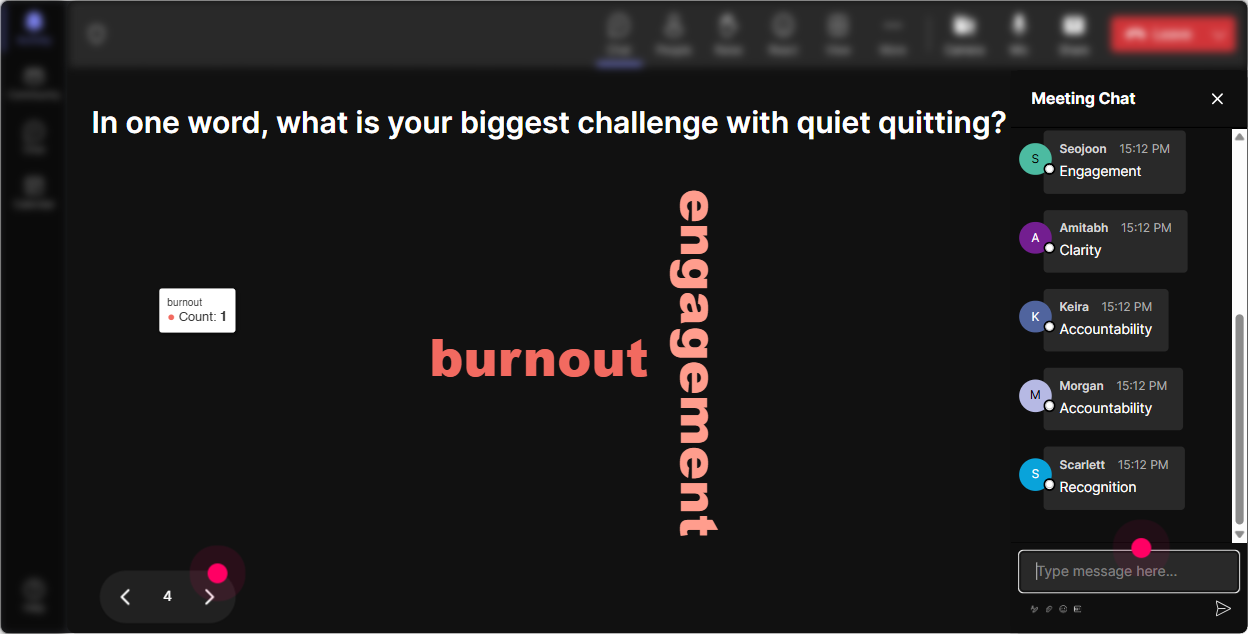
Wonder Words (Word Cloud): Let them say how they feel without making it awkward
Quiet quitting can trigger strong reactions-some people hear lazy, others hear healthy boundaries. A word cloud lets everyone share a vibe quickly, and the room sees it instantly. How to use it: - Ask for 12 words only. - Use Combine Similar Answers so synonyms dont dilute the message. - When the cloud appears, read it out like youre reading the room (because you are). Word cloud prompts for this training: - When you hear quiet quitting, whats the first word that comes to mind? - One word: what causes productivity theatre in most workplaces? - One word: what do employees actually want more of right now? - One word: how do leaders typically react to boundaries? Why its gold: you surface the emotional reality of the topic fast-and that helps you train the trainers on how to hold the conversation in their own sessions.
Talking Tiles: Turn real stories into learning moments (without forcing anyone to speak)
This is where you get the good stuff-real examples. Talking Tiles is perfect because people can type a few lines, and suddenly the room has a shared set of scenarios to learn from. How to use it: - Ask for a short story, example, or situation. - Let the tiles stack up on screen so everyone can see patterns. - Pick 23 tiles to debrief as a group (no naming/shaming, keep it safe). Prompts to try: - In 12 sentences: what does productivity theatre look like in your workplace? - Whats one behavior youve seen that looks like high performance but really isnt? - As a trainer, whats a moment youve felt pressure to look busy or perform expertise? - Whats one boundary you wish more employees felt comfortable setting? Facilitation tip: after the tiles come in, say, Notice how many of these are about visibility, not value. Thats productivity theatre in a nutshell.

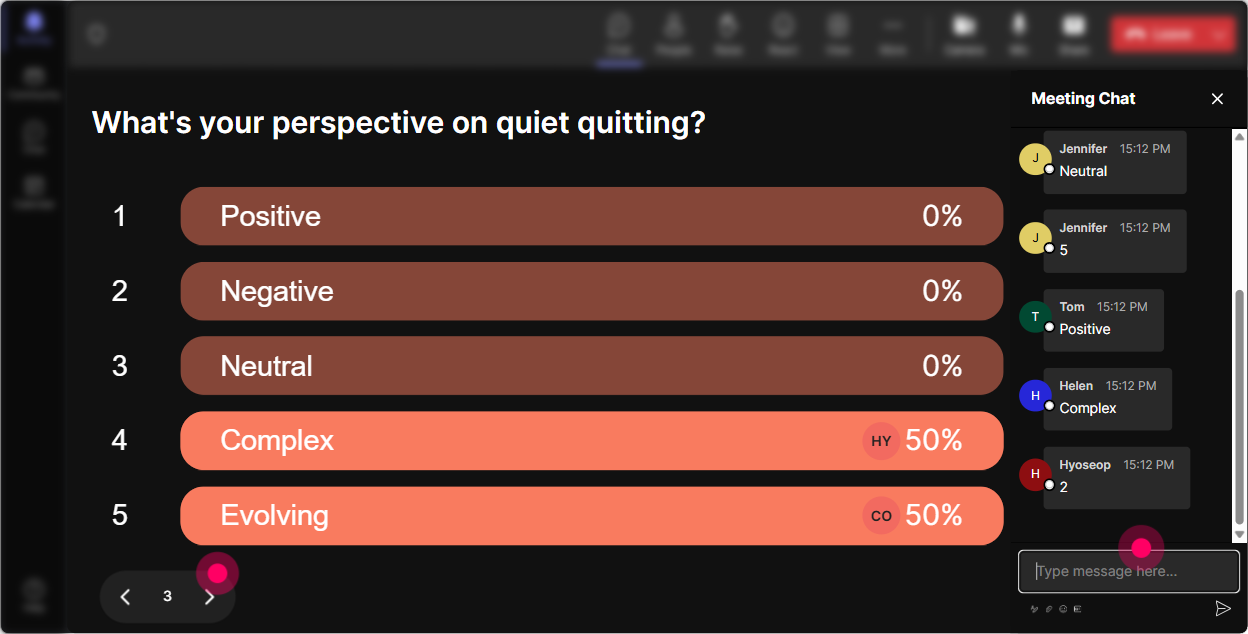
Power Polls: Let the group choose where you go next (so it feels tailored)
In sessions like this, different groups want different things-some need language for leaders, others need tactics for managers, others want better training design. Power Polls let you hand the steering wheel to the room. How to use it: - Offer 35 options and let them vote by typing the option number. - Use the winning result to decide your next segment (or at least pretend it was always the plan-it feels personalized either way). Poll questions that fit perfectly: - What do you want most from today? (1) Definitions & myths (2) Spotting productivity theatre (3) Coaching leader responses (4) Designing training that drives real output (5) Handling pushback - Whats the biggest driver of productivity theatre in your org? (1) Meeting culture (2) Visibility politics (3) Unrealistic workloads (4) Lack of clarity (5) Fear of looking uncommitted) - Which audience do you train most? (1) Frontline managers (2) Mid-level leaders (3) Executives (4) HR/L&D (5) Mixed)
Winner Wheel: Get volunteers without the uncomfortable silence
You know the moment: you ask a question, and suddenly everyone becomes a statue. Winner Wheel fixes that in a fun, low-pressure way-because participation feels like a game, not a trap. How to use it: - Tell everyone: Drop a response in chat to get on the wheel. - Spin to pick someone to share, react, or read their comment aloud. - You can also use it to reward engagement (Most comments today wins). Ways to use it in this training: - Type one sentence youd use to explain quiet quitting to a skeptical manager-then well spin and workshop one. - Drop your best anti-productivity-theatre tactic-wheel decides which one we unpack. - Who wants a coaching challenge? Share one real scenario in chat-wheel picks one for a quick role-play. Trainer tip: keep it playful and consent-based. You can say, If you get picked and youd rather pass, just say pass-no problem. That alone increases safety and participation.

Quiz: Quick knowledge checks that dont feel like school
A short quiz is perfect here because there are a lot of misconceptions around quiet quitting and productivity theatre. And since StreamAlive tallies responses live, you can teach straight from what people chose. How to use it: - Run 24 questions per module. - Reveal the correct answer and immediately ask, Why do you think the wrong option was popular? (Thats where the learning is.) Sample quiz questions (multiple choice): 1) Quiet quitting most accurately means: (A) Employees refusing to work (B) Doing only what the job requires-no unpaid extras (C) Mass resignation (D) Working from home) Correct: B 2) Productivity theatre is best described as: (A) Measuring outcomes (B) Publicly performing busyness to appear productive (C) Employee recognition programs (D) Time tracking) Correct: B 3) Which response from a manager reduces productivity theatre? (A) Be online so I can see you (B) Lets define outcomes and decision rights (C) Add more status meetings (D) Respond faster in chat) Correct: B

Rating Polls: Get a quick pulse check before you teach anything
Before you jump into definitions and frameworks, find out where everyones actually starting from. Rating Polls make this super easy because people just type a number in chat-no overthinking. How to use it: - Run a 110 rating at the beginning, middle, and end to show movement. - Use the live results to adjust your pacing (and to validate the room). Prompts that work great for this session: - On a scale of 110, how confident are you explaining quiet quitting to a room of leaders? - 110: How often do you think productivity theatre is happening in your org? - 110: How safe do employees feel saying Im at capacity where you work? - Mid-session: 110: How clearly can you tell the difference between disengagement vs. boundary-setting? Trainer move: call out the spread. Okay, weve got a bunch of 3s and 4s-perfect. That means were exactly in the right place today.
Q&A (Quick Questions): Catch the real questions hiding in the chat
On this topic, people often wont raise a hand-but they WILL type a question in chat when they feel safe. StreamAlive automatically detects and organizes those questions so youre not hunting through the chat feed. How to use it: - Tell the group: If youve got a question at any time, drop it in chat-StreamAlive will capture it. - Do a dedicated Q&A break after each module (quiet quitting / productivity theatre / manager coaching / training design). Questions youll likely get (and can invite): - How do I talk about quiet quitting without sounding like Im accusing employees? - What if leadership thinks this is just entitlement? - How do we measure productivity without turning into micromanagers? - What training activity helps managers shift from visibility to outcomes? Facilitation tip: when you answer, tag it back to the room-If anyone else has seen this, type same in chat. That keeps engagement rolling.

Analytics: Prove what landed, fix what didnt, and keep improving session by session
After you run a session on something as nuanced as quiet quitting, youll want evidence of what actually engaged people-especially if youre reporting back to HR, L&D, or leadership. StreamAlive Analytics gives you that. How trainers can use it: - Check minute-by-minute engagement to see where attention spiked or dipped (great for refining your run of show). - Review chat replay to see which prompts sparked the best discussion (and reuse them). - Identify your most engaged participants (Fantastic Fans)-these are your champions, future co-facilitators, or internal advocates. - Pull interaction reports to show outcomes: participation levels, poll results, and sentiment shifts. Example use cases for this specific training: - Our engagement peaked during the Productivity Theatre examples activity (Talking Tiles)-well expand that section next time. - Confidence moved from 4.2/10 to 7.6/10 based on Rating Polls-heres the screenshot for stakeholders. - The most asked questions were about manager language-so well build a follow-up micro-session just on that.

Use StreamAlive in all your training sessions
StreamAlive isn’t just for
Quiet Quitting & Productivity Theatres
training,
it can also be used for any instructor-led training session directly inside your PowerPoint presentation.
Explore similar traingin ideas: unlocking the potential of StreamAlive
See how StreamAlive transforms live training with engaging events and interactive sessions across industries, directly inside your PowerPoint presentation.

Interactions in action
(it's free)

.svg.png)


