Install StreamAlive for your PowerPoint slides
Learn more

Learning How To Learn Training for Corporate Trainers
StreamAlive helps 9x the audience engagement in your Virtual Instructor-led Trainings (VILT) directly inside your powerpoint presentation.
Make your instructor-led Learning How To Learn training more fun with polls, word clouds, spinner wheels and more
Works inside your existing PowerPoint presentation
Install the StreamAlive app for PowerPoint and see your slides come to life as people participate in your interactions
AI generates audience interactions for you
Let our AI scan your presentation and automatically come up with relevant questions based on the content. Or spend two hours coming up with your own questions, your choice!
Built to work with MS Teams and Zoom
Native apps for Teams and Zoom so you never have to leave your existing workflows
No QR Codes
Chat-powered interactions means your audience doesn’t need to scan QR codes or look at another screen to participate. They just type in the chat!

Quickly approved by your IT team
StreamAlive’s apps for Teams and Zoom means that they have been through rigorous quality assurance and client safety reviews. You’ll find everything an IT team needs to approve the app within the organization within your StreamAlive account.

Youve been asked to run a Learning How To Learn instructor-led session for corporate trainers and you dont want it to feel like another slide marathon. You want people thinking, sharing, reflecting, and actually trying the techniques live. Here are practical ways to do that-using StreamAlive interactions to keep energy high and participation flowing.
1) Magic Maps: Kick off with connection (and a little curiosity)
If your session starts the way most do-Hi everyone, can you hear me?-youre leaving engagement on the table. Instead, get people typing in chat right away and make it visual. How to use it in a Learning How To Learn session: - Open with: Where are you joining from today? and let StreamAlive plot everyone on a real-time world map. - Then make it relevant to the topic: If you could learn any skill instantly and teleport to study it anywhere on earth, where would you go? (Paris for art? Tokyo for design? Bangalore for tech?) - Or try: Which city taught you the most about training-through a project, a mentor, or a tough audience? Why it works for trainers: it instantly humanizes the room, gives you organic talking points (Oh wow, weve got folks from three time zones), and sets the tone that chat participation is part of the session-not optional. Pro tip: If you want cleaner data, set it to one location per attendee so the map stays tidy. Reset the map later if you use it again for a different question.

2) Rating Polls: Get a quick pulse check (without awkward silence)
In Learning How To Learn training, people come in with very different confidence levels. Some have read the books, others are just trying to survive a busy schedule. Use Rating Polls to find out where everyone is-fast. Ideas you can run: - Rate your current ability to *learn something new quickly* (1 = struggling, 10 = I teach others). - How confident are you in *teaching learners how to learn* (110)? - How overloaded does your brain feel today? (1 = fresh, 10 = fried). What this gives you as the facilitator: - Youll know whether to slow down, speed up, or add more examples. - You can call out the reality in the room: Looks like most of us are at a 56. Perfect. Were here to move that needle. - It also helps participants feel seen-especially the quieter ones who wont speak up but will vote.

3) Wonder Words (Word Cloud): Surface beliefs and emotions in seconds
Learning how to learn isnt just techniques-its mindset. And mindset is emotional. Word Clouds are perfect because you can ask one question and instantly see whats going on in the room. Great prompts for this topic: - When you hear Learning How To Learn, whats the first word that comes to mind? - What blocks your learning the most? One or two words. (Youll see stuff like: time, distraction, overwhelm, confidence.) - What do you want more of as a trainer? One word. (retention, participation, application, structure, creativity) How to use the results live: - If overwhelm shows up big, you can say: Okay, were going to keep this simple and practical-no theory dump. - If time dominates, you can pivot into micro-learning, spacing, and retrieval practice as productivity tools. Trainer tip: Ask for 12 words explicitly. This keeps the cloud clean and readable. And use Combine Similar Answers so focus and focusing dont split into two smaller bubbles.
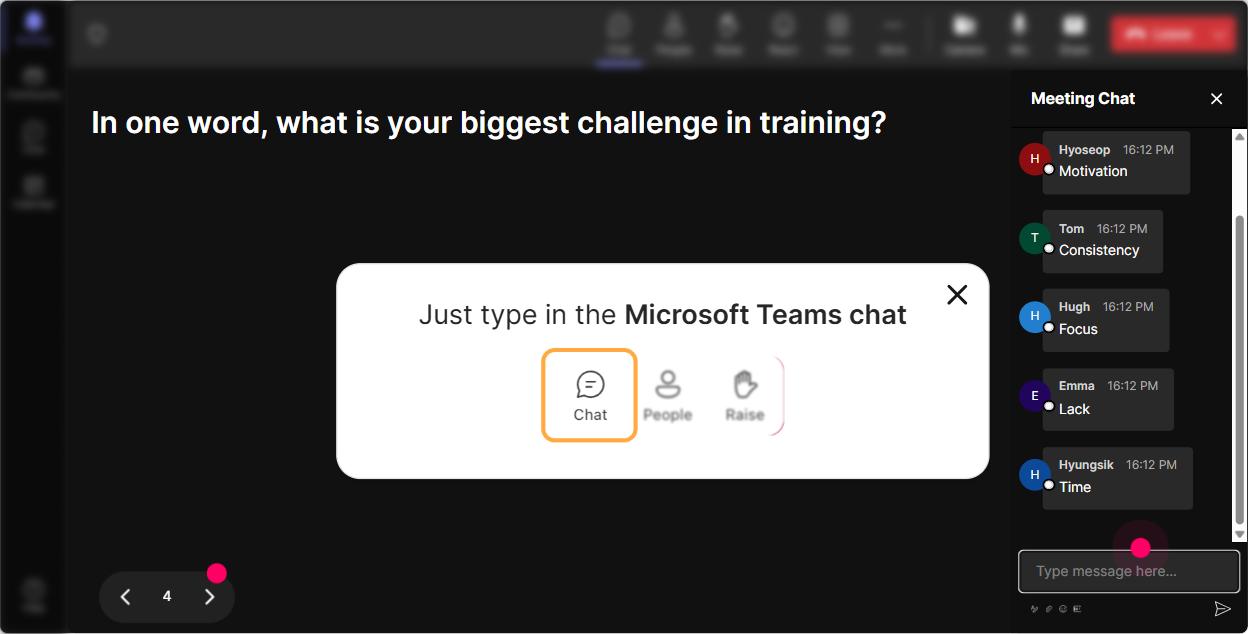
4) Talking Tiles: Turn reflection into something the whole room can learn from
Talking Tiles are great when you want responses longer than a word-but you still want it to feel fun and fast, not like reading paragraphs in a chat box. Use it when you want stories, examples, and real-world trainer moments. Prompts that work really well: - Describe a time you *learned something the hard way*-what made it stick? - Whats one training topic you personally find hard to learn or keep updated on? - Finish this sentence: If my learners remembered ONE thing after my sessions, it would be - Whats one habit you want to build so you learn better each week? Why its gold in a trainer audience: - Trainers learn best from other trainers examples. - You can pull patterns: Im seeing lots of practice and feedback-thats basically retrieval + iteration in action. - It makes reflection feel shared, not private homework.
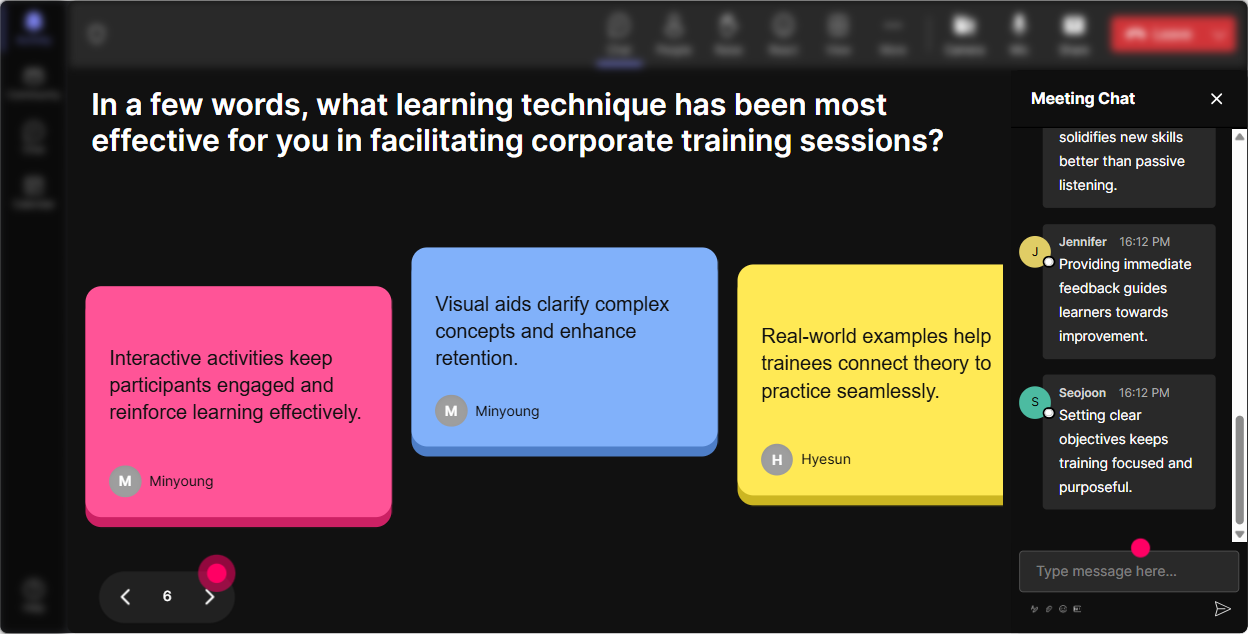
5) Power Polls: Let the room choose the direction (and increase buy-in)
Nothing boosts engagement like letting adults have a say in what happens next. Use a Power Poll to co-create the session flow. Ways to use it in this training: - What do you want to improve most as a trainer? 1) Learner attention 2) Knowledge retention 3) Participation & discussion 4) Post-training application - Which Learning How To Learn tool should we practice first? 1) Spaced repetition 2) Retrieval practice 3) Interleaving 4) Dual coding - Whats your biggest learning challenge right now? 1) Too many priorities 2) I forget quickly 3) I dont get time to practice 4) I dont know what to focus on What to do with the results: - If forget quickly wins, you go straight into retrieval practice + spacing (and youve got instant relevance). - If participation wins, you can talk about how to teach learning strategies *through activities*, not lectures. Bonus: Because results show live, people feel the momentum-like were building this together.
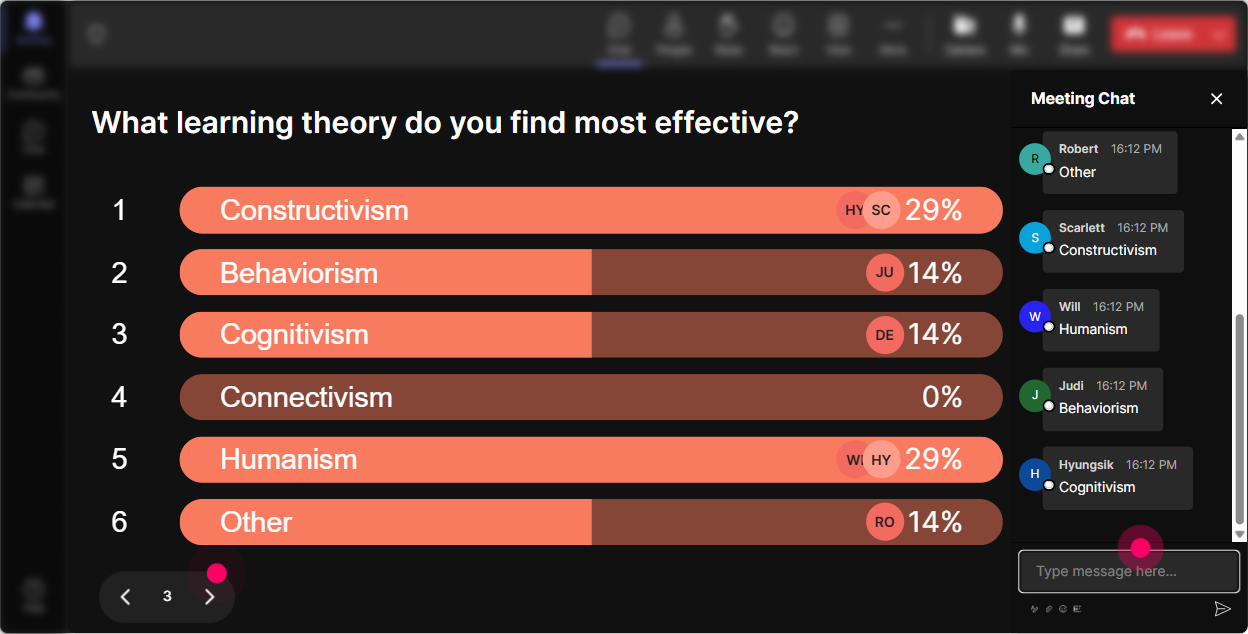
6) Winner Wheel (Spinner Wheel): Make participation feel safe (and a bit exciting)
Every trainer knows the moment: you ask a question, and suddenly everyone becomes a statue. The Spinner Wheel helps because it adds randomness and play-without you calling someone out personally. Simple ways to use it: - Drop one study/learning tactic youve tried in chat. Im going to spin the wheel and ask one person to share the story behind theirs. - Type ME if youre open to unmuting for a 20-second reflection. Wheel will choose. - After our mini activity, everyone type your takeaway. Ill spin and the winner gets bragging rights (or a small prize). Why it works: - Quiet participants have a reason to type (they know it counts). - You can base the wheel on people who commented during a specific interaction, so its fair and transparent. - It keeps energy up-especially after a heavier concept like cognitive load or forgetting curves.
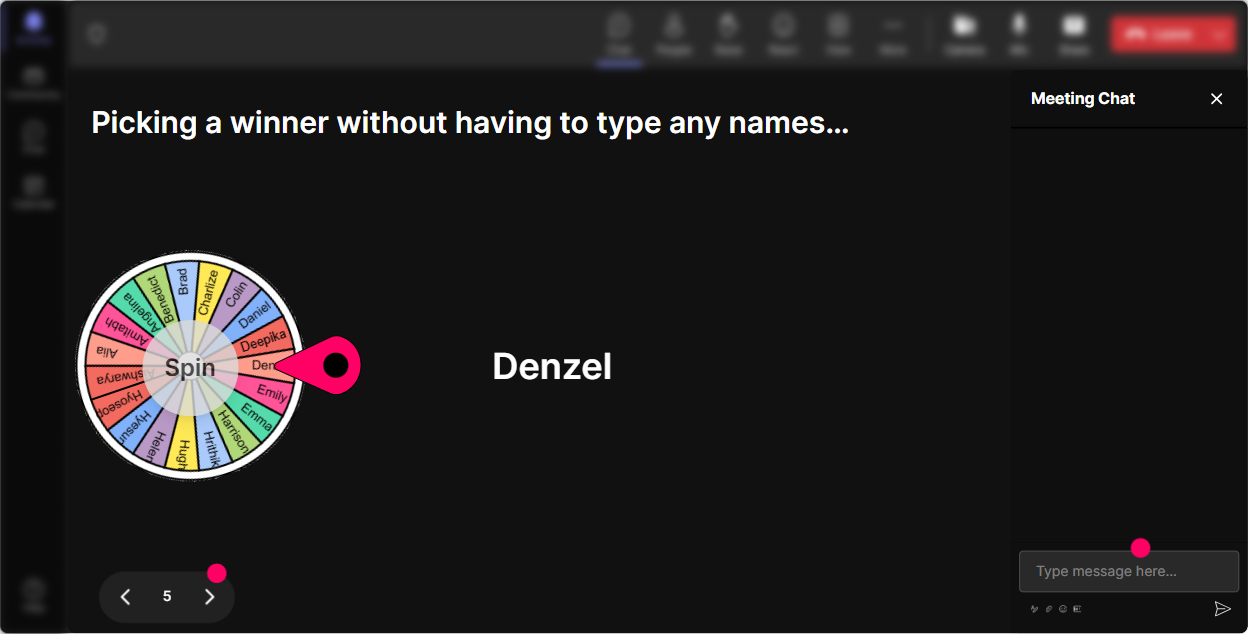
7) Quiz: Do quick knowledge checks that dont feel like school
If youre teaching Learning How To Learn, you should absolutely model one of the best principles: retrieval practice. A StreamAlive Quiz lets you do that in a lightweight, fun way. Quiz questions you can steal: - Which strategy is best for long-term retention? A) Re-reading notes B) Highlighting C) Retrieval practice (correct) D) Studying once for a long session - Spacing works best when you A) Cram everything at once B) Spread practice over time (correct) C) Only watch videos D) Avoid testing yourself - Cognitive load goes up when A) You chunk information (wrong) B) You reduce distractions (wrong) C) You multitask and add extra info (correct) D) You use visuals meaningfully (wrong) How to run it like a trainer (not a test proctor): - Ask the question. - Let them vote in chat. - Reveal the correct answer. - Then immediately ask: Where could you apply this in your next training session? (Thats where learning locks in.)

2) Rating Polls: Get a quick pulse check (without awkward silence)
In Learning How To Learn training, people come in with very different confidence levels. Some have read the books, others are just trying to survive a busy schedule. Use Rating Polls to find out where everyone is-fast. Ideas you can run: - Rate your current ability to *learn something new quickly* (1 = struggling, 10 = I teach others). - How confident are you in *teaching learners how to learn* (110)? - How overloaded does your brain feel today? (1 = fresh, 10 = fried). What this gives you as the facilitator: - Youll know whether to slow down, speed up, or add more examples. - You can call out the reality in the room: Looks like most of us are at a 56. Perfect. Were here to move that needle. - It also helps participants feel seen-especially the quieter ones who wont speak up but will vote.
8) Q&A: Capture questions without losing the thread
In a busy live session, questions get buried in chat fast-especially if your audience is active (which is the goal). StreamAlive Q&A automatically detects and collects questions from chat so you can actually address them without scrolling like a maniac. Ways to use it in Learning How To Learn training: - Set a norm early: If its a question, start with Q: and StreamAlive will pick it up. - Park-and-return style: I see a great question about teaching spaced repetition to resistant learners-lets finish this demo, then well come right back. - End with a tight Q&A sprint: Weve got 6 questions captured. Lets hit the top ones. This is especially helpful when trainers ask nuanced stuff like: - How do I teach retrieval practice without making learners feel tested? - How do I do spacing in a one-hour session? - What do I do when learners demand more content instead of practice?

9) Analytics: After the session, learn what worked (so your next one is even better)
If youre running Learning How To Learn training, it makes sense to practice it yourself as a facilitator: reflect, review, improve. StreamAlive Analytics shows you how engagement changed minute-by-minute, which interactions got the most responses, and who your most engaged participants were. How corporate trainers can use this right away: - Spot the dip moments: If chat activity drops during a theory-heavy section, thats a signal to add an interaction or a story next time. - Compare interaction performance: Did the Word Cloud spark more participation than the Poll? Did the Quiz bring people back after a lull? - Identify your top fans (highly engaged attendees): These are often your champions-people you can invite to share examples, become peer facilitators, or pilot new formats. - Share outcomes easily: Send the interaction results and reports to your email or team so you can debrief with stakeholders and prove the session was truly interactive. The bigger win: youre not guessing what engaged your learners-youre improving with real data, session after session.

Use StreamAlive in all your training sessions
StreamAlive isn’t just for
Learning How To Learn
training,
it can also be used for any instructor-led training session directly inside your PowerPoint presentation.
Explore similar traingin ideas: unlocking the potential of StreamAlive
See how StreamAlive transforms live training with engaging events and interactive sessions across industries, directly inside your PowerPoint presentation.

Interactions in action
(it's free)

.svg.png)


