Install StreamAlive for your PowerPoint slides
Learn more

Skills Data Infrastructure Training for Corporate Trainers
StreamAlive helps 9x the audience engagement in your Virtual Instructor-led Trainings (VILT) directly inside your powerpoint presentation.
Make your instructor-led Skills Data Infrastructure training more fun with polls, word clouds, spinner wheels and more
Works inside your existing PowerPoint presentation
Install the StreamAlive app for PowerPoint and see your slides come to life as people participate in your interactions
AI generates audience interactions for you
Let our AI scan your presentation and automatically come up with relevant questions based on the content. Or spend two hours coming up with your own questions, your choice!
Built to work with MS Teams and Zoom
Native apps for Teams and Zoom so you never have to leave your existing workflows
No QR Codes
Chat-powered interactions means your audience doesn’t need to scan QR codes or look at another screen to participate. They just type in the chat!

Quickly approved by your IT team
StreamAlive’s apps for Teams and Zoom means that they have been through rigorous quality assurance and client safety reviews. You’ll find everything an IT team needs to approve the app within the organization within your StreamAlive account.

Youve been asked to run a Skills Data Infrastructure instructor-led training for corporate trainers-and you want people to actually stay with you (not just nod quietly on mute). The easiest way? Turn the topic into a conversation, not a lecture. Heres how StreamAlive can help you keep everyone involved and engaged throughout.
1) Magic Maps: Put your trainers on the map (and instantly break the ice)
Skills Data Infrastructure can feel big and abstract at the start-so begin with something human and simple: location. Ask it, map it live, and youve got instant participation in under 30 seconds. How to use it in your Skills Data Infrastructure ILT: - Kickoff warm-up: Where are you joining from today? (classic, fast, gets everyone typing) - Make it relevant: Which city/region does your learner data come from most often? - Scenario setup: Pick a city where you deliver training the most-drop it in chat. Then you can say: Cool, now lets talk about what it takes to standardize skills data across all these places. Trainer tip: If youre teaching global data consistency, the live map is a perfect visual metaphor-different locations, one infrastructure. Also, if you want clean data, set it to one location per attendee.

2) Rating Polls: Get a quick confidence check before you go deep
Before you jump into frameworks, pipelines, governance, or taxonomies-get a read on the room. Rating Polls give you a fast how are we feeling? pulse check, and people love that its low-effort. Ways to use Rating Polls during Skills Data Infrastructure training: - Opener: On a scale of 110, how confident are you with skills data concepts? - After key sections: Rate how clear skills taxonomy vs. ontology is right now (110). - Readiness check: How ready is your org to standardize skills data? (110) Trainer tip: If the average is low, youll know to slow down and add an example. If its high, you can move faster and keep momentum. Either way, youre teaching based on reality, not guesses.

3) Wonder Words (Word Cloud): Make their feelings and assumptions visible
This is one of the best ways to get people to tell you whats really going on in their heads-without putting anyone on the spot. Ask for 12 words, and the groups vibe shows up instantly. Great Word Cloud prompts for Skills Data Infrastructure: - Skills data infrastructure in two words: what comes to mind? - Whats the biggest challenge with skills data in your org? (12 words) - When you hear data governance, what do you feel? (1 word) Trainer tip: Use the biggest words in the cloud as your agenda. If messy, silos, or taxonomy shows up huge, say: Perfect-lets tackle that first. It makes your session feel customized, not canned.
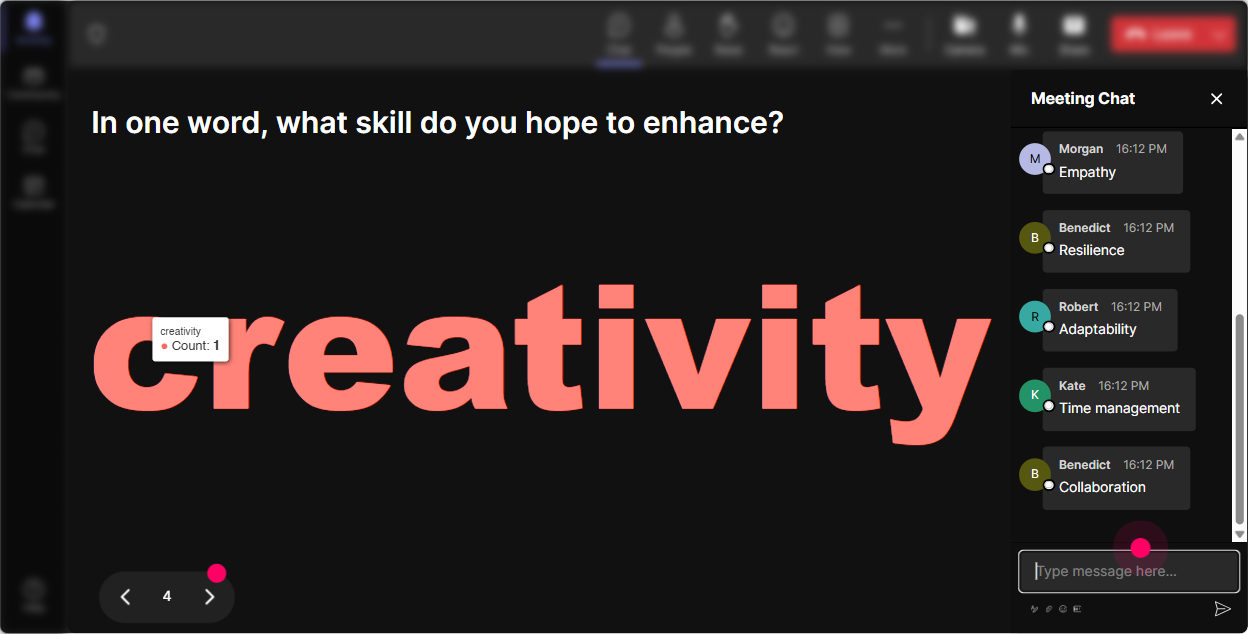
4) Talking Tiles: Turn quiet thinking into a visual group brainstorm
Skills Data Infrastructure impacts job roles in very different ways-L&D, HR, IT, business leaders and even trainers themselves. Talking Tiles is great when you want fuller responses than a poll or word cloud. Use Talking Tiles for prompts like: - Where do skills data problems show up in your training work? Give a real example. - Whats one place skills data is collected in your org today (even informally)? - If we fixed skills data infrastructure tomorrow, what would improve first for you? Trainer tip: This is a killer transition tool. Let the tiles roll in, pick 23 responses on screen, and use them as mini case studies. People pay attention when their words become the content.

5) Power Polls: Let the audience steer what you focus on next
In a corporate training room, people come with different needs. Some want standards and governance, others want practical use cases (recommendations, personalization, reporting). A quick Power Poll helps you prioritize-live. Poll ideas for Skills Data Infrastructure ILT: - What do you want most from today? 1) Taxonomy basics 2) Data governance 3) Tools/architecture overview 4) Use cases (career pathways, personalization) 5) Measurement & reporting - Where is your org today? 1) No skills framework 2) Framework exists but not used 3) Used in pockets 4) Standardized across teams Trainer tip: Show results immediately and say, Alright, Im going to spend extra time on the top two. That one line boosts trust and attention because people feel heard.
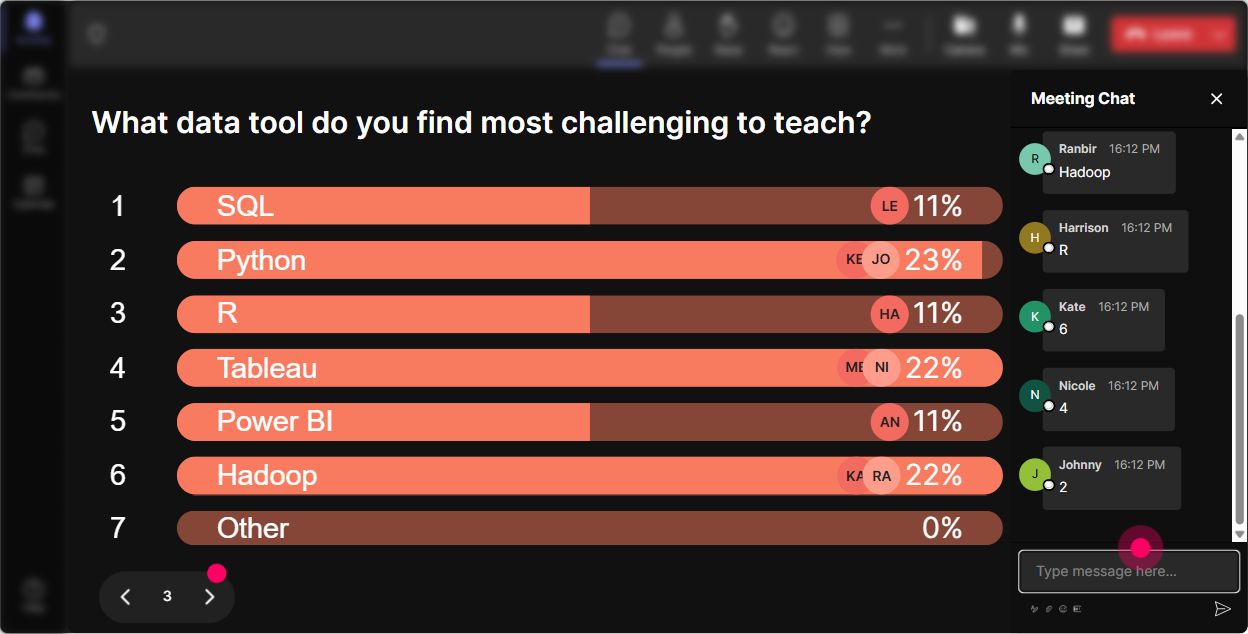
6) Winner Wheel (Spinner Wheel): Get participation without awkward volunteering
You know that moment: you ask a question and everyone suddenly becomes extremely interested in their mute button. Winner Wheel fixes that in a fun, fair way-because its random and it feels like a game. How to use it in Skills Data Infrastructure training: - After a discussion prompt: Drop one example of a skills data source youve seen (LMS, HRIS, spreadsheets, surveys). Im spinning the wheel to pick someone to explain theirs. - For recap moments: Type ONE takeaway from the last section. Wheel chooses someone to share theirs out loud. - For small rewards: Everyone who answered the poll is eligible-spin for a coffee voucher / shoutout / resource pack. Trainer tip: Make it safe. Say: If you get picked and youd rather pass, just say pass-no pressure. People still participate more because the vibe stays light.
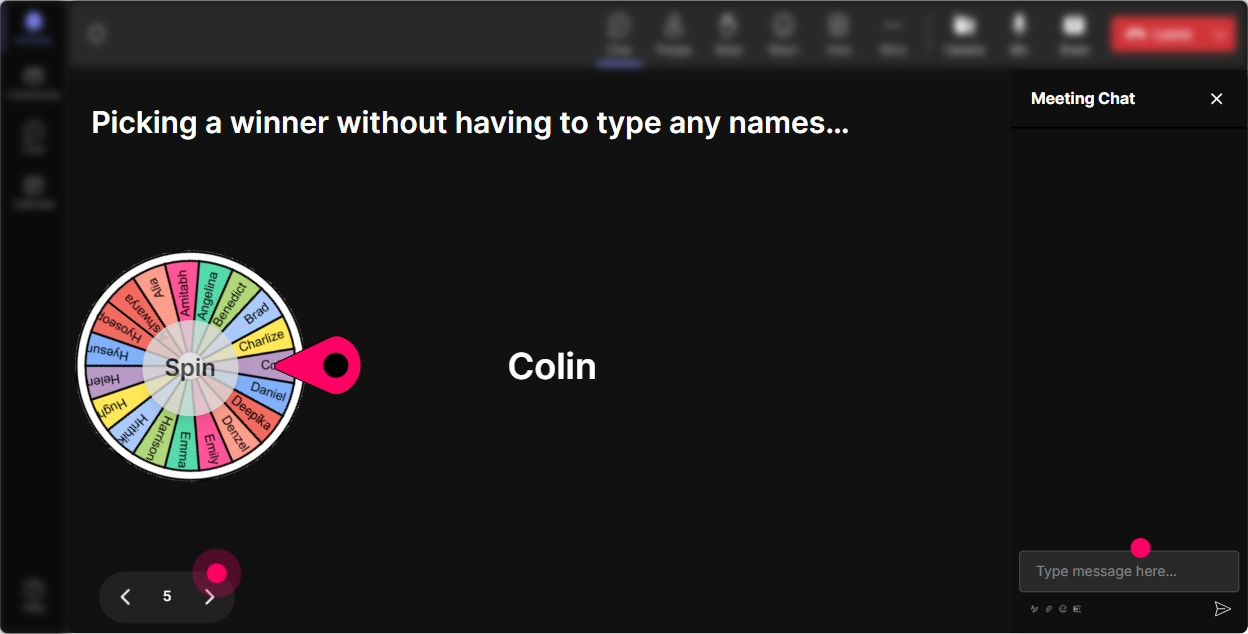
7) Quiz: Do quick knowledge checks that dont feel like a test
Quizzes are perfect for Skills Data Infrastructure because there are lots of terms that sound similar. A quick multiple-choice check keeps people alert and helps you catch confusion early. Quiz questions you can use (with one correct answer): - Which best describes a skills taxonomy? 1) A structured list/hierarchy of skills (Correct) 2) A dashboard for learning metrics 3) A payroll system 4) A content library - Whats the biggest benefit of standardized skills IDs? 1) Consistent reporting across systems (Correct) 2) More slide decks 3) Fewer stakeholder meetings 4) Faster Wi-Fi - Where does skills data infrastructure usually fail first? 1) Governance & ownership (Correct) 2) Slide design 3) Zoom settings 4) Icebreakers Trainer tip: Dont rush to reveal the correct answer. Let people debate for 2030 seconds, then reveal it. That micro-tension drives attention up fast.

2) Rating Polls: Get a quick confidence check before you go deep
Before you jump into frameworks, pipelines, governance, or taxonomies-get a read on the room. Rating Polls give you a fast how are we feeling? pulse check, and people love that its low-effort. Ways to use Rating Polls during Skills Data Infrastructure training: - Opener: On a scale of 110, how confident are you with skills data concepts? - After key sections: Rate how clear skills taxonomy vs. ontology is right now (110). - Readiness check: How ready is your org to standardize skills data? (110) Trainer tip: If the average is low, youll know to slow down and add an example. If its high, you can move faster and keep momentum. Either way, youre teaching based on reality, not guesses.
8) Q&A: Capture questions cleanly-without losing the chat
Skills Data Infrastructure brings up lots of but what about questions-systems, privacy, owners, integrations, change management. StreamAlives Q&A helps you collect questions directly from chat so youre not scrolling forever trying to find that one great question. Ways to use Q&A smoothly: - Set a rule: If you have a question, start it with Q: in chat. - Park questions: Ill handle quick ones as we go and do a 10-minute Q&A block near the end. - Use it for FAQs: Drop your biggest question about implementing skills data infrastructure in a real org. Trainer tip: When you answer, call out the persons name. It makes the session feel personal, and it nudges others to ask better questions too.

9) Analytics: After the session, learn what actually engaged your audience
This is the part most trainers skip-but its how you get better fast. StreamAlive analytics shows you what parts of your Skills Data Infrastructure training got people chatting, where attention dipped, and which interactions landed. How trainers use Analytics after Skills Data Infrastructure ILT: - Spot engagement peaks: Oh-chat spiked during the data sources section. I should expand that next time. - Fix the boring parts: Engagement dropped during the architecture slide I need a poll or example right there. - Identify your most engaged attendees: Great for follow-ups, champions, or pilot groups. - Share outcomes: Email interaction results to yourself or your team as a quick debrief. Trainer tip: Treat analytics like your co-facilitator. It tells you what the room cared about-so your next delivery feels tighter, faster, and way more engaging.

Use StreamAlive in all your training sessions
StreamAlive isn’t just for
Skills Data Infrastructure
training,
it can also be used for any instructor-led training session directly inside your PowerPoint presentation.
Explore similar traingin ideas: unlocking the potential of StreamAlive
See how StreamAlive transforms live training with engaging events and interactive sessions across industries, directly inside your PowerPoint presentation.

Interactions in action
(it's free)

.svg.png)


