Install StreamAlive for your PowerPoint slides
Learn more

AI adoption Training for IT support teams
StreamAlive helps 9x the audience engagement in your Virtual Instructor-led Trainings (VILT) directly inside your powerpoint presentation.
Make your instructor-led AI adoption training more fun with polls, word clouds, spinner wheels and more
Works inside your existing PowerPoint presentation
Install the StreamAlive app for PowerPoint and see your slides come to life as people participate in your interactions
AI generates audience interactions for you
Let our AI scan your presentation and automatically come up with relevant questions based on the content. Or spend two hours coming up with your own questions, your choice!
Built to work with MS Teams and Zoom
Native apps for Teams and Zoom so you never have to leave your existing workflows
No QR Codes
Chat-powered interactions means your audience doesn’t need to scan QR codes or look at another screen to participate. They just type in the chat!

Quickly approved by your IT team
StreamAlive’s apps for Teams and Zoom means that they have been through rigorous quality assurance and client safety reviews. You’ll find everything an IT team needs to approve the app within the organization within your StreamAlive account.

Youve been tasked with leading an AI adoption training for IT support teams and you want to sprinkle a bit of magic to make it engaging and memorable. How do you do it? Lets dive in!
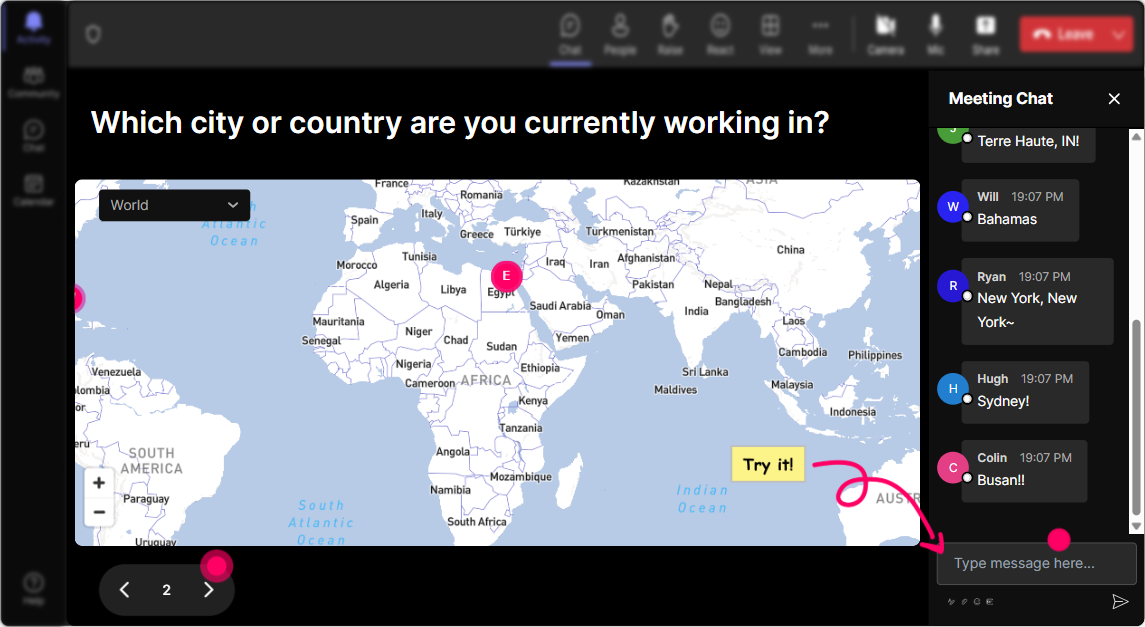
Magic Maps: Put Your Audience on the Map
Start by breaking the ice. Ask your audience Where are you joining us from? and watch as their locations pop up on a real-time map. Not only is it a fun visual, its a great way to show the diversity of your session. For a bit more flavor, try Which earth city would you love to visit if you could teleport right now?
Rating Poll: Gauge AI Adoption Knowledge
Right from the get-go, find out everyones baseline knowledge with a quick Rating Poll. Something like, On a scale from 1 to 5, how familiar are you with AI adoption strategies? This gives you a sense of where to focus your attention and how deep to dive into your topics.

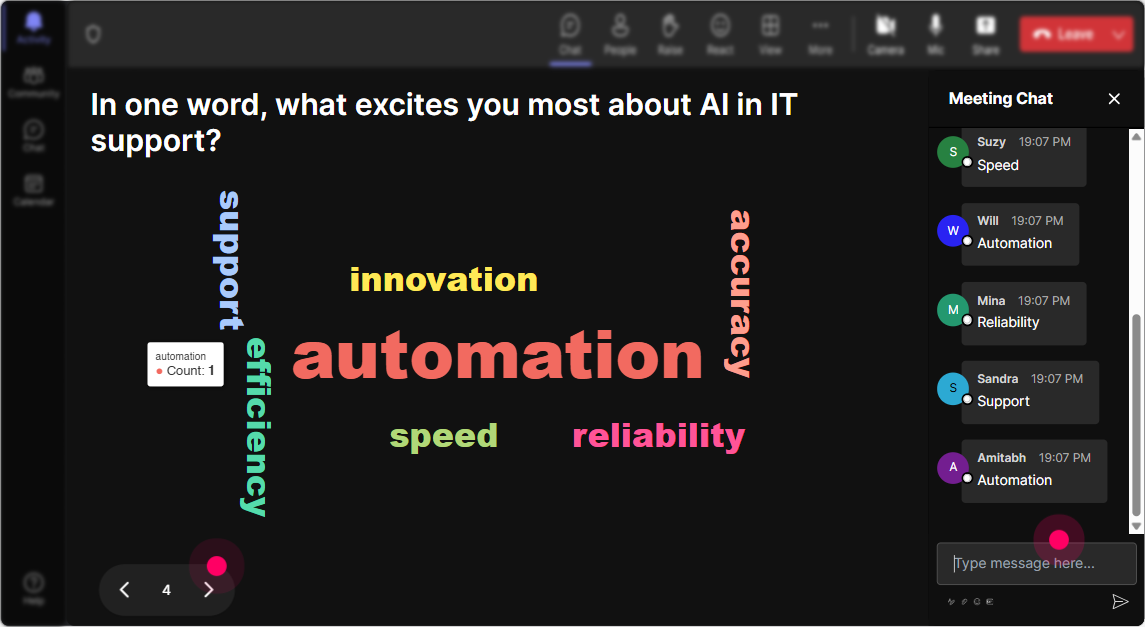
Wonder Words: Feel the AI Adoption Vibes
Create a real-time word cloud to gather how your audience truly feels about AI adoption training. Are they excited? Nervous? Perhaps a bit skeptical? Just ask Whats one word that describes how you feel about AI at work? Perfect to set the tone for your session!
Talking Tiles: Discuss AI Impact Visually
Heres a cool one: Get audience opinions on how AI adoption impacts their roles by letting their responses cascade down the screen like a Tetris game. Its a lively touch that makes conversation visually appealing. Ask How do you think AI will influence your day-to-day work? and watch the answers roll in.

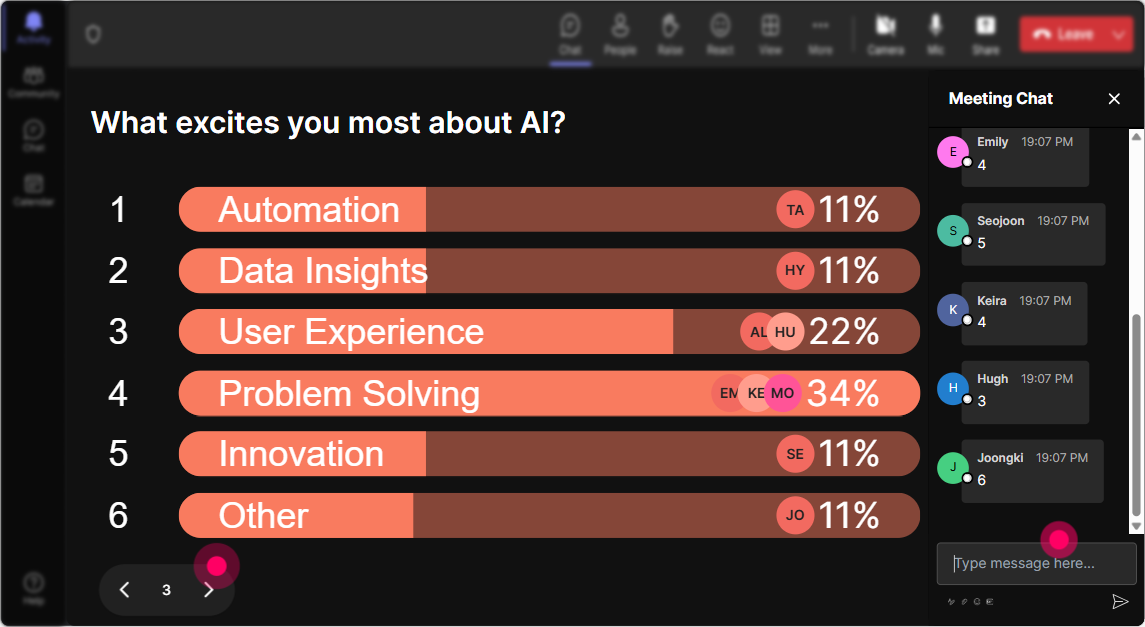
Power Polls: Discover Key AI Interests
Use Power Polls to figure out what aspect of AI adoption sparks the most curiosity among your attendees. Maybe ask, Which AI application is most intriguing to you: Machine Learning, Natural Language Processing, or Predictive Analytics? Let the voting begin!
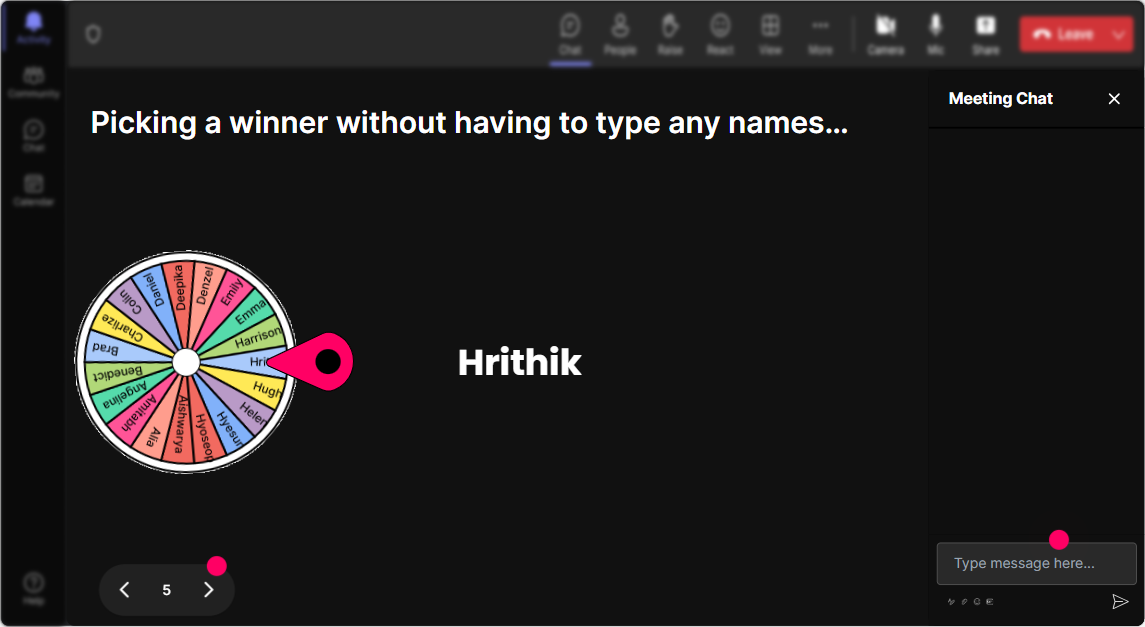
Winner Wheel: Randomly Select Your Speaker
Want to inject some light-hearted fun? Use the Spinner Wheel to randomly pick a volunteer to unmute and share their thoughts on AI adoption. The suspense builds up engagement and the spotlight gives everyone a chance to contribute!
Quiz: Test Their AI Knowledge
Challenge the crowd with a fun multiple-choice question. For instance, ask, Which of the following is primarily used in AI: Python, Java, or HTML? and let them submit their answers. A great way to review learning outcomes in real-time.

Rating Poll: Gauge AI Adoption Knowledge
Right from the get-go, find out everyones baseline knowledge with a quick Rating Poll. Something like, On a scale from 1 to 5, how familiar are you with AI adoption strategies? This gives you a sense of where to focus your attention and how deep to dive into your topics.
Q&A: Keep Questions Flowing and Organized
StreamAlives Quick Questions feature simplifies Q&A. Forget sifting through hundreds of chat messages-questions are automatically pulled into one place. Its seamless and ensures that no burning inquiries go unanswered during your session.

Analytics: Reflect on Your Engagement Success
Wrap up your session by diving into StreamAlives analytics. Discover which parts of your presentation captivated the audience most, identify your most engaged participants, and even share comprehensive insights with your team later. Its all about growing and making each session even more engaging than the last!

Use StreamAlive in all your training sessions
StreamAlive isn’t just for
AI adoption
training,
it can also be used for any instructor-led training session directly inside your PowerPoint presentation.
Explore similar traingin ideas: unlocking the potential of StreamAlive
See how StreamAlive transforms live training with engaging events and interactive sessions across industries, directly inside your PowerPoint presentation.

Interactions in action
(it's free)

.svg.png)


