Install StreamAlive for your PowerPoint slides
Learn more

Applied AI Training for ecommerce teams
StreamAlive helps 9x the audience engagement in your Virtual Instructor-led Trainings (VILT) directly inside your powerpoint presentation.
Make your instructor-led Applied AI training more fun with polls, word clouds, spinner wheels and more
Works inside your existing PowerPoint presentation
Install the StreamAlive app for PowerPoint and see your slides come to life as people participate in your interactions
AI generates audience interactions for you
Let our AI scan your presentation and automatically come up with relevant questions based on the content. Or spend two hours coming up with your own questions, your choice!
Built to work with MS Teams and Zoom
Native apps for Teams and Zoom so you never have to leave your existing workflows
No QR Codes
Chat-powered interactions means your audience doesn’t need to scan QR codes or look at another screen to participate. They just type in the chat!

Quickly approved by your IT team
StreamAlive’s apps for Teams and Zoom means that they have been through rigorous quality assurance and client safety reviews. You’ll find everything an IT team needs to approve the app within the organization within your StreamAlive account.

Imagine you've got to lead a training on Applied AI for ecommerce teams, and the challenge is to keep it engaging and lively. How do you make that happen effortlessly? Let's dive into some neat ideas.
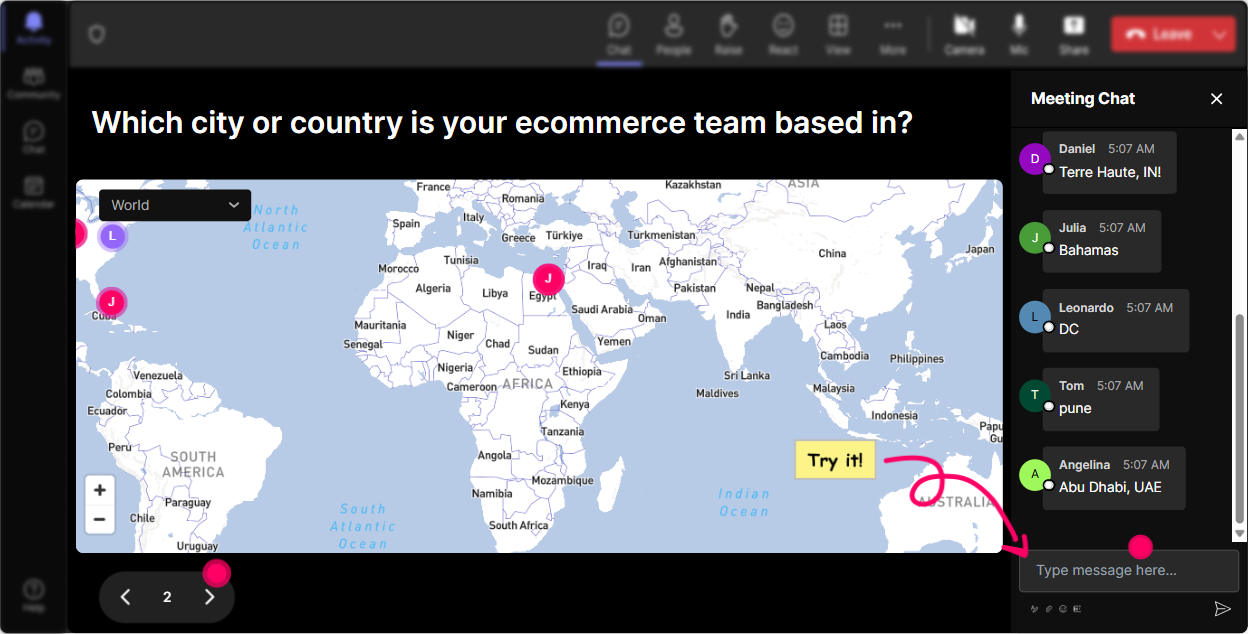
Put Them on the Map
Break the ice by getting everyone involved straight away! Ask your ecommerce trainees where theyre dialing in from or maybe even what their dream travel destination is. Use Magic Maps to visualize these answers in real-time. It's a fun way to personalize the beginning of your session, get people chatting, and see a geographical spread of your attendees.
Gauge the AI Know-How
Start with a Rating Poll to assess your trainees' current understanding of Applied AI. Are they complete newbies, or do they have some experience under their belt? Its a quick and effective way to tailor your sessions complexity and ensure nobody gets left behind or feels bored.

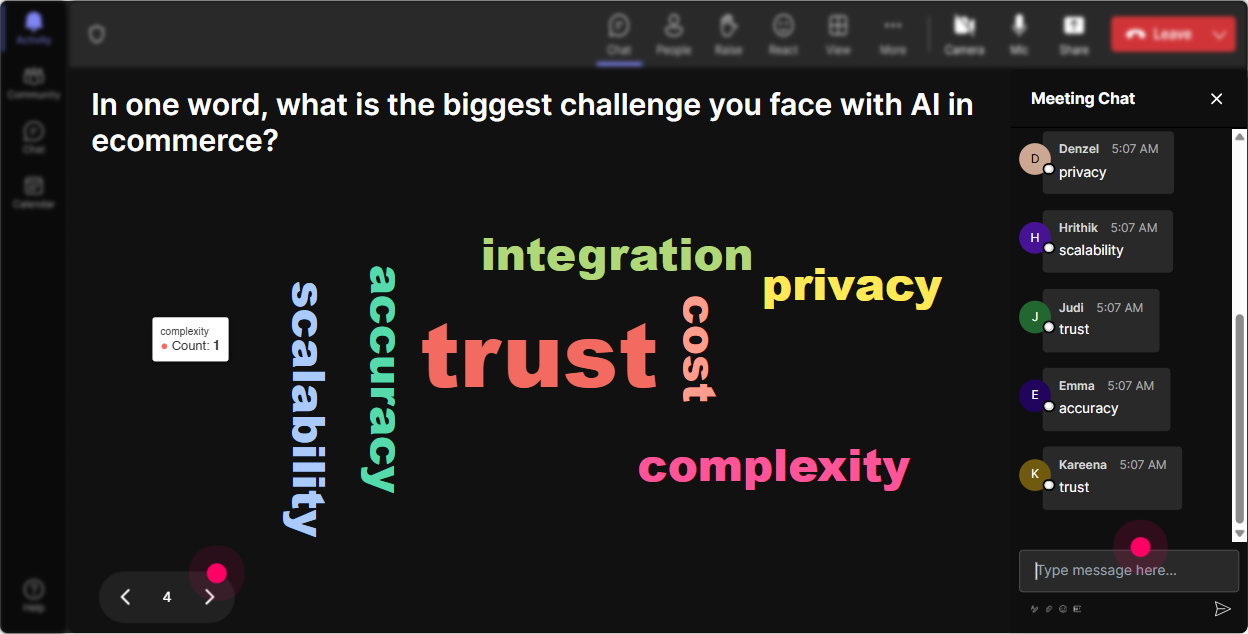
Feelings About AI
Create a Word Cloud and ask participants how they feel about Applied AI. Are they excited or a bit scared? Maybe curious or skeptical? This visual interaction will let you address any fears or hesitations on the spot and make a real-time opportunity to drive meaningful conversations.
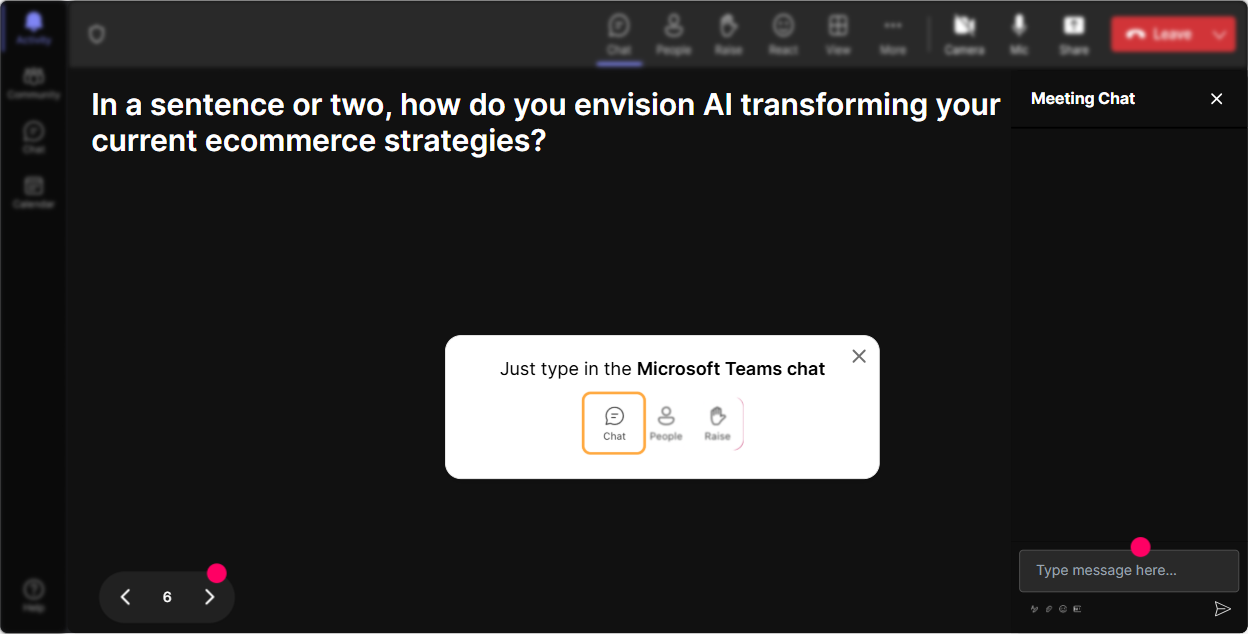
Tiles of Insight
Get into the nitty-gritty of how Applied AI impacts daily roles with Talking Tiles. Let your ecommerce team members share personal stories or predictions about AIs influence in their job, turning their words into a dynamic, visual experience!
Pick Their AI Interest
Use Polls to find out which aspects of Applied AI captivate your audience the most. Do they want to delve deeper into machine learning, chatbots, or data analytics? Direct your focus based on their preferences and make sure everyone gets value from your training.

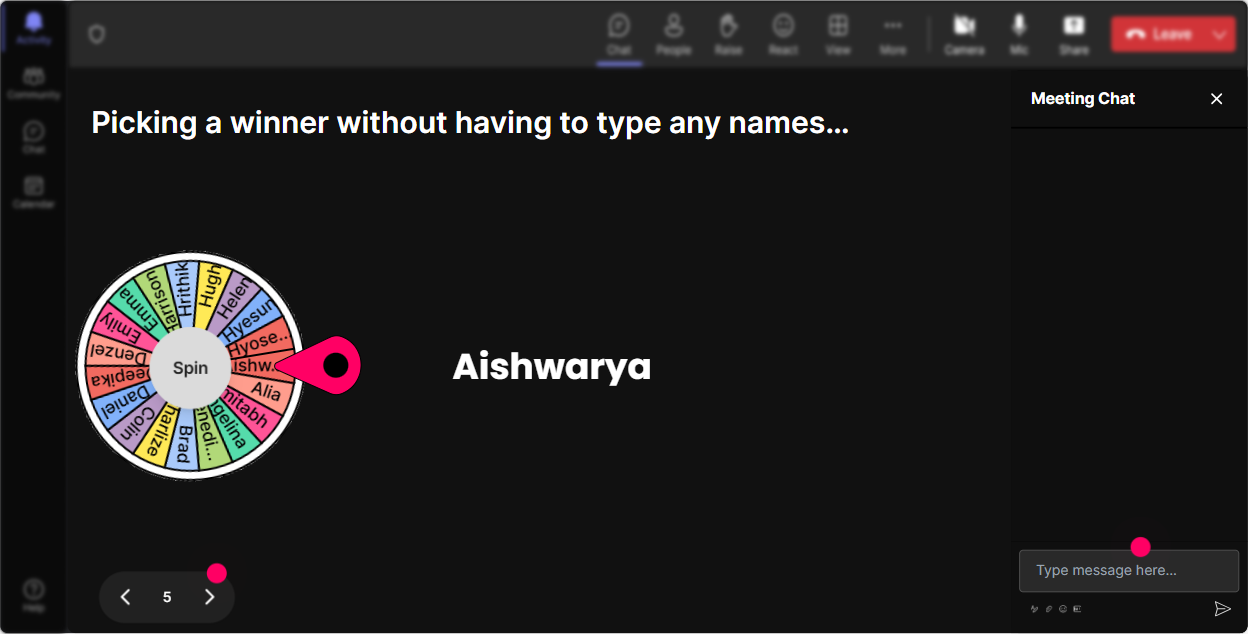
Spin to Speak
Need someone brave enough to discuss their experience with AI? Introduce the Spinner Wheel. Spin it and see who will share with the group. Its a playful way to involve people without making it feel forced or awkward.
Quick AI Quiz
Quiz your audience with a multiple-choice question related to Applied AI. Make it a little fun competition by offering small rewards for correct answers! This gets those cognitive juices flowing and keeps spirits high.

Gauge the AI Know-How
Start with a Rating Poll to assess your trainees' current understanding of Applied AI. Are they complete newbies, or do they have some experience under their belt? Its a quick and effective way to tailor your sessions complexity and ensure nobody gets left behind or feels bored.
Seamless Q&A
StreamAlive picks audience questions directly from the chat, no separate Q&A box needed. Youll handle inquiries on the fly, keeping the session smooth and letting everyones voice be heard effortlessly.

Understanding Engagement
After your session, dive into analytics to see how engaged folks were. Find out who your session stars were and which parts of your presentation held the most interest. Share these insights with your team, beaming them over via Teams or email, to collectively refine future sessions.

Use StreamAlive in all your training sessions
StreamAlive isn’t just for
Applied AI
training,
it can also be used for any instructor-led training session directly inside your PowerPoint presentation.
Explore similar traingin ideas: unlocking the potential of StreamAlive
See how StreamAlive transforms live training with engaging events and interactive sessions across industries, directly inside your PowerPoint presentation.

Interactions in action
(it's free)

.svg.png)


