Install StreamAlive for your PowerPoint slides
Learn more

Talent Marketplaces Training for Corporate Trainers
StreamAlive helps 9x the audience engagement in your Virtual Instructor-led Trainings (VILT) directly inside your powerpoint presentation.
Make your instructor-led Talent Marketplaces training more fun with polls, word clouds, spinner wheels and more
Works inside your existing PowerPoint presentation
Install the StreamAlive app for PowerPoint and see your slides come to life as people participate in your interactions
AI generates audience interactions for you
Let our AI scan your presentation and automatically come up with relevant questions based on the content. Or spend two hours coming up with your own questions, your choice!
Built to work with MS Teams and Zoom
Native apps for Teams and Zoom so you never have to leave your existing workflows
No QR Codes
Chat-powered interactions means your audience doesn’t need to scan QR codes or look at another screen to participate. They just type in the chat!

Quickly approved by your IT team
StreamAlive’s apps for Teams and Zoom means that they have been through rigorous quality assurance and client safety reviews. You’ll find everything an IT team needs to approve the app within the organization within your StreamAlive account.

Youve been asked to run an instructor-led session on Talent Marketplaces for corporate trainers-and you want people to actually stay with you (not just be present on Zoom/Teams). The easiest way? Build in small moments where everyone participates. Here are simple, trainer-friendly ideas using StreamAlive to keep engagement up to 9x higher throughout your session.
1) Magic Maps: Start with whos in the room? (and make it fun)
Talent Marketplace sessions often include people from different regions, business units, or even countries-so use that to your advantage right away. How to use it in your Talent Marketplaces ILT: - Kickoff icebreaker: Where are you joining from today? StreamAlive plots everyone on a live map, so you instantly create that were in this together vibe. - Make it topic-relevant: Where is your Talent Marketplace program currently most active-HQ, regional offices, or everywhere? (Ask them to enter a city/region.) - Future-focused question: If you could benchmark one companys internal mobility program anywhere on earth, where would you go? Trainer tip: If you want clean data, set it to one location per person. Then call out clusters like, Wow, big group from Singapore-whats driving internal mobility there? Thats instant participation without forcing anyone to speak.

2) Rating Polls: Get a quick skills/comfort pulse in 10 seconds
Before you go deep, you want to know where people are starting from-without doing awkward introductions or long surveys. How to use it in your Talent Marketplaces ILT: - Readiness check: On a scale of 110, how confident are you explaining what a Talent Marketplace is? - Reality check: How mature is your orgs internal mobility approach today? (1 = barely exists, 10 = running like a machine) - After a key concept: How clear is the difference between internal gigs, projects, and full role moves? (110) Trainer tip: When you see the average, narrate it like you would in a classroom: Okay, were sitting around a 5-perfect, that tells me well slow down on terminology and do examples. People feel seen, and they stay engaged.

3) Wonder Words (Word Cloud): Let them tell you what Talent Marketplaces feels like
Word clouds are gold for Talent Marketplace training because the topic can trigger very different emotions-excitement for some, skepticism for others. How to use it in your Talent Marketplaces ILT: - Quick opener: In 12 words, what comes to mind when you hear Talent Marketplace? - Change management moment: Whats the biggest barrier in your org? One or two words. (Youll see stuff like managers, time, policy, fear.) - After explaining benefits: Whats the #1 outcome you want from internal mobility? (Examples: retention, growth, skills, speed.) Trainer tip: Use Combine Similar Answers so reskilling and re-skilling dont split votes. Then respond to the biggest words live: Managers is huge here-lets talk about the manager value prop next.
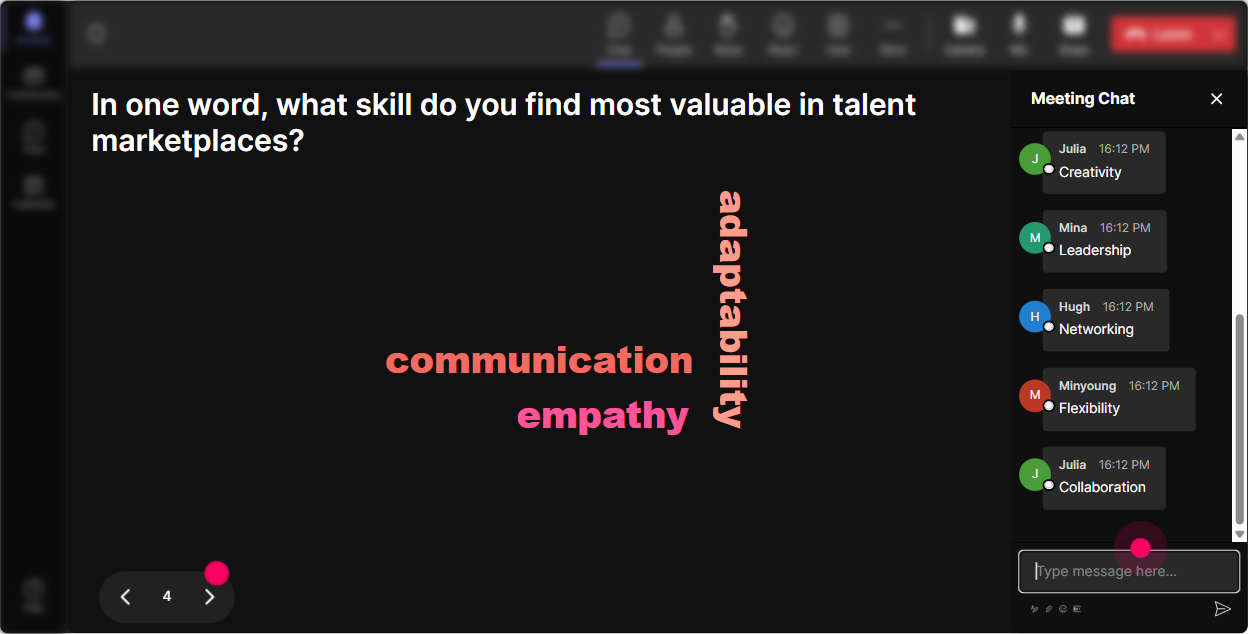
4) Talking Tiles: Turn longer answers into a live, visual brainstorm
When you want more than one-word answers-but you still want it to feel lively-Talking Tiles is perfect. It makes the chat feel like a real group activity. How to use it in your Talent Marketplaces ILT: - Practical reflection: Where could a Talent Marketplace help your learners most-hiring, retention, reskilling, career paths, project staffing? Tell me why in one sentence. - Trainer-focused prompt: If you train managers, whats the hardest question you get about internal mobility? Type it out. - Implementation thinking: Whats one policy/process in your org that could accidentally block internal moves? Trainer tip: As tiles fall in, pick 23 to read aloud and react to. People love hearing their point highlighted-and suddenly more people type because it feels like a real conversation, not a lecture.
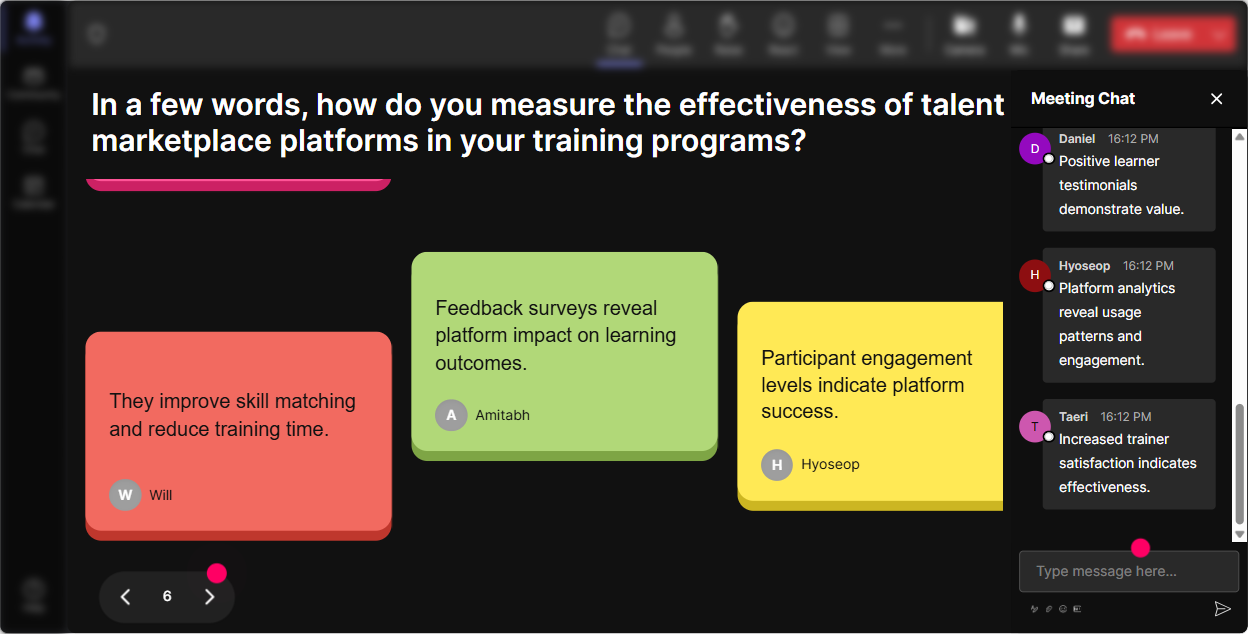
5) Power Polls: Let the group choose the agenda (and buy into it)
Talent Marketplace training can go in a bunch of directions-governance, tech, skills taxonomy, manager adoption, comms, measurement. Instead of guessing what they care about, just let them vote. How to use it in your Talent Marketplaces ILT: - Agenda voting: What do you want to spend the most time on today? 1) Internal gigs/projects 2) Skills + profiles 3) Manager adoption 4) Governance + fairness 5) Measurement (KPIs) - Decision point: Which rollout approach is most realistic for your org? 1) Pilot with one business unit 2) Start with gigs/projects 3) Launch enterprise-wide 4) Still exploring Trainer tip: Show results live and say, Cool-manager adoption is winning. Ill adjust and well go heavier there. That one moment builds trust fast.
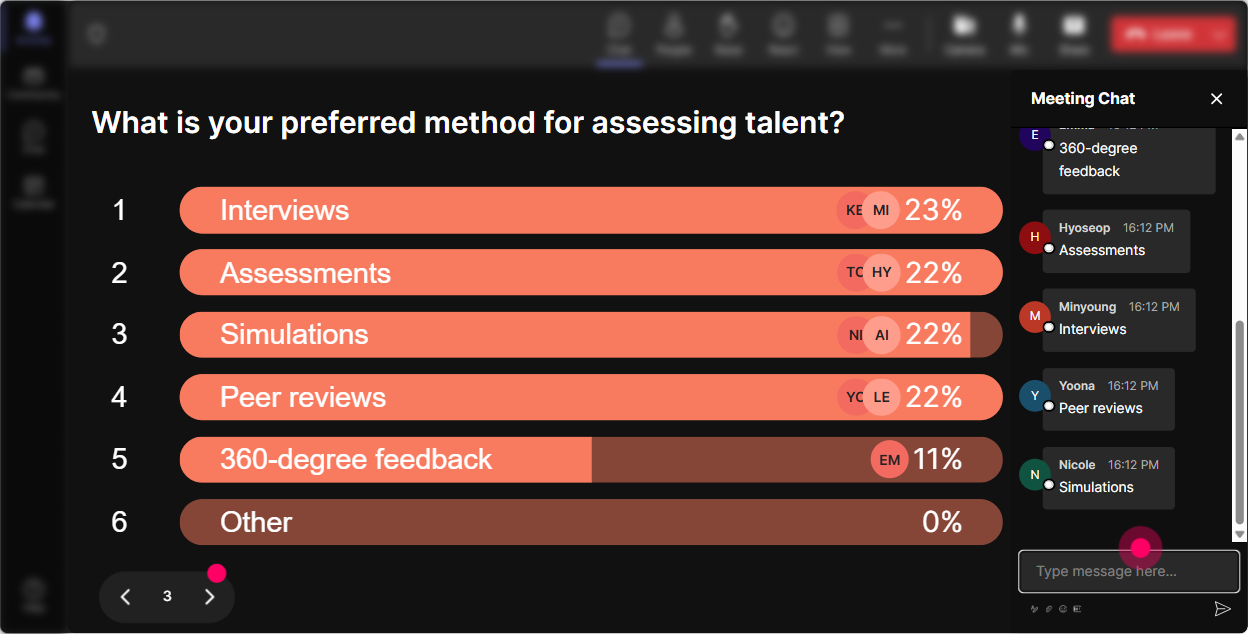
6) Winner Wheel (Spinner Wheel): Get volunteers without the awkward silence
You know that moment when you ask, Any volunteers? and the room goes dead? Winner Wheel fixes that-because it feels playful, not pushy. How to use it in your Talent Marketplaces ILT: - Light call-out: Im going to ask one person to share a quick example of internal mobility at your company-Wheel will pick from people who commented. - Mini-coach moment: Type YES if youre open to unmuting for 30 seconds. Ill spin the wheel. - Review activity: Everyone drop one benefit of a Talent Marketplace in chat. Ill spin to pick someone to explain theirs. Trainer tip: Set the criteria to people who participated in the last interaction. It rewards engagement and gently nudges quiet folks to type at least once.
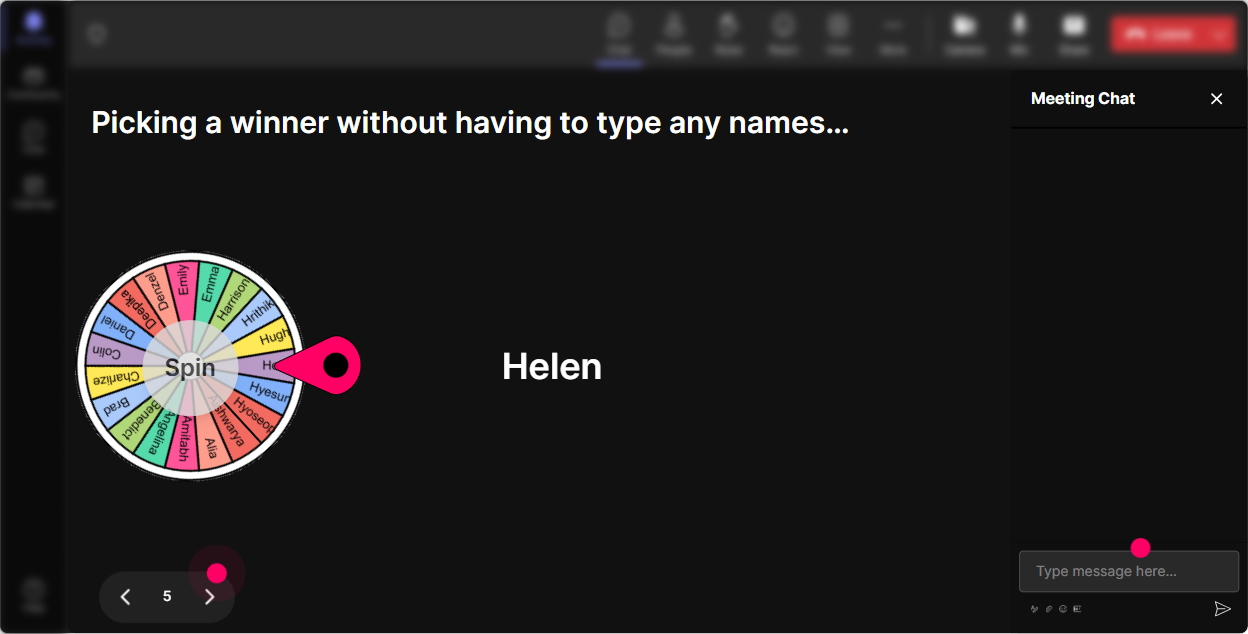
7) Quiz: Turn your knowledge checks into a game (not a test)
Talent Marketplace training has a lot of terms that sound similar. A quick quiz clears confusion fast-and keeps energy up. How to use it in your Talent Marketplaces ILT: - Definition check: Which is the best description of a Talent Marketplace? 1) A job board for internal roles only 2) A system matching people to opportunities based on skills (roles, gigs, projects) 3) A learning platform 4) A performance review tool (Correct: 2) - Governance check: Whats the biggest risk if internal gigs have no clear rules? 1) Too much learning 2) Unfair access / favoritism perception 3) Faster project delivery 4) Higher engagement (Correct: 2) Trainer tip: Dont reveal the correct answer immediately-ask, Why did you pick that? Then hit Show Correct Answer. That short discussion is where the learning sticks.

2) Rating Polls: Get a quick skills/comfort pulse in 10 seconds
Before you go deep, you want to know where people are starting from-without doing awkward introductions or long surveys. How to use it in your Talent Marketplaces ILT: - Readiness check: On a scale of 110, how confident are you explaining what a Talent Marketplace is? - Reality check: How mature is your orgs internal mobility approach today? (1 = barely exists, 10 = running like a machine) - After a key concept: How clear is the difference between internal gigs, projects, and full role moves? (110) Trainer tip: When you see the average, narrate it like you would in a classroom: Okay, were sitting around a 5-perfect, that tells me well slow down on terminology and do examples. People feel seen, and they stay engaged.
8) Q&A (Quick Questions): Catch every question without losing your flow
Talent Marketplace sessions trigger a lot of Wait-how would that work here? questions. The problem is: in chat, great questions get buried. How to use it in your Talent Marketplaces ILT: - Tell people upfront: Drop questions anytime in chat-StreamAlive will capture them for me. - Use it at natural breaks: after definitions, after the operating model section, and before closing. - Common prompts to invite questions: - Whats the toughest stakeholder to win over in your org? - What would stop this from being fair and transparent? - Whats one metric leadership will actually care about? Trainer tip: When someone asks something youll cover later, say, Love that-captured. Im parking it and well hit it in 10 minutes. People relax because they know it wont be missed.

9) Analytics: Improve every run of this training (without guessing)
If you deliver Talent Marketplace training more than once-Analytics is how you get better every time. How to use it in your Talent Marketplaces ILT: - Minute-by-minute engagement: Spot exactly where attention drops (maybe during governance slides) and where it spikes (usually during examples, polls, or debate). - Interaction reports: See which questions got the most participation-so next time you lead with what works. - Identify your top fans: Find the most engaged participants (often your future champions) and follow up with them after the session. - Email/share results: Send the report to yourself or your team, or use it to debrief with stakeholders: Heres what people struggled with, heres what theyre excited about, and heres what we should reinforce. Trainer tip: Use the data to tweak your run-of-show: if engagement jumps right after a quiz, add another quiz right before your most complex section. Thats how you keep the room with you the whole time.

Use StreamAlive in all your training sessions
StreamAlive isn’t just for
Talent Marketplaces
training,
it can also be used for any instructor-led training session directly inside your PowerPoint presentation.
Explore similar traingin ideas: unlocking the potential of StreamAlive
See how StreamAlive transforms live training with engaging events and interactive sessions across industries, directly inside your PowerPoint presentation.

Interactions in action
(it's free)

.svg.png)


