Install StreamAlive for your PowerPoint slides
Learn more

AI implementation Training for infection control teams
StreamAlive helps 9x the audience engagement in your Virtual Instructor-led Trainings (VILT) directly inside your powerpoint presentation.
Make your instructor-led AI implementation training more fun with polls, word clouds, spinner wheels and more
Works inside your existing PowerPoint presentation
Install the StreamAlive app for PowerPoint and see your slides come to life as people participate in your interactions
AI generates audience interactions for you
Let our AI scan your presentation and automatically come up with relevant questions based on the content. Or spend two hours coming up with your own questions, your choice!
Built to work with MS Teams and Zoom
Native apps for Teams and Zoom so you never have to leave your existing workflows
No QR Codes
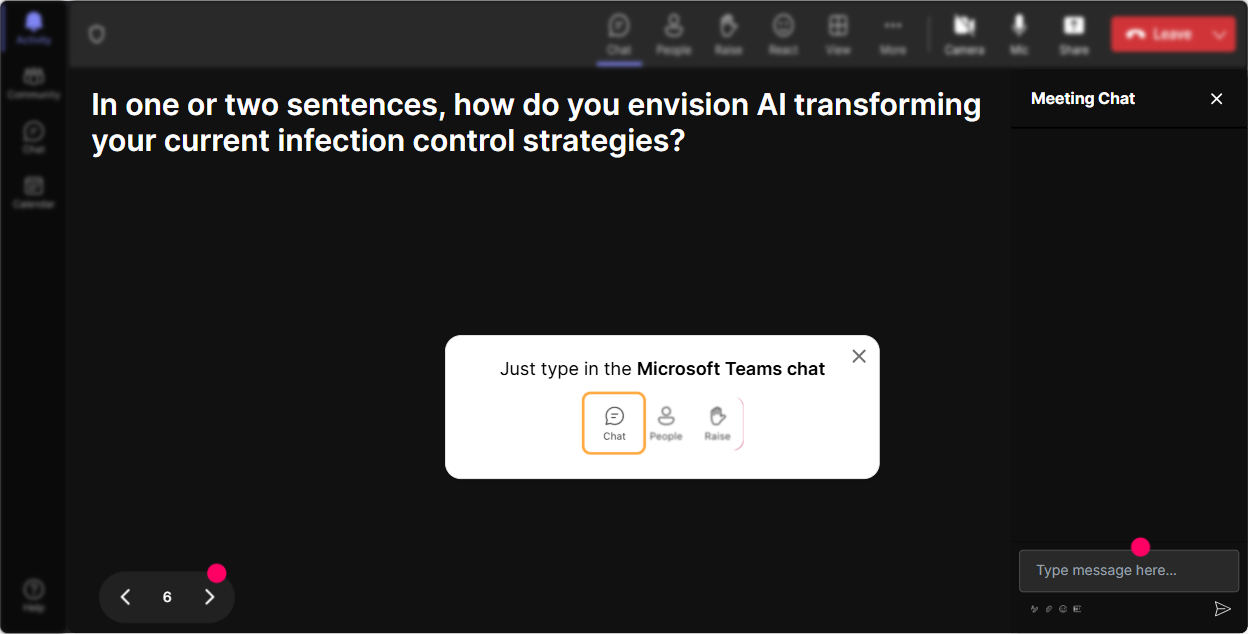
Chat-powered interactions means your audience doesn’t need to scan QR codes or look at another screen to participate. They just type in the chat!

Quickly approved by your IT team
StreamAlive’s apps for Teams and Zoom means that they have been through rigorous quality assurance and client safety reviews. You’ll find everything an IT team needs to approve the app within the organization within your StreamAlive account.

Imagine you've been tasked with leading a training session on AI implementation for infection control teams. You want it to be engaging and lively, so let's dive into how you can make it happen.
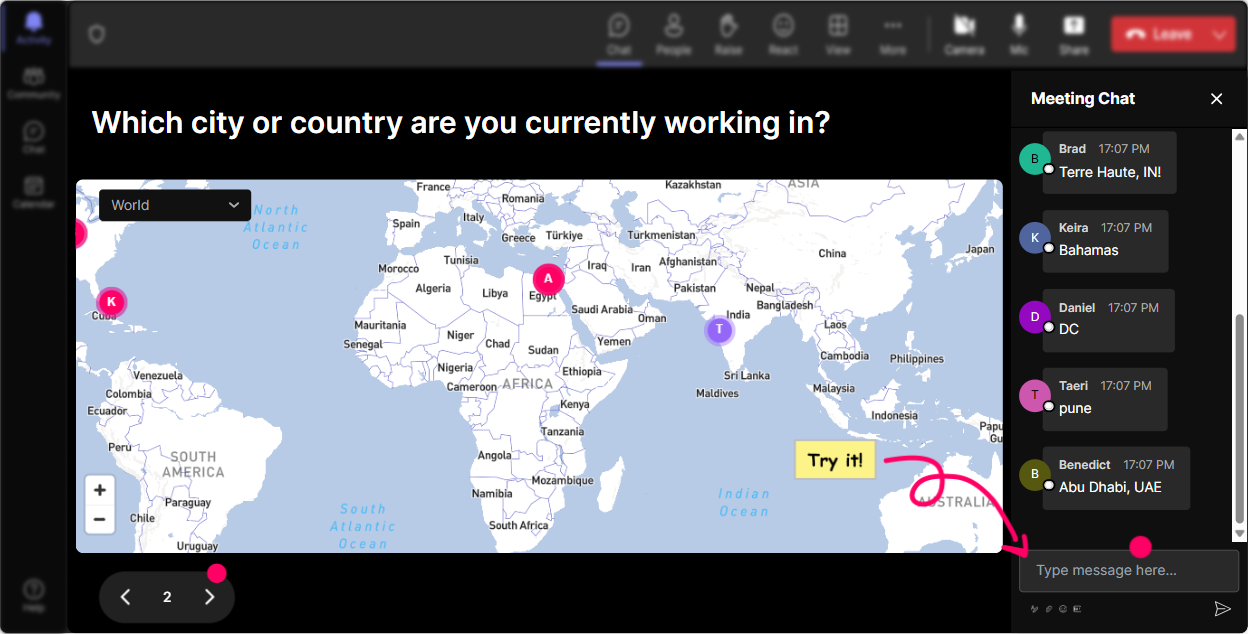
Put Your Audience on the Map
Break the ice and get things rolling with the Magic Maps feature. Ask everyone where they are tuning in from, or spice it up by getting them to share a dream location they would love to visit once the AI powers their infection control work to success. Visualize the responses in real-time and see how everyone connects globally.
Gauge Knowledge with a Rating Poll
Before diving deep, check where everyone stands with AI knowledge. Use a Rating Poll to let folks easily share their current understanding of AI in infection control. Just a quick number on a scale will give you a sense of who might need a bit more guidance or who can assist with peer learning.

Express Emotions with Word Clouds
Create a buzz by finding out how folks feel right off the bat. Are they excited or a little apprehensive about AI in infection control? Let them throw in their one-word answers and watch the emotions form in a Wonder Words word cloud. Its a perfect way to assess the room's vibe before you get started.

Discuss Impact with Talking Tiles
Get a sense of how AI implementation might change folks' day-to-day roles. Ask them to share the first thought that comes to mind using Talking Tiles. Watch as their insights cascade down the screen like a game of Tetris, creating an engaging visual of shared perspectives.
Dive Deeper with Polls
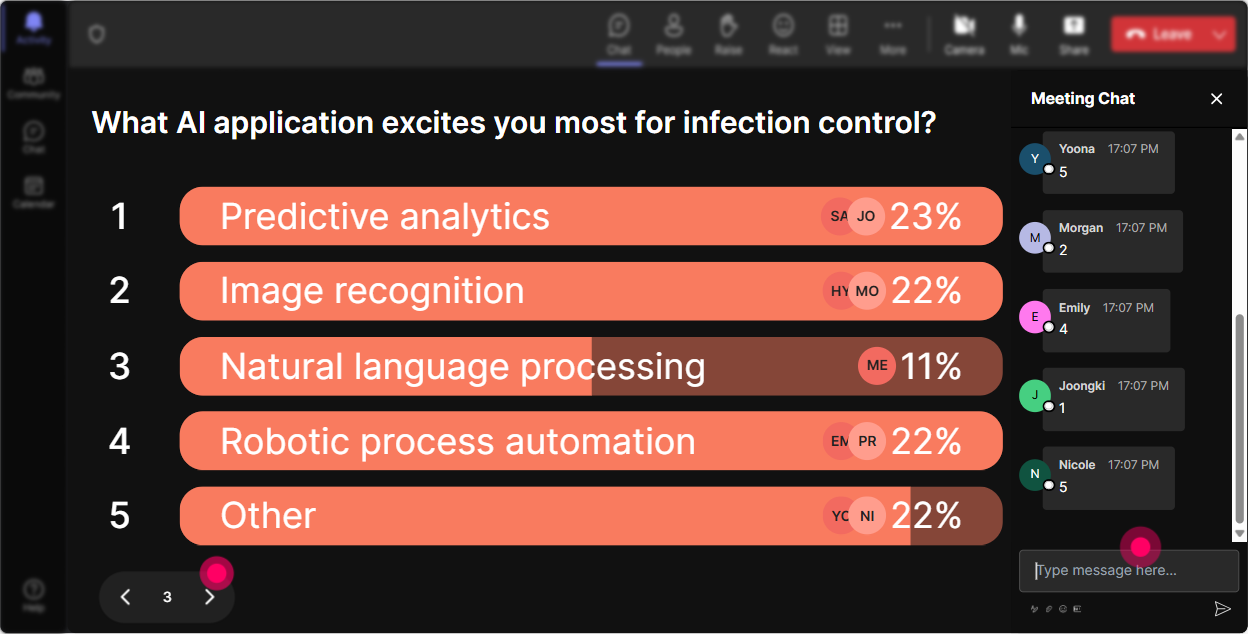
As you unpack AI, gather targeted insights with polls. Find out which aspects of AI implementation everyones curious about-be it predictive analytics, data management, or automation. Based on audience interest, you can tailor your content on the fly.
Add Excitement with a Spinner Wheel
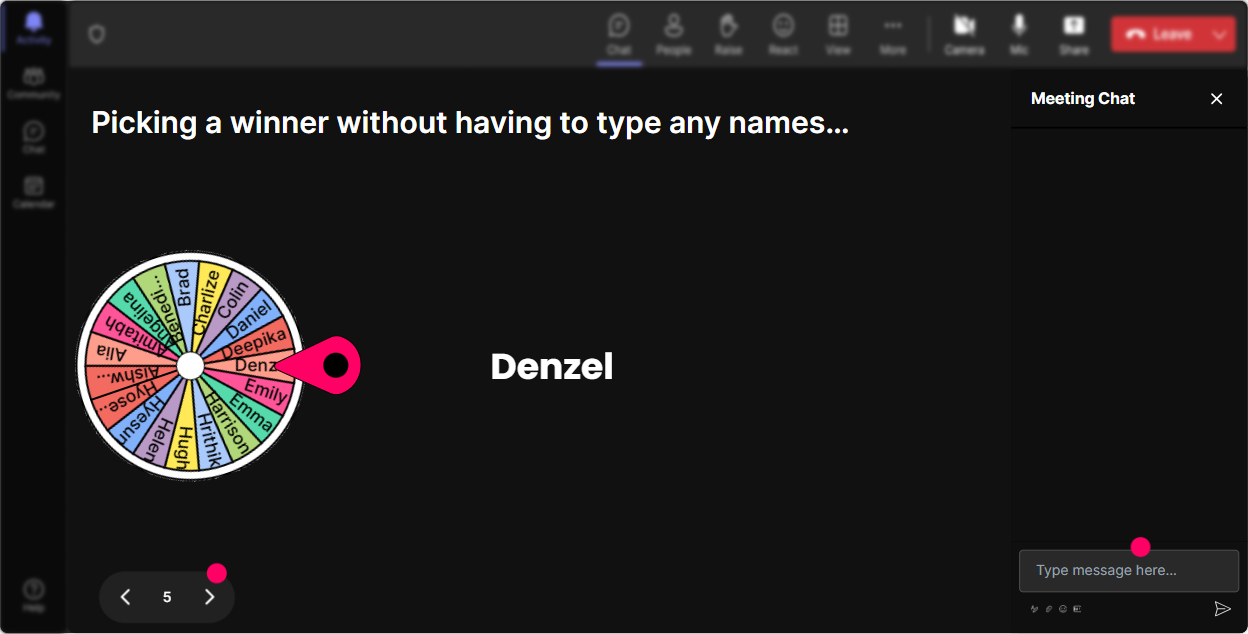
Perfect for a mid-session pick-me-up or picking volunteers. Use the Spinner Wheel to randomly select someone to share feedback or insights, ensuring an element of surprise and keeping everyone on their toes. Its like a spontaneous lucky draw that spices up your training.
Test Knowledge with Quizzes
Interactivity fuels retention, so loop in a Quiz to solidify learning. Pose questions about AI nuances-to challenge them and confirm theyre grasping the essentials.

Gauge Knowledge with a Rating Poll
Before diving deep, check where everyone stands with AI knowledge. Use a Rating Poll to let folks easily share their current understanding of AI in infection control. Just a quick number on a scale will give you a sense of who might need a bit more guidance or who can assist with peer learning.
Simplify Questions with StreamAlive Q&A
Feedback is gold, and StreamAlives auto-collect Q&A feature makes it effortless. No stress about missing queries as the system captures them straight from the chat, allowing you to respond efficiently and keep the dialogue interactive.

Learn and Evolve with StreamAlive Analytics
Post-training, use analytics to reflect on your session. Evaluate what captivated your audience, identify the topics that lit up the chat, and acknowledge your top engagers who could become future trainers or advocates. Share comprehensive interaction summaries swiftly with Teams or Email.

Use StreamAlive in all your training sessions
StreamAlive isn’t just for
AI implementation
training,
it can also be used for any instructor-led training session directly inside your PowerPoint presentation.
Explore similar traingin ideas: unlocking the potential of StreamAlive
See how StreamAlive transforms live training with engaging events and interactive sessions across industries, directly inside your PowerPoint presentation.

Interactions in action
(it's free)

.svg.png)


